

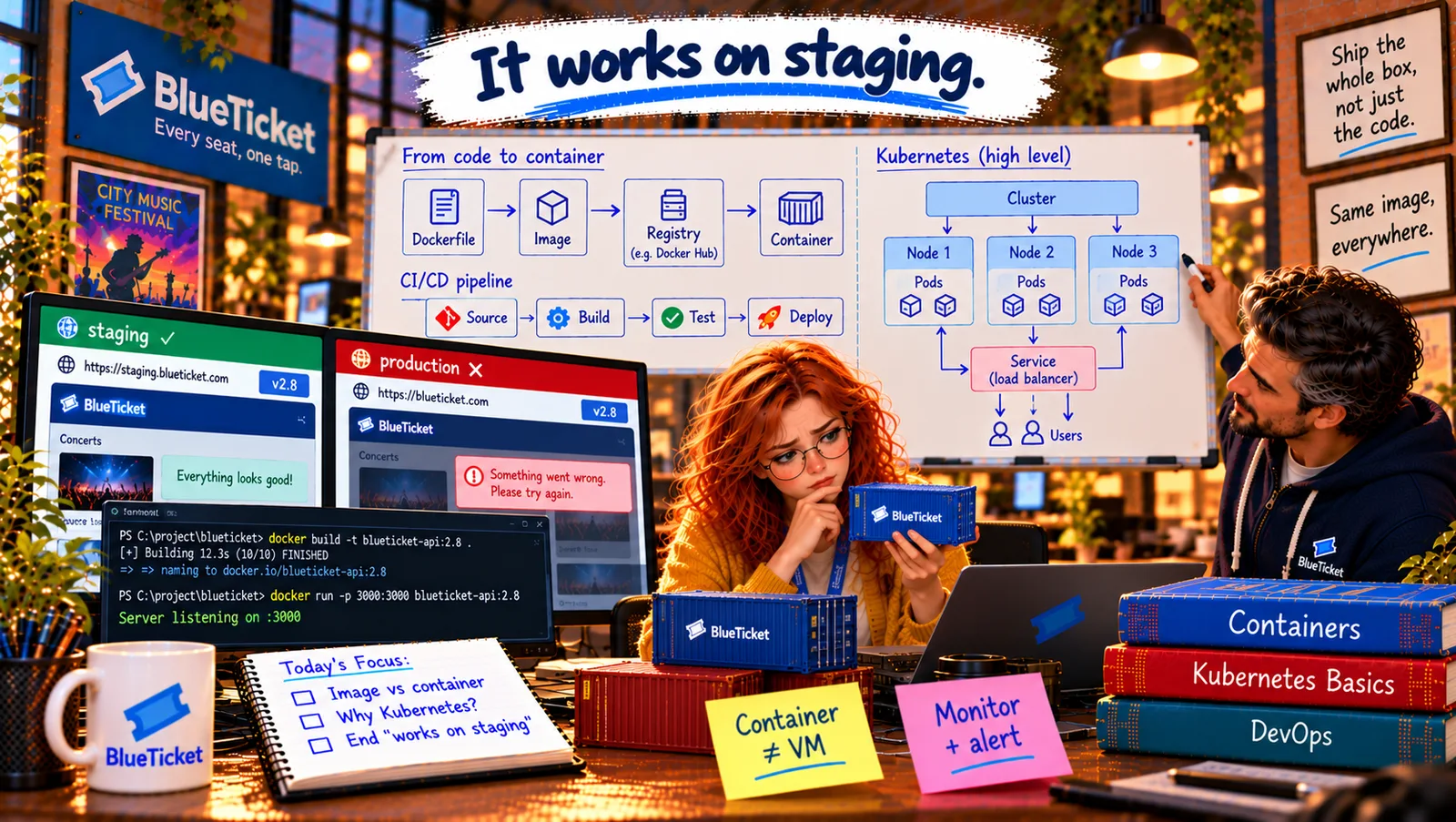
In this chapter
We'll learn the problem Kubernetes solves — running many containers across many machines, healing them when they crash and scaling them for Sale Day — explained as a harbour master directing thousands of shipping containers in a busy port.
The Problem in Real Life
Anna draws BlueTicket on Sale Day: 20 copies of the web app, 6 email workers, 4 SMS workers, the seat-hold service, the PDF maker — dozens of containers, on a dozen machines. "Who decides which container runs on which machine? Who restarts one at 3 AM when it crashes? Who adds forty more when 50,000 fans arrive?"
John smiles. "Today, our cloud container service does it for us in a simple way. But for systems this size, most of the industry uses one tool for exactly those questions. You'll hear its name in every job advert: Kubernetes."
One container is a tool. A thousand containers need a manager.
John
Managing Containers by Hand vs. Telling a System What You Want
Many containers, many machines
Placing dozens of containers on the right machines by hand is impossible to keep up with.
Things crash
Containers and machines fail at 3 AM. Someone — or something — must restart them.
Traffic jumps
Sale Day needs four times the copies for three hours, then back to normal.
Why Kubernetes Exists
The harbour analogy: a big port handles thousands of shipping containers a day. Nobody walks around deciding by hand where each one goes. There's a harbour master: you tell them what you want — "these 40 containers must be on ships to Rotterdam by Friday" — and they work out the cranes, the ships and the order. If a crane breaks, they use another. If more containers arrive, they bring more ships. Kubernetes is a harbour master for software containers.
- Container orchestration — the harbour master's job: running many containers across many machines is called container orchestration. An orchestrator decides where each container runs, restarts containers that crash, replaces them when a machine dies, scales the number of copies up and down, rolls out new versions gradually (Act 19's rolling deploy), and gives containers a stable way to find each other.
- Kubernetes — the most popular orchestrator: Kubernetes (often written K8s — K, eight letters, s) is an open-source orchestrator originally built at Google and now used by companies of every size. Every big cloud offers it as a managed service (EKS on AWS, GKE on Google Cloud, AKS on Azure — Act 20's managed services idea again).
- Desired state — say what, not how: the key idea: you don't give Kubernetes step-by-step commands. You write down the desired state — "I want 20 copies of
blueticket-web:3.1.0, each with 1 CPU and 1 GB of memory" — and Kubernetes constantly compares what's running with what you asked for, and fixes any difference. A container crashes: now there are 19, so it starts one more. You change the version to 3.2.0: it replaces them one by one. - Self-healing and scaling — the 3 AM problems: because of desired state, Kubernetes heals automatically: crashed containers are restarted, containers on a dead machine are started elsewhere. With autoscaling, it can raise the number of copies when CPU or traffic is high (Sale Day) and lower it afterwards, saving money.
| Problem | Harbour version | What Kubernetes does |
|---|---|---|
| Where should each container run? | Which ship takes which container | Places containers on machines with free space |
| A container crashes at 3 AM | A container falls in the water | Restarts it automatically |
| A machine dies | A crane breaks | Starts its containers on other machines |
| 50,000 fans arrive | Ten extra ships needed | Autoscales to more copies |
| New version released | Swap cargo without closing the port | Rolling update, one copy at a time |
| Containers need to find each other | A fixed dock number | Stable names and addresses (Services) |
| By hand (how) | Kubernetes (desired state — what) |
|---|---|
| Start web container on machine 3 | I want 20 copies of blueticket-web:3.1.0 |
| Machine 3 died — start it on machine 5 | (Nothing — Kubernetes sees 19 and starts one) |
| Stop old copies, start new ones, one by one | Change the version to 3.2.0 |
Is Kubernetes always the answer? No. It's powerful but complex, and running it well is a skill of its own. BlueTicket's simpler cloud container service (Act 20) already does placement, restarts, rolling deploys and scaling for a handful of services. Many companies start like that and move to managed Kubernetes when they have many services and teams. John's rule: "Use the simplest tool that solves today's problem — but understand Kubernetes, because you'll meet it everywhere."
Why Anna still needs the mental model: job adverts, architecture diagrams, deployment logs and conversations with DevOps teams all use Kubernetes words. The next chapter gives her those words — at the level of a map, not a manual. (The Kubernetes course on this site goes deep.)
Key Takeaway
Running many containers across many machines — placing them, restarting crashed ones, replacing them when machines die, scaling for traffic, rolling out new versions — is container orchestration, like a harbour master directing a port. Kubernetes (K8s) is the most popular orchestrator, offered as a managed service by every big cloud. Its core idea is desired state: you declare what you want, and it constantly makes reality match. Powerful, but use it when the problem is big enough.
Why This Matters
Kubernetes runs a huge share of the world's backend systems, and it appears in most backend, DevOps and cloud job descriptions. Even if you never set up a cluster, you'll deploy to one, read its logs or debug an app running inside it. Understanding why it exists — orchestration and desired state — makes everything else about it much easier to learn.
Desired state, self-healing, scaling — but what are the actual pieces? John draws four words on the whiteboard, one under the other: Cluster, Node, Pod, Service.