

In this chapter
We'll learn how projects get all the outside code they need — package managers like npm and pip, dependency lists, and what really happens when you install dependencies — using a grocery delivery and a shopping list as our picture.
The Problem in Real Life
Anna runs npm install again and watches it more carefully this time. It downloads hundreds of packages in a few seconds — and then prints a warning about versions. On Liam's laptop the same command runs cleanly.
"Same project, same command, different result," she says. "How does npm even know what to install?" John opens a file called package.json. "It reads the shopping list."
Nobody installs dependencies by hand. You write the shopping list; the package manager does the shopping.
John
Downloading Code by Hand vs. a Shopping List and a Delivery Service
Hundreds of dependencies
A modern project depends on hundreds of packages — far too many to download by hand.
Everyone needs the same list
Every developer and server must install exactly the same set, or the app behaves differently.
Each language has its own store
JavaScript, Python and Java each have their own package manager and registry.
Package Managers and Dependencies
In Act 04 we met packages (reusable code with a name and version) and dependencies (outside code a project needs). Now let's see how a project actually gets them.
The grocery delivery analogy: instead of walking around a dozen shops, you write a shopping list, hand it to a delivery service, and everything arrives at your door — including the ingredients your ingredients need (the sauce needs tomatoes, which you didn't list). A package manager is that delivery service, the registry is its warehouse, and the project's dependency file is the shopping list.
- npm — JavaScript's delivery service: npm (Node Package Manager) comes with Node.js. The shopping list is
package.json; the warehouse is the npm registry (npmjs.com) with millions of packages.npm installreads the list and installs everything intonode_modules. Alternatives that use the same registry: pnpm and Yarn. - pip — Python's delivery service: pip installs Python packages from PyPI (the Python Package Index). The shopping list is usually
requirements.txt(orpyproject.tomlin newer projects):pip install -r requirements.txt. - Others you'll meet: Maven and Gradle for Java, NuGet for C#, Cargo for Rust, Composer for PHP. Every one does the same job: read the list, fetch the packages and their dependencies, install them.
- Dependencies vs. dev dependencies: some packages are needed to run the app — a web framework, a database library. Others are only needed while developing — the test runner, the formatter, TypeScript itself. npm keeps them in two lists,
dependenciesanddevDependencies, so servers don't install tools they'll never use.
| Language | Package manager | Shopping list | Registry (warehouse) |
|---|---|---|---|
| JavaScript / TypeScript | npm (or pnpm, Yarn) | package.json | npmjs.com |
| Python | pip | requirements.txt / pyproject.toml | PyPI |
| Java | Maven, Gradle | pom.xml / build.gradle | Maven Central |
| C# | NuGet | .csproj | nuget.org |
| Rust | Cargo | Cargo.toml | crates.io |
| PHP | Composer | composer.json | Packagist |
| You type | Read it as |
|---|---|
| npm install | Install everything on the shopping list |
| npm install date-fns | Add date-fns to the list and install it |
| npm install -D prettier | Add prettier as a development-only tool |
| npm uninstall date-fns | Remove it from the list and the project |
| npm run dev | Run the "dev" script defined in package.json |
{"name": "blueticket-app","scripts": {"dev": "next dev","test": "vitest"},"dependencies": { // needed to RUN the app"next": "^15.0.0","pg": "^8.13.0","date-fns": "^3.6.0"},"devDependencies": { // only needed while DEVELOPING"typescript": "^5.6.0","prettier": "^3.3.0","vitest": "^2.1.0"},"engines": { "node": ">=20" } // which Node.js version the project needs}
Real JSON doesn't allow comments — they're added here to explain each part. The ^ before each version comes up in the next chapter.
What really happens when you run npm install: 1. npm reads package.json (the shopping list). 2. It works out the full tree — each package's own dependencies, and theirs (transitive dependencies, Act 04). 3. It picks exact versions that satisfy every requirement. 4. It downloads them from the registry (or its local cache). 5. It puts them in node_modules and writes down exactly what it installed (next chapter). One line on the list can mean dozens of packages arriving.
Adding a new dependency: npm install date-fns downloads the package and adds it to package.json, so everyone else gets it on their next install. Adding it by copying files, or installing it without saving it to the list, means "works on my machine" for you and a crash for everyone else.
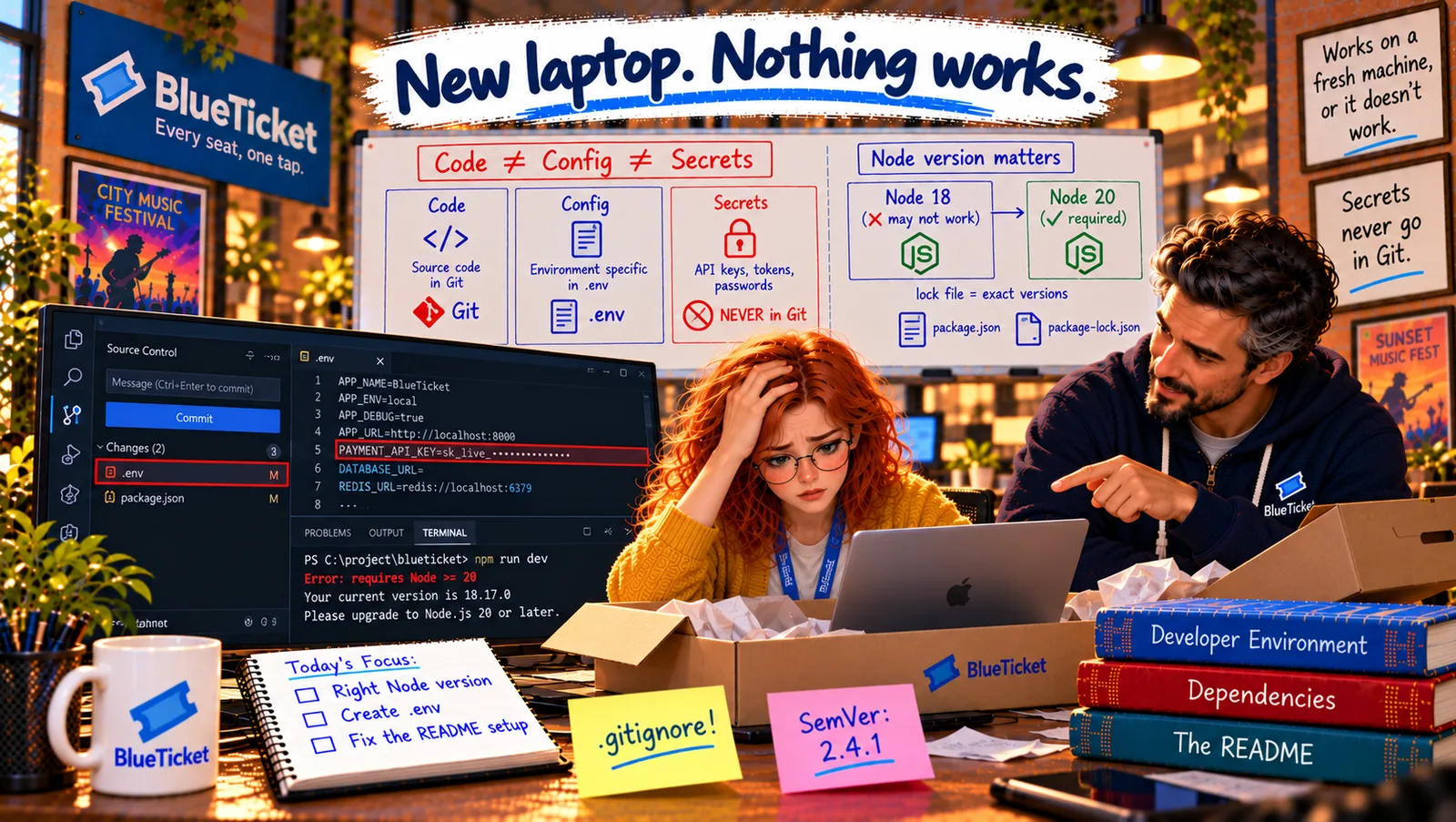
Back to the warning: the npm warning on Anna's laptop says one of the packages requires Node 20 or newer, and she installed Node 18 — the version her old guide recommended. Liam has Node 20. Same shopping list, different kitchen. To fix it properly, she needs to understand version numbers.
Key Takeaway
A package manager is a delivery service for code: you keep a shopping list of dependencies (package.json for npm, requirements.txt for pip), and it fetches every package — and their own dependencies — from a registry like npmjs.com or PyPI. Run-time dependencies and development-only dependencies are listed separately. Always add dependencies through the package manager, so the list stays the single source of truth.
Why This Matters
Every project you'll work on depends on a package manager, and installing dependencies is the first thing you do after cloning. Knowing how the list works — and always changing it through the package manager — is what keeps everyone's machine, and every server, running the same code. It's also where many security problems start (Act 22): every package is code someone else wrote.
The shopping list says "next": "^15.0.0" and "node": ">=20". Those little symbols and numbers decide which versions arrive — and whether everyone gets the same ones.