

In this chapter
We'll learn the shapes for data that branches and connects — trees (a family tree or a stadium's sections) and graphs (a map of cities and roads) — and a simple way to choose the right data structure for any job.
The Problem in Real Life
The stadium's seating plan isn't a flat list. It has 4 stands, each stand has sections, each section has rows, each row has seats. The organiser's file arrives as a long, flat spreadsheet, and the seat map has to rebuild that shape every time it loads.
Meanwhile, Samantha wants a new feature: "Show fans how to get to the stadium — which train lines and buses connect from their part of the city." Anna looks at the two problems and realises that neither one fits into a simple row of lockers.
A stadium isn't a list. It's sections inside stands inside a building. How do you store a shape like that?
Anna
Flat Lists vs. Data With a Shape
Some data branches
Stands contain sections, sections contain rows — data inside data, like folders inside folders.
Some data connects
Stations link to stations in every direction, with no single top or bottom.
Which structure, when?
With so many structures, you need a simple way to pick the right one.
Trees, Graphs and Choosing the Right Structure
Some data has a shape. Two shapes appear again and again.
- Tree — a family tree, turned upside down: a tree has one item at the top, called the root. Each item can have children below it, and each child can have children of its own. Every item has exactly one parent above it (except the root). Items with no children are called leaves. A family tree, a company's org chart, and the folder tree from Act 06 are all trees.
- The stadium as a tree: the stadium is the root. Its children are the 4 stands. Each stand's children are its sections. Each section's children are its rows, and each row's children are seats — the leaves. Storing it this way makes questions easy: "how many seats are free in the North Stand?" means looking only at that one branch, not all 20,000 seats.
- Graph — a map of cities and roads: a graph is a set of points, called nodes, connected by lines, called edges. Unlike a tree, there's no top and no single parent: any node can connect to any other, and you can go round in circles. A road map, a train network and a social network (people connected to friends) are graphs. Edges can have a direction (a one-way street) and a weight (a distance or travel time).
- The travel feature as a graph: each station or bus stop is a node; each train or bus line between two stops is an edge, with a travel time as its weight. "What's the fastest way from Riverside to the stadium?" becomes "find the shortest path in this graph" — a famous problem that apps like Google Maps solve millions of times a second.
| Feature | Tree | Graph |
|---|---|---|
| Everyday version | A family tree, an org chart | A map of cities and roads |
| Has a top (root)? | Yes, exactly one | No |
| Parents | Each item has exactly one | No such idea — just connections |
| Can loop back in a circle? | No | Yes |
| Good for | Things inside things | Networks, routes, relationships |
| Examples | Folders, a stadium's sections, a web page's structure | Train lines, social networks, the internet |
| The question your code keeps asking | Use | Everyday version |
|---|---|---|
| "Give me item number 5" | Array | Numbered lockers |
| "Is this ID in there?" / "Find it by name" | Hash table (Map, Set, dict) | Coat check |
| "Undo the last thing" | Stack | Pile of plates |
| "Who's next, in order of arrival?" | Queue | Line at a counter |
| "What's inside this?" | Tree | Family tree, folders |
| "What's connected to this? Fastest route?" | Graph | Road map |
The stadium as a tree
Stadium
the root
North Stand
child of the stadium
South Stand
East and West Stands
Section N1, N2, N3...
children of North Stand
Row A, B, C...
children of a section
Seats A1, A2, A3...
the leaves
Choosing the right structure — ask what you'll do most: John gives Anna a simple habit. Don't start from the structure; start from the question your code will ask over and over. If the question is "give me item number 5," use an array. "Is this ID in the set?" or "find this by name" — a hash table (Map, Set, dict). "Undo the last thing" — a stack. "Serve them in the order they arrived" — a queue. "Things inside things" — a tree. "What's connected to what?" — a graph.
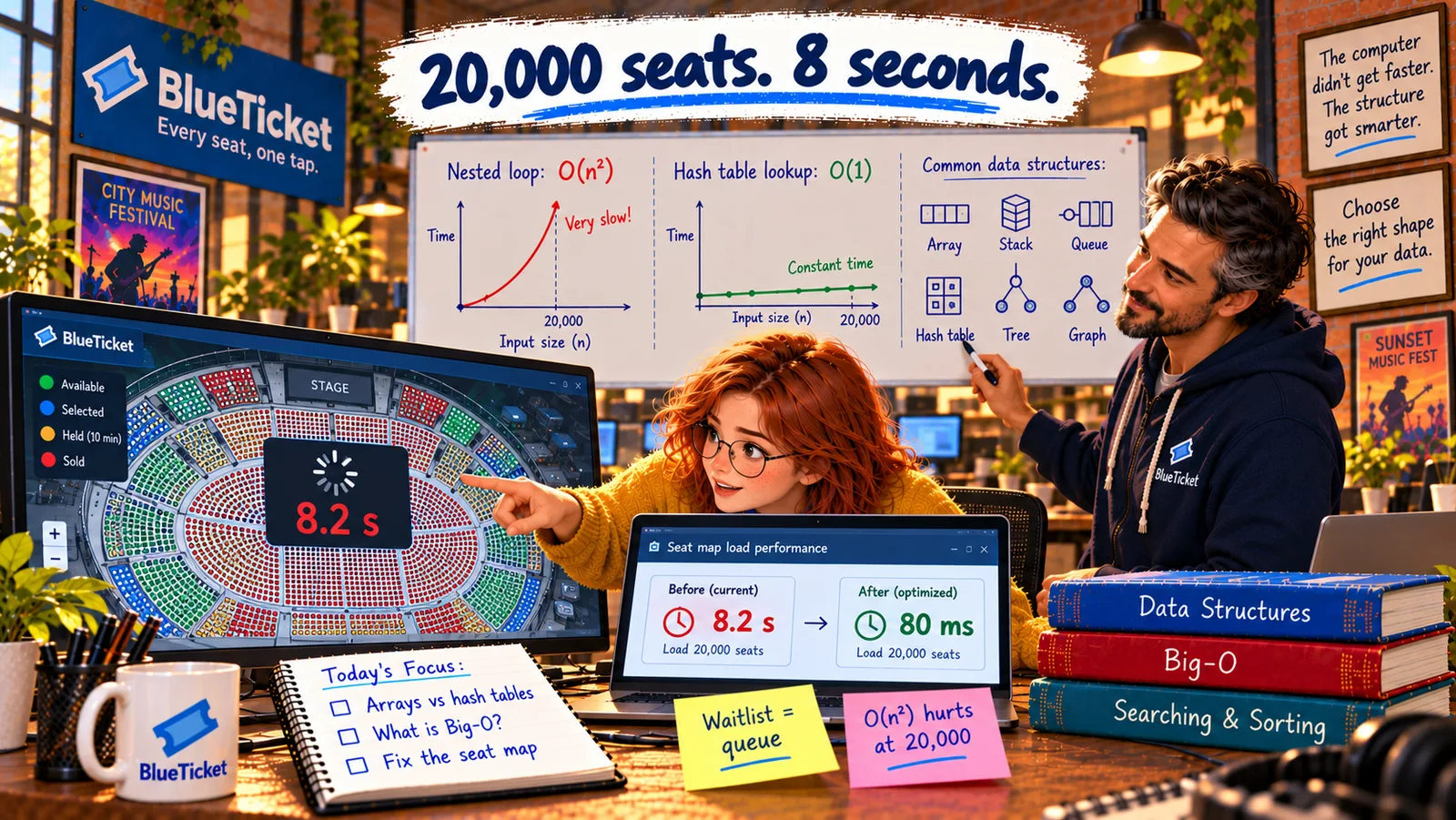
Most real features use several structures together. BlueTicket's seat map will now use a tree for the stadium's shape, an array of seats in each row so they're shown in order, and a Set of sold seat IDs for instant "is it sold?" checks. Each structure does the one job it's best at.
Key Takeaway
A tree is a family tree upside down: one root, each item with one parent and any number of children — perfect for things inside things, like a stadium's stands, sections, rows and seats. A graph is a map: nodes connected by edges in any direction — perfect for networks and routes. Choose any structure by asking which question your code will ask most often.
Why This Matters
Trees and graphs are everywhere once you look: the file system, every web page's HTML, company structures, recommendation systems, maps and the internet itself. And the habit of choosing a structure by "what question will I ask most?" works for every problem you'll meet — it's often the single biggest decision in how fast a feature runs.
Anna now has the right structures in mind. But two everyday jobs keep coming up in all of them: finding something, and putting things in order. And there's a strange-sounding technique for working through trees — a function that calls itself.