

In this chapter
We'll learn how a typical project is laid out — a well-organised kitchen where everything has a place — what a good README contains, the kinds of documentation teams keep, and why .gitignore belongs to the setup story too.
The Problem in Real Life
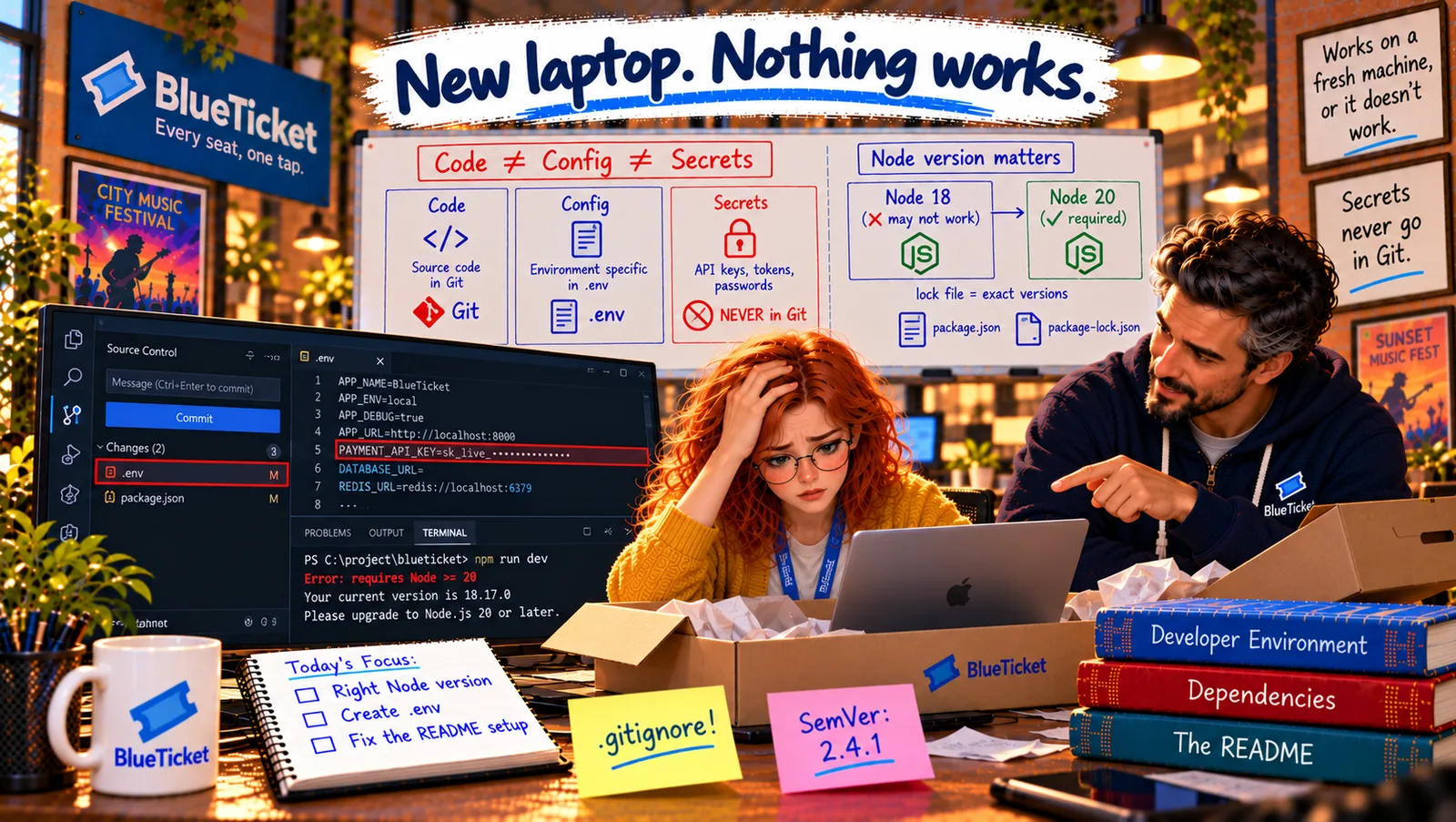
BlueTicket's README says: "Install Node 16. Run npm install. Ask Mark for the .env file." Node 16 is two versions too old. Mark left the company a year ago. Nobody had updated it, because everyone already had a working laptop.
Anna spent a whole morning on something that should take fifteen minutes. John hands her the job of fixing it. "You're the only person who's just been through it. That makes you the best person to write it down."
The next new person should get up and running in fifteen minutes, without asking anyone.
John
Knowledge in People's Heads vs. Written in the Project
Outdated instructions
A README that's wrong is worse than none — people follow it into trouble.
Where does everything go?
A predictable folder layout lets anyone find code, tests and settings quickly.
People leave, knowledge stays
If setup steps live only in someone's head, they leave when that person does.
Project Structure, README and Documentation
The organised kitchen analogy: in a well-run kitchen, every cook knows where things are without asking — knives here, spices there, the fridge always in the same place, and a laminated card on the wall saying how to open and close the kitchen each day. A new cook is useful within an hour. A software project should work the same way.
- Project directory structure — everything in its place: most projects follow familiar patterns. Source code lives in
src/. Tests live intests/(or next to the code). Files served directly to browsers, like images and icons, live inpublic/. Helper scripts live inscripts/. Longer documentation lives indocs/. Configuration files sit at the root of the project:package.json,tsconfig.json,.gitignore,.env.example,.nvmrc. Frameworks often have their own conventions — learn and follow them rather than inventing your own. - README — the card on the kitchen wall: the README (usually
README.md, written in Markdown) is the first file anyone sees when they open a repository on GitHub. A good one answers: What is this? (one or two sentences). How do I set it up? (exact steps, versions, where to get secrets — not who to ask). How do I run it and test it? How is it organised? (a short map of the folders). How do I contribute? (branch and pull request rules, Act 15). - Documentation — beyond the README: teams also keep architecture documents (like Anna's Sale Day diagram from Act 14), API documentation listing endpoints (Act 12 and Act 23), decision records explaining why big choices were made, runbooks for handling incidents, and comments in code that explain why (Act 07). Documentation is only useful while it's true — so update it in the same pull request as the change it describes.
- .gitignore — part of the setup story: a good project's
.gitignore(Act 15) coversnode_modules, build output, logs, editor files and every form of.env— so a new developer can't accidentally commit secrets, as Anna nearly did.
| Folder / file | What lives there |
|---|---|
| src/ | The application's source code |
| tests/ | Automated tests (Act 17) |
| public/ | Static files served to browsers |
| scripts/ | Helper scripts (setup, data, deployment) |
| docs/ | Longer documentation, diagrams, decisions |
| README.md | What it is and how to set it up |
| package.json / package-lock.json | Dependencies and exact versions |
| .gitignore / .env.example / .nvmrc | What not to commit, required settings, Node version |
| Question | Example from BlueTicket's new README |
|---|---|
| What is this? | BlueTicket's web app and API for selling event tickets |
| How do I set it up? | nvm install → npm ci → copy .env.example to .env (test keys) |
| How do I run and test it? | npm run dev · npm test |
| How is it organised? | A short map of src/, tests/, scripts/ |
| How do I contribute? | One branch per change, pull request, review (Act 15) |
| What usually goes wrong? | Wrong Node version, missing .env, stale node_modules |
A typical project layout
blueticket-app/
the project root
src/
the source code
tests/
automated tests
public/
images, icons
scripts/ docs/
helper scripts, documentation
README.md
start here
package.json · package-lock.json
dependencies
.gitignore · .env.example · .nvmrc
setup and safety
## Setup (about 15 minutes)1. Install nvm, then run `nvm install` (uses the version in .nvmrc — Node 20).2. Run `npm ci` to install exact dependency versions.3. Copy `.env.example` to `.env` and fill in values from the team password manager.Use TEST keys only. Never commit `.env`.4. Run `npm run dev` and open http://localhost:3000.## Common problems- "Unsupported engine" → wrong Node version: run `nvm use`.- "DATABASE_URL is not set" → you skipped step 3.- Strange install errors → delete node_modules and run `npm ci` again.
Anna's new README: she rewrites the setup section as exact, tested steps: install nvm and run nvm install; npm ci; copy .env.example to .env and fill it from the password manager (test keys only); npm run dev. She adds a folder map, the test command, the branch rules, and a "Common problems" section with the three errors she hit this morning and their fixes.
The real test: John asks a designer — who has never run the project — to follow the README on a spare laptop, without asking anyone anything. Fourteen minutes later, the BlueTicket seat map is running on the spare laptop. Anna grins. Her morning of pain is now everyone else's fifteen minutes.
Key Takeaway
A predictable project structure — src, tests, public, scripts, docs, config files at the root — lets anyone find things, like an organised kitchen. The README is the card on the wall: what it is, exact setup steps, how to run and test, a folder map and how to contribute. Keep documentation true by updating it in the same change as the code, and test setup docs by having someone new follow them.
Why This Matters
Good structure and documentation decide how fast a new person becomes useful — and how much senior engineers get interrupted. Writing things down as you learn them is one of the most valuable habits a junior developer can have; it's often the first contribution that gets a newcomer noticed. In Act 25, Anna will meet the opposite: an old repository with no README at all.
Anna's new laptop works, the README is fixed, and the next person will be running in fifteen minutes. John gives her one last exercise: write the complete "set up BlueTicket from zero" guide — and make it good enough that a stranger could follow it.