

In this chapter
We'll follow the second half of the journey: what the server does with a request (including asking the database), what the response contains, and how the browser turns HTML, CSS and JavaScript into the page you see — explained as a restaurant kitchen and assembling flat-pack furniture.
The Problem in Real Life
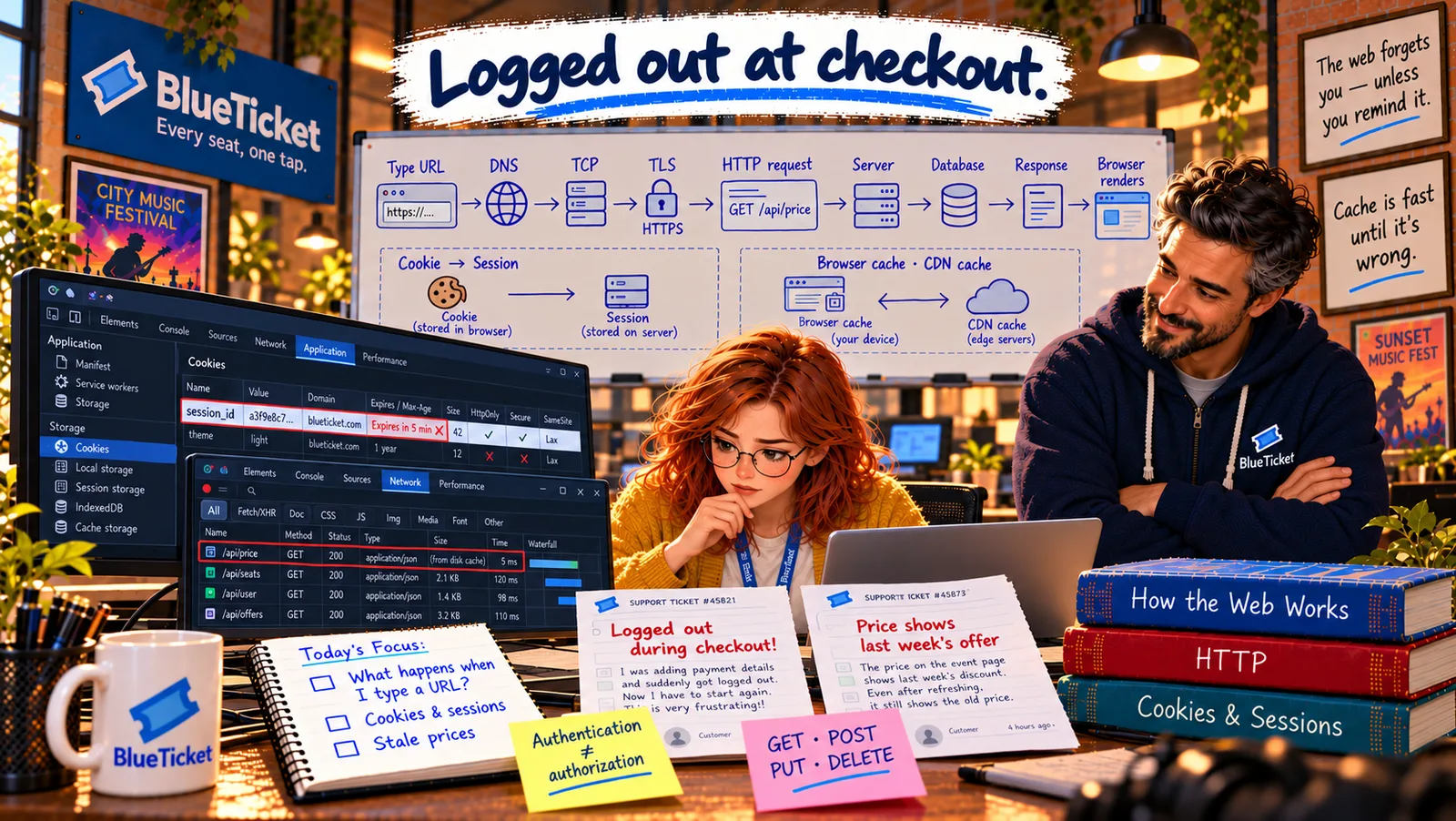
Anna opens the Network tab again and reloads the festival page. The first line is the page itself. Then come almost forty more lines: style files, script files, the poster image, the seat-map data, fonts, icons.
"I asked for one page," she says. "Why did my browser ask for forty things?" John smiles. "Because the first answer was really a set of instructions — and the browser had to go and fetch every part those instructions mentioned."
The server sends instructions. The browser builds the page.
John
"The Server Sends the Page" vs. the Server Cooks, the Browser Builds
The server has work to do
Before answering, the server checks things, reads the database and builds the response.
A page is several languages
HTML, CSS and JavaScript each do a different job in the finished page.
One page, many requests
The first response lists everything else the browser must fetch.
From Request to Rendered Page
On the server — the restaurant kitchen: when an order arrives at a restaurant, the chef reads it, fetches ingredients from the pantry, cooks, plates the dish, and the waiter carries it out. BlueTicket's server does the same with GET /events/festival.
- Read the order: the server (through its reverse proxy, Act 11) receives the request and looks at the method, the path and the headers — including the cookie that says who the fan is (chapter 4).
- Check the rules: is this a real event? Is this fan allowed to see it? This is the server's business logic — the code Anna has been writing since Act 07.
- Fetch ingredients from the pantry — the database: the server asks the database for what it needs: the event's name, date, venue, prices and which seats are sold. The database is where BlueTicket keeps everything permanently (Act 13). This is often the slowest part of handling a request.
- Plate the dish — build the response: the server puts it all together, usually as an HTML page (or JSON data for an app — chapter 5), adds headers like
Content-TypeandCache-Control, and a status code like200 OK. - Serve it — send the response: the response travels back over the same encrypted connection.
| Language | Furniture version | Job on the page | Example |
|---|---|---|---|
| HTML | The frame and shelves | Structure and content | A heading, a button, the seat-map area |
| CSS | Paint, colours and sizes | Appearance and layout | Blue buttons, seat colours, spacing |
| JavaScript | The moving parts | Behaviour | Clicking a seat, the hold countdown |
| Step | Kitchen version | Server version |
|---|---|---|
| 1 | Read the order | Read method, path, headers, cookie |
| 2 | Check it makes sense | Event exists? Fan allowed? |
| 3 | Fetch ingredients | Query the database for event, prices, sold seats |
| 4 | Cook and plate | Build the HTML or JSON response |
| 5 | Serve | Send 200 OK with headers and body |
From request to pixels
Server reads the request
method, path, headers, cookie
Business logic + database
check rules, fetch the event, prices, sold seats
Response: 200 OK + HTML
headers + the page's instructions
Browser builds the DOM
fetches CSS, JS, images it mentions
Style → layout → paint
then JavaScript makes it interactive
<!-- HTML: structure --><h1>City Music Festival</h1><button id="seat-C14" class="seat">C14</button><!-- CSS: appearance --><style>.seat { background: #2b6cb0; color: white; border-radius: 6px; }.seat.held { background: #d69e2e; }</style><!-- JavaScript: behaviour --><script>document.getElementById("seat-C14").addEventListener("click", (event) => {event.target.classList.add("held"); // turn the seat yellow when clicked});</script>
Save this as a .html file and open it in your browser — then click the seat.
In the browser — assembling flat-pack furniture: the response doesn't contain a picture of the page. It contains instructions, written in three languages, and the browser assembles the page from them — like flat-pack furniture that arrives as a manual and a bag of parts. HTML is the structure — the frame and the shelves: headings, paragraphs, buttons, the seat-map area. CSS is the appearance — the paint, colours, sizes and positions: what makes it look like BlueTicket. JavaScript is the behaviour — the moving parts: what happens when you click a seat, the countdown timer, loading live data.
The browser's assembly steps: first, it reads the HTML and builds a tree of every element on the page, called the DOM (Document Object Model) — remember trees from Act 09. Whenever the HTML mentions another file — a stylesheet, a script, an image — the browser sends another request for it. That's the forty lines in the Network tab. Then it applies the CSS to work out how every element should look, calculates exactly where everything goes on the screen (layout), and draws the pixels (paint). JavaScript runs and can change the DOM at any time — when you click a seat, it changes that seat's colour without reloading the whole page.
Why pages feel slow: a page can't finish until its important parts arrive. A huge image (Act 03), a slow database query on the server, or a large script that must run before anything shows — any of these delays the page. That's why developers watch the Network tab's waterfall: the timeline of all forty requests.
Anna clicks on the request for the price data in her waterfall. It's tiny and arrives in 4 milliseconds — far too fast to have come from BlueTicket's server and database. Its response headers say: x-cache: HIT and age: 518400. She doesn't know what those mean yet — but 518,400 seconds is exactly six days.
Key Takeaway
On the server, a request is handled like a kitchen order: read it, check the rules, fetch ingredients from the database, build the response, send it back. In the browser, the response is a set of instructions: HTML gives structure, CSS gives appearance, JavaScript gives behaviour. The browser builds a DOM tree, fetches every extra file it mentions, then lays out and paints the page.
Why This Matters
Every web developer works on one side of this line or the other — server (backend) or browser (frontend) — and the best ones understand both. When a page is slow or wrong, the first question is: is it the kitchen (server, database) or the assembly (browser, files)? The Network tab and its waterfall answer that in seconds.
The price data didn't come from BlueTicket's kitchen at all. It came from a saved copy — six days old. Somebody kept a copy of the dish in the fridge for far too long.