

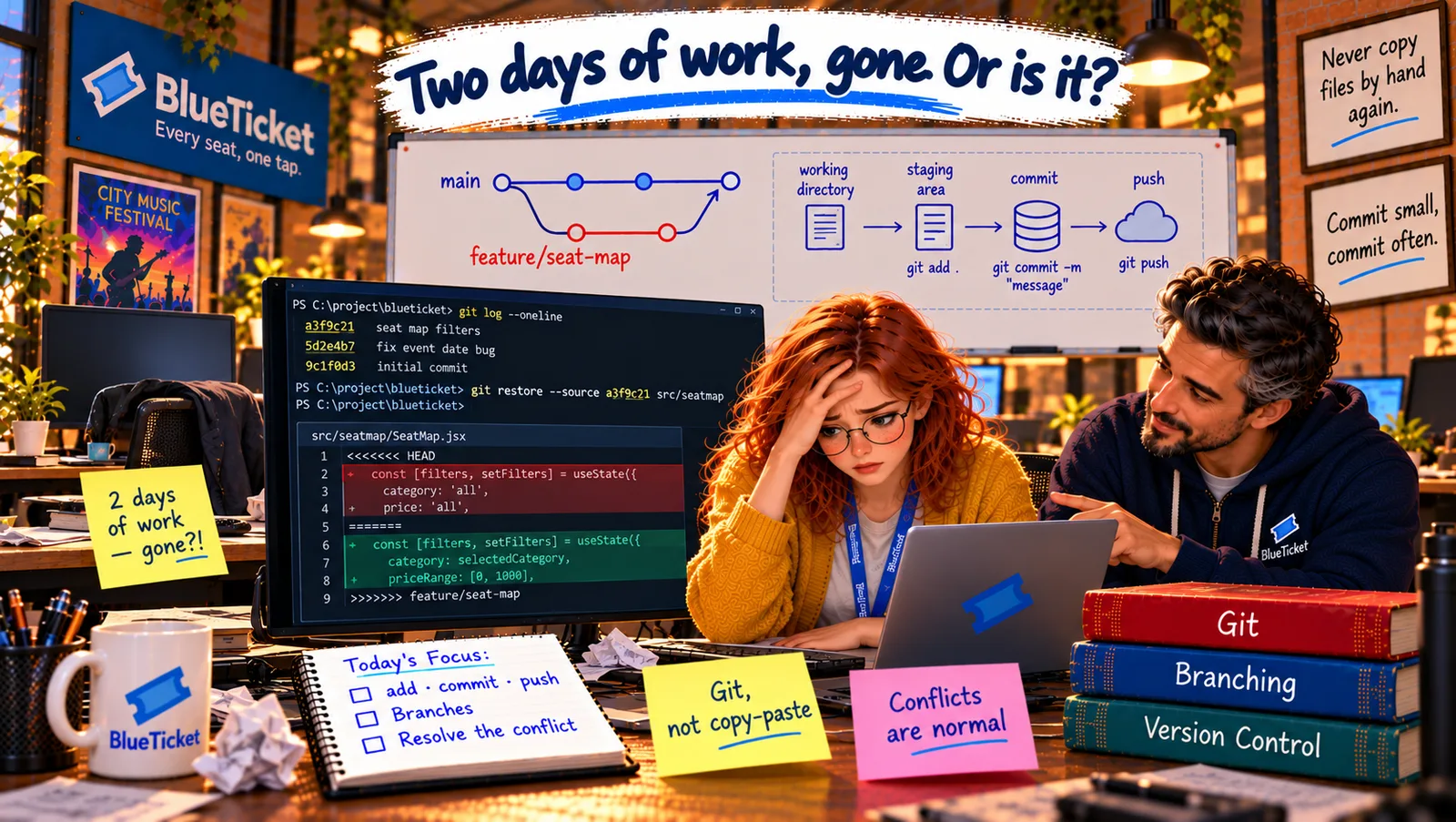
In this chapter
We'll learn branches — separate drafts of the project where you can work safely — how to create and switch between them, how merging brings a branch's work back, and the simple branching workflow most teams use.
The Problem in Real Life
John looks at the history again. "This morning, you and Liam were both committing straight onto main — the shared line everyone builds on. That's why your accident hit his work instantly."
"So where should I have been working?" Anna asks. "On your own branch," he says. "A safe draft of the project that only you are changing. When it's ready and reviewed, it joins main."
main is the published book. Branches are drafts. Nobody scribbles on the published book.
John
Everyone Editing the Main Copy vs. Working in Drafts
One shared line is fragile
If everyone changes main directly, one mistake affects the whole team immediately.
Work happens in parallel
Several features are built at the same time and need to stay apart until they're ready.
Drafts must come back together
Finished work has to be combined with everyone else's — safely.
Branches, Merging and a Branching Workflow
The drafts analogy: a newspaper has one published edition. Each journalist writes their article in their own draft. They can rewrite, delete and experiment freely — the published paper doesn't change. When a draft is finished and an editor approves it, it goes into the next edition. If an idea doesn't work out, the draft is simply thrown away. Git branches work the same way.
- Branch — a draft of the project: a branch is a separate line of commits that starts from some point in the history. Commits on your branch don't affect any other branch. Creating a branch is instant and cheap — Git doesn't copy the project, it just starts a new line from the current commit.
- main — the published edition: almost every repository has a main branch, called
main(older projects call itmaster). It's the agreed, working version of the project — the one that gets deployed (Act 19). Teams protect it: nobody commits to it directly. - Creating and switching branches:
git branchlists the branches;git switch -c add-group-bookingcreates a new branch and switches to it ("-c" for create);git switch mainmoves back to main. When you switch, Git changes the files in your working directory to match that branch. - An older command you'll still see: before 2019, one command,
git checkout, did both jobs: switching branches (git checkout main) and restoring files. Because doing two very different jobs with one command confused people, Git addedgit switch(for branches) andgit restore(for files). Both styles work; you'll seecheckoutin many older tutorials. - Merge — publishing the draft: merging takes the commits from one branch and combines them into another. When Anna's branch is ready,
git switch mainthengit merge add-group-bookingbrings her work into main. If nobody else changed main meanwhile, Git just moves main forward. If others did, Git combines both sets of changes automatically — as long as they didn't change the same lines (next chapter).
| You type | Read it as |
|---|---|
| git branch | List all the drafts |
| git switch -c add-group-booking | Create a new draft called add-group-booking and move into it |
| git switch main | Go back to the published edition |
| git merge add-group-booking | Bring that draft's work into the branch I'm on |
| git branch -d add-group-booking | Delete that draft (after merging) |
| git checkout main | Older way to switch branches |
| Situation | Everyone on main | One branch per feature |
|---|---|---|
| A mistake is committed | Affects everyone immediately | Stays in one draft |
| Reviewing changes | After the fact, if at all | Before merging, in a pull request |
| An idea doesn't work | Hard to remove | Delete the branch |
| Several features at once | Tangled together | Kept apart until ready |
One feature, one branch
main
the published edition — always working
git switch -c add-group-booking
a draft starts from the latest main
Commits on the branch
only this draft changes
Push + pull request
teammates review the changes
Merge into main
the draft becomes part of the published edition
git switch maingit pull # start from the latest published editiongit switch -c add-group-booking # create a draft and move into it# ...edit files...git add .git commit -m "Add group booking for colleges"git push -u origin add-group-booking # share the branch (-u: remember where it goes)# open a pull request on GitHub, get it reviewed, then merge it theregit switch maingit pull # main now includes the merged workgit branch -d add-group-booking # tidy up the finished draft
The branching workflow most teams use — one feature, one branch: 1. Start from the latest main: git switch main and git pull. 2. Create a branch for one piece of work, with a clear name: git switch -c fix-seatmap-filters. 3. Commit on that branch as you work. 4. Push the branch to the remote: git push -u origin fix-seatmap-filters. 5. Open a pull request on GitHub — a request to merge your branch into main, where teammates review your changes (Act 18). 6. After approval, merge into main and delete the branch. Small branches that live for a day or two are much easier than big ones that live for weeks.
How it would have saved this morning: if Anna had been on her own branch, her pasted folder would have stayed in her draft. In the pull request, Liam would have seen "Delete price filter, delete section filter" in the changes and said "Wait — that's my work!" before anything reached main.
From now on, BlueTicket turns on a setting in GitHub: branch protection for main. Nobody can push to main directly; every change must come through a reviewed pull request. Anna creates her first proper branch for her next task — group booking for colleges (Act 18) — and calls it add-group-booking.
Key Takeaway
A branch is a draft of the project — a separate line of commits where you can work without affecting anyone else; main is the published edition. git switch -c creates and switches to a branch, git switch moves between them (older: git checkout), and git merge brings a branch's commits into another. Teams use one branch per piece of work, pushed and reviewed in a pull request before merging into a protected main.
Why This Matters
Branches are how real teams work in parallel without stepping on each other, and how every change gets reviewed before it reaches users. Pull requests on protected branches are standard practice almost everywhere — Anna will use this workflow for every task from now on, including the group-booking feature in Act 18 and the deployment pipeline in Act 19.
Two weeks later, Anna's branch and Liam's branch both change the same line in pricing.js. Git can combine changes to different lines automatically — but not this. For the first time, she sees the words "CONFLICT" in her terminal.