

In this chapter
Anna warms up for Hack Day with two tiny programs built from scratch — a command-line calculator and a file organiser — practising input, validation, edge cases, files and paths. We'll build both step by step, explained as a musician playing scales before a concert.
The Problem in Real Life
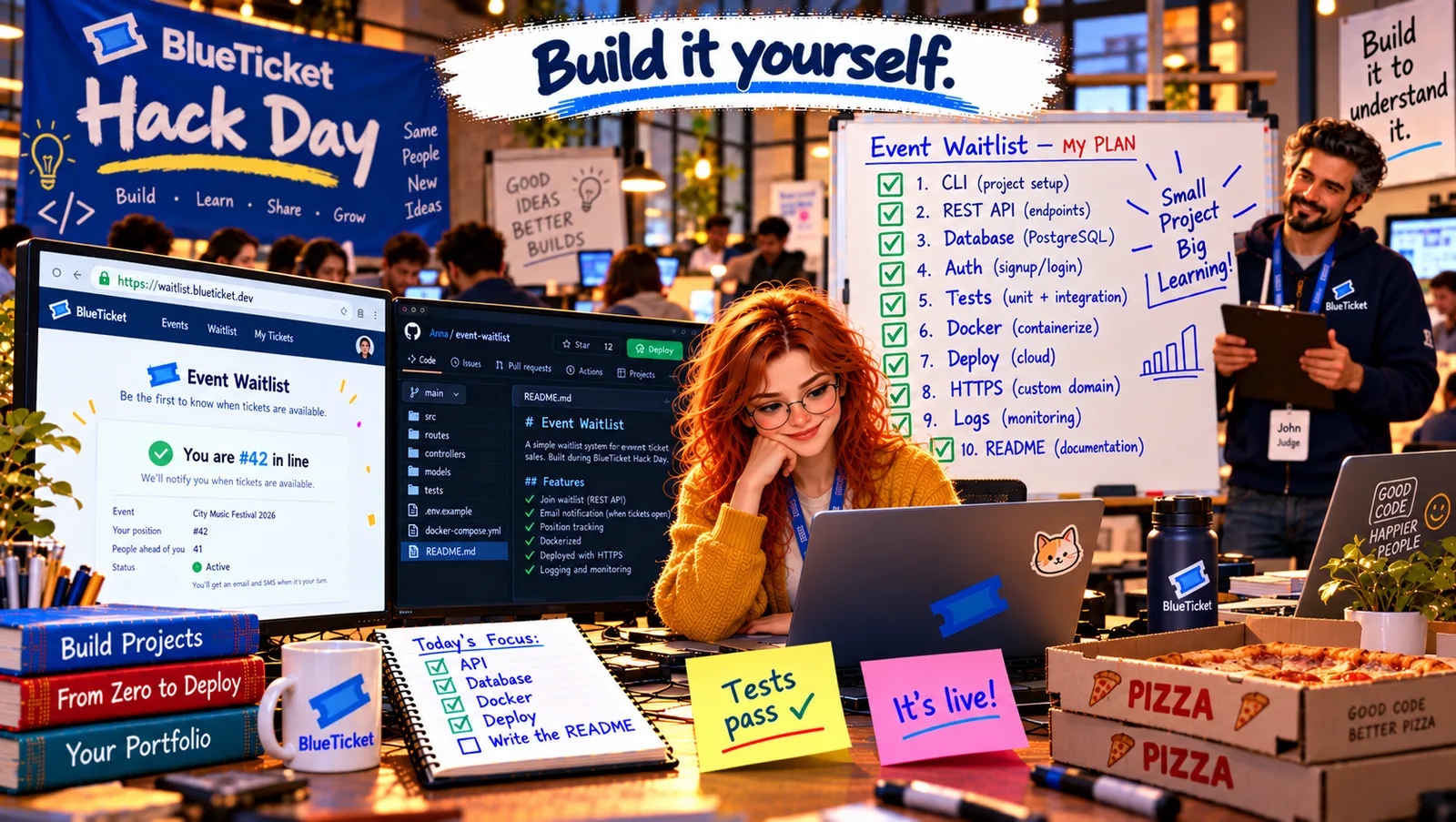
Two weeks after Sale Day, a banner goes up across the office: BlueTicket Hack Day. The rules fit on one line: build something on your own, end to end, in two days — and show it on Friday afternoon. John is one of the judges, with a clipboard and a box of pizza.
Anna already knows what she wants to build: the event waitlist she designed on paper in Act 18's checkpoint, for real this time. But John suggests something first. "Start the morning with two tiny programs. Something you can finish in an hour each. Warm up your hands before the big one."
Build it to understand it.
John
Reading About Code vs. Building Something From an Empty Folder
Reading isn't building
Understanding a lesson and building something from nothing use different muscles.
Real input is messy
Users type letters where numbers should be, and folders contain files you didn't expect.
Finishing is a skill
Small projects you actually finish teach more than big ones you abandon.
Warm-Up Projects: A Command-Line Calculator and a File Organiser
The scales analogy: before a concert, a pianist plays scales — short, simple exercises that wake up the fingers and remind them of the basics. Nobody comes to hear the scales, but the concert goes better because of them. Small programs are a developer's scales: they practise input, logic, output and errors in a setting where nothing can go badly wrong.
- Project 1 — a command-line calculator:
node calc.js 12 + 30prints42. It practises input (reading arguments from the command line withprocess.argv), processing (Act 07's operators and conditionals) and output (printing the result) — Act 08's Input → Process → Output. - Validation and edge cases (Act 08): what if someone types
node calc.js 12 + banana? Or divides by zero? Or forgets an argument? A good small program checks its input, prints a helpful message, and exits with a non-zero exit code (process.exit(1)) so other programs and scripts know it failed (Act 06). - Project 2 — a file organiser:
node organize.js ~/Downloadsmoves every file into a folder by its type:images/,documents/,music/,other/. It practises files, folders and paths (Act 06), reading a directory, file extensions, and creating folders — with Node's built-infsandpathmodules (Act 04's libraries). - Safety first — a dry run: a program that moves files can make a real mess. So it starts with a
--dry-runoption that only prints what it would do. It never deletes anything, skips files whose names already exist in the target folder, and handles hidden files and sub-folders on purpose. Real tools are built this way. - Test it by hand, on purpose: try the normal case, the empty folder, a folder that doesn't exist, a file with no extension, a file with two dots (
photo.final.JPG— note the capital letters), and running it twice. Write down what happened (Act 24's notes).
| Command | Expected |
|---|---|
| node calc.js 12 + 30 | 42 |
| node calc.js 7 / 2 | 3.5 |
| node calc.js 5 / 0 | Error: cannot divide by zero (exit code 1) |
| node calc.js 12 + banana | Error: "banana" is not a number (exit code 1) |
| node calc.js 12 + | A usage message: number, operator, number (exit code 1) |
| Situation | What should happen |
|---|---|
| Normal folder | Files moved into images/, documents/, music/, other/ |
| --dry-run | Only prints the moves; nothing changes |
| photo.final.JPG | Goes to images/ (extension checked in lower case) |
| File already exists in target | Skipped, with a message — never overwritten |
| Folder doesn't exist | Clear error, exit code 1 |
| Run twice | Second run finds nothing to move |
const [a, op, b] = process.argv.slice(2); // e.g. ["12", "+", "30"]if (a === undefined || op === undefined || b === undefined) {console.error("Usage: node calc.js <number> <+|-|*|/> <number>");process.exit(1);}const x = Number(a);const y = Number(b);for (const [raw, value] of [[a, x], [b, y]]) {if (Number.isNaN(value)) {console.error(`Error: "${raw}" is not a number`);process.exit(1);}}const operations = {"+": () => x + y,"-": () => x - y,"*": () => x * y,"/": () => {if (y === 0) { console.error("Error: cannot divide by zero"); process.exit(1); }return x / y;},};if (!operations[op]) {console.error(`Error: unknown operator "${op}"`);process.exit(1);}console.log(operations[op]());
const fs = require("fs");const path = require("path");const TYPES = {images: [".jpg", ".jpeg", ".png", ".gif", ".webp"],documents: [".pdf", ".docx", ".txt", ".md"],music: [".mp3", ".wav"],};const folderFor = (file) => {const ext = path.extname(file).toLowerCase(); // .JPG -> .jpgreturn Object.keys(TYPES).find((k) => TYPES[k].includes(ext)) || "other";};const dir = process.argv[2];const dryRun = process.argv.includes("--dry-run");for (const file of fs.readdirSync(dir)) {const from = path.join(dir, file);if (!fs.statSync(from).isFile() || file.startsWith(".")) continue; // skip folders and hidden filesconst to = path.join(dir, folderFor(file), file);if (fs.existsSync(to)) { console.log(`skip (exists): ${file}`); continue; }console.log(`${dryRun ? "would move" : "move"}: ${file} -> ${folderFor(file)}/`);if (!dryRun) {fs.mkdirSync(path.dirname(to), { recursive: true });fs.renameSync(from, to); // move, never delete}}
By 11 AM: both programs work. The calculator rejects banana politely and refuses to divide by zero. The organiser tidies Anna's real Downloads folder — 412 files — after one dry run showed her it would have put .JPG files in other/ because she'd forgotten capital letters. One toLowerCase() later, every photo goes where it belongs. "That bug," John says, "is exactly why we do dry runs." Warmed up, she opens a new empty folder: event-waitlist.
Key Takeaway
Warm up with small, finishable programs, like a musician's scales: a command-line calculator practises input, processing and output, validation, edge cases and exit codes; a file organiser practises files, paths and Node's built-in modules — with a dry-run mode, no deleting and careful handling of odd names. Test by hand with normal, empty, missing and strange inputs. Small finished projects build the habits big ones need.
Why This Matters
Small, complete programs are where the habits of real engineering start: validating input, thinking about edge cases, failing clearly, protecting the user's data and testing on purpose. They're also perfect first entries in a portfolio — short enough for an interviewer to read, careful enough to impress.
Scales done. Now the concert: a real web application with an API and a database, built from an empty folder — the same kind of system Anna has spent a year learning to understand.