

In this chapter
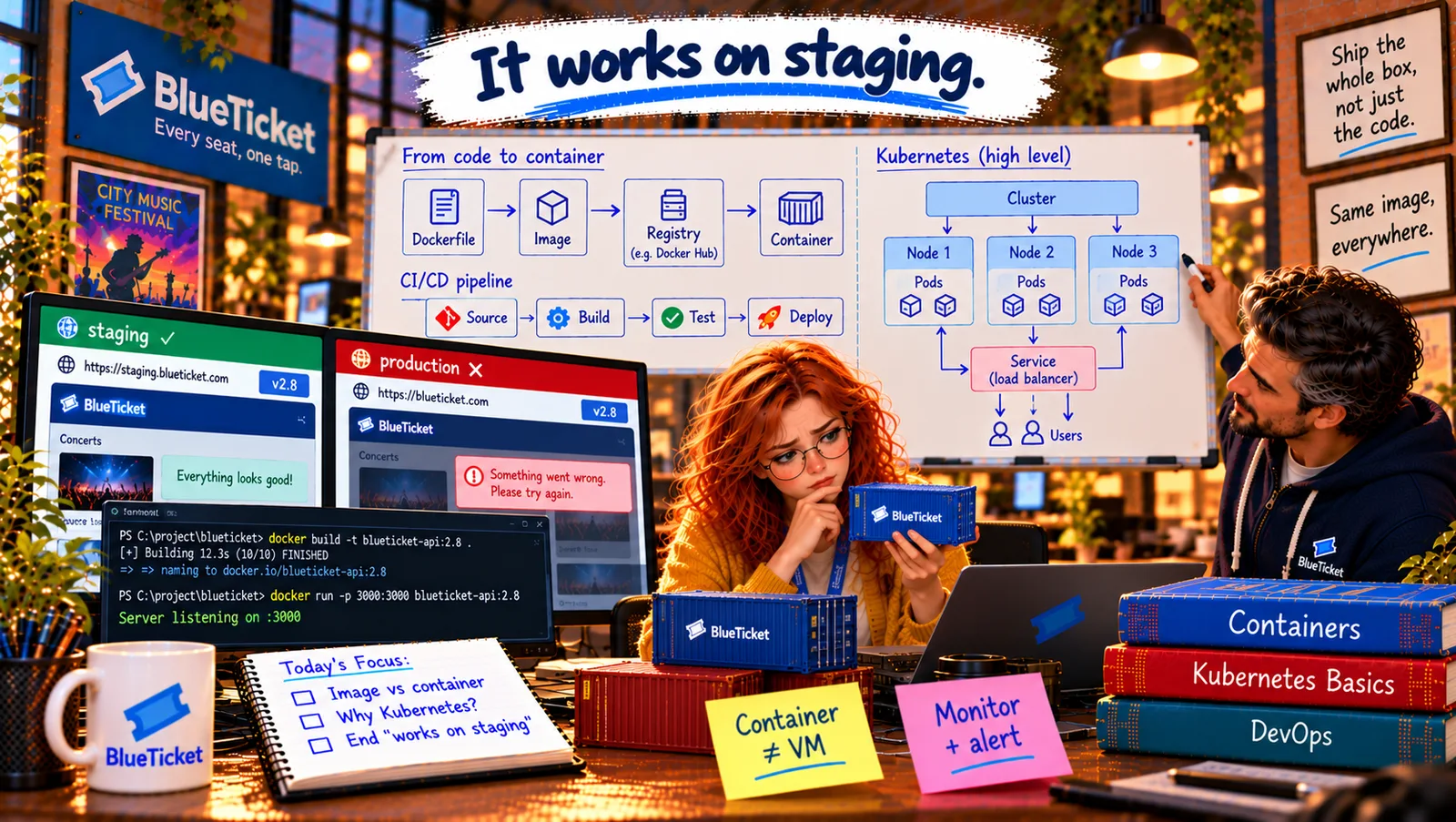
We'll upgrade the CI/CD pipeline from Act 19 for containers — source, build an image, test it, push it to a registry and deploy the exact same image everywhere — and see how deployment automation removes the last hand-built machines.
The Problem in Real Life
In the worker incident's review, one line stands out: "The workers were not in the pipeline." The web app had been built and deployed automatically since Act 19. The workers had been deployed by Liam copying files to the two VMs, because "they're small".
"Small things still break," John says. "Everything that runs in production goes through the pipeline. No exceptions — and now that everything is an image, that's easier than ever."
If it runs in production, it comes out of the pipeline.
John
"Small Things Deployed by Hand" vs. Everything Through One Pipeline
Exceptions cause incidents
The one service deployed by hand is the one nobody tested in the same way.
Rebuilding per environment
If staging and production build separately, they can end up with different contents.
Knowing exactly what's running
During an incident, you need to know exactly which version is in production, and roll back to an exact one.
CI/CD Pipelines for Containers
The factory line, now with sealed boxes: in Act 19, the pipeline was an assembly line with quality checks. With containers, the product at the end of the line is a sealed box — the image. It's sealed once at the factory, checked, labelled, put in the warehouse (the registry), and the same sealed box is delivered to staging and to production. Nobody opens it along the way.
- Source — a change arrives: a developer pushes a branch and opens a pull request (Act 15, Act 18). The pipeline starts.
- Build — seal the box: the pipeline runs
docker build, producing an image. It's tagged with the Git commit it came from, likeblueticket-worker:1.4.1-8f3c2d1, so anyone can see exactly which code is inside. - Test — check the box: the tests run inside the image — so they test the real thing, with the real Node version. Many pipelines also scan the image for known security holes in its packages (Act 22).
- Push — put it in the warehouse: if everything passes, the image is pushed to the registry. It's never built again.
- Deploy — deliver the same box: the pipeline tells staging (and later production, after approval — continuous delivery, Act 19) to run that exact image. For Kubernetes or a container service, "deploying" simply means changing the image version in the desired state; the platform does the rolling update.
- Rollback — deliver the previous box: because every image is kept in the registry with its tag, rolling back means pointing back to the previous image. No rebuilding, no guessing.
| Stage | What happens | Fails if... |
|---|---|---|
| Source | Push or pull request starts the pipeline | — |
| Build | docker build, tag with commit | Dockerfile or install step broken |
| Test | Lint and tests inside the image; image scan | A test fails or a serious vulnerability is found |
| Push | Image uploaded to the registry | Registry unreachable |
| Deploy | Platform runs the new image (rolling) | Health checks fail → automatic rollback |
The container pipeline
Source
push / pull request
Build
docker build · tag = commit
Test
tests inside the image · scan
Push to registry
blueticket-worker:1.4.1-8f3c2d1
Deploy to staging
same image
Deploy to production
same image, after approval
- run: docker build -t $REGISTRY/blueticket-worker:$VERSION-$GIT_SHA .- run: docker run --rm $REGISTRY/blueticket-worker:$VERSION-$GIT_SHA npm test- run: docker push $REGISTRY/blueticket-worker:$VERSION-$GIT_SHA- run: ./scripts/deploy.sh staging blueticket-worker:$VERSION-$GIT_SHA
The same tag is used in every step — build once, test it, push it, deploy exactly that.
Deployment automation — no more hand-built machines: with the workers in the pipeline, the two hand-built VMs are deleted. The workers now run as containers on the same container platform as the web app, defined in the same Infrastructure as Code (Act 20). Every service — big or small — follows Source → Build → Test → Deploy. Nobody logs into a server to install anything.
Testing the fix: Anna opens a pull request that adds the Dockerfile and the pipeline steps. As a test, she temporarily changes the Dockerfile's first line to FROM node:18-slim — the pipeline's tests fail inside the image with the same toSorted error. She changes it back to node:20-slim — green. "If this pipeline had existed on Tuesday," she writes in the PR, "the bug would have been caught before staging."
Key Takeaway
With containers, the pipeline seals the product into an image once: Source → Build (docker build, tagged with the Git commit) → Test (inside the image, plus a security scan) → Push (to the registry) → Deploy (point each environment at that exact image). Rollback is pointing back to the previous image. Every service, however small, goes through the pipeline — no hand-deployed exceptions.
Why This Matters
Container-based pipelines are how most modern teams ship. Knowing that the image is built once, tested inside, tagged with its commit and promoted unchanged lets you understand pipeline failures, find exactly what's running in production, and roll back confidently. And "no hand-deployed exceptions" is a lesson many teams learn the hard way.
The tools are in place: containers, a registry, a pipeline, an orchestrator. But John says the tools are the easy half. The harder half is how the people work together — and how they see what their software is doing.