

In this chapter
We'll learn what an operating system is, why every computer needs one, and how it is split into the kernel, kernel space and user space — the base for everything else in this Act.
The Problem in Real Life
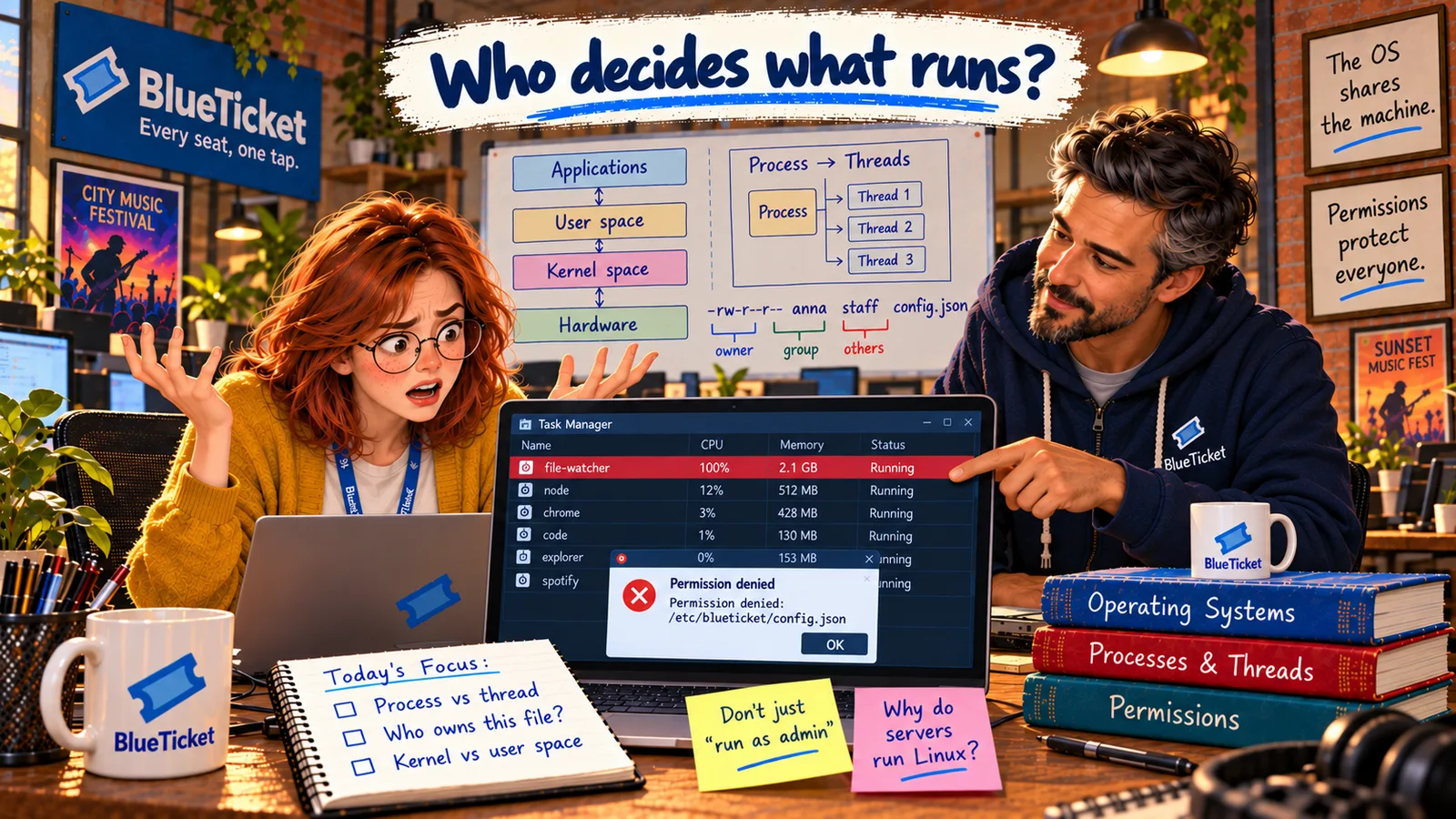
Week five. Anna has BlueTicket's app running on her laptop, plus a browser with twenty tabs, a video call, the code editor and music. Suddenly everything stops. The mouse moves, but nothing responds. The fan gets loud.
A minute later, when things come back, she tries to save a settings file the app needs — and Windows says "Access is denied." On the test server it's the same story in Linux words: "Permission denied."
She turns to John. "Something on this machine decides what's allowed to run and what I'm allowed to touch. What is it?"
Who is actually in charge of this computer? Because it isn't me.
Anna
"The Computer" vs. the Software That Runs It
Many programs, one machine
Dozens of programs want the same CPU, RAM, disk and screen at the same time. Someone has to share them fairly.
Not everything is allowed
Some files and actions are protected. Something checks every request before it happens.
An invisible layer
That "someone" is software you never open directly — the operating system.
What Is an Operating System?
John draws a big box on the whiteboard. "Imagine an office building with 200 people and only 8 meeting rooms, one printer and one front door. Without a manager, everyone fights over the rooms, the printer jams and anyone can walk into any office. The operating system is that manager."
An operating system (OS) is the main system software that manages the computer's hardware and gives every other program a safe, simple way to use it. Windows, macOS, Linux, Android and iOS are all operating systems.
- It shares the hardware: Hundreds of programs run "at once," but there are only a few CPU cores and a fixed amount of RAM. The OS decides who gets what, and when.
- It protects programs from each other: One app should never read another app's memory or crash the whole machine. The OS keeps them apart.
- It makes hardware easy to use: Programs don't need to know how your exact SSD or Wi-Fi chip works. They just ask the OS to "save this file" or "send this data," and the OS handles the details.
- It controls who can do what: Users, passwords and permissions are all managed by the OS.
- It gives you a way to talk to the computer — a desktop with windows, or a terminal with commands.
| Office building | Computer | What the OS does |
|---|---|---|
| Meeting rooms | CPU cores | Decides which program runs next, and for how long |
| Desks | RAM | Gives each program its own private space |
| Filing cabinets | Storage | Organises files and folders |
| ID badges and locked doors | Users and permissions | Checks who may open what |
| The reception desk | System calls | The one official way to ask for anything |
| Feature | Kernel space | User space |
|---|---|---|
| Who runs there | The kernel and drivers | All normal programs |
| Access to hardware | Full | None directly — must ask the kernel |
| If something crashes | The whole computer stops | Usually just that one program closes |
| Example | The Linux or Windows kernel | Chrome, VS Code, Node.js |
Where programs and the kernel live
User space
browser, editor, BlueTicket app — restricted
The kernel (kernel space)
full access: CPU, memory, files, devices
Hardware
CPU, RAM, SSD, network, screen
Why not let programs control the hardware directly? Because one buggy or harmful program could then crash everything, read everyone's passwords, or erase the disk. The OS exists so that no single program is fully in charge.
Inside the OS, the most important part is the kernel — the core of the operating system. It's the first part of the OS loaded at boot (remember the bootloader in Act 02?) and it stays in memory the whole time. The kernel talks directly to the hardware, decides which program runs on the CPU next, hands out memory, and controls access to files and devices.
To keep the kernel safe, the CPU itself has two modes, and memory is split into two areas:
Kernel space is where the kernel runs, in a powerful CPU mode with full access to all hardware and all memory. User space is where everything else runs — your browser, your code editor, BlueTicket's app — in a restricted CPU mode. A user-space program cannot touch the hardware or another program's memory directly. When it needs something, it has to ask the kernel (we'll see exactly how in chapter 5).
This split is why a crashing app usually just closes, while the rest of the computer keeps working. When the kernel itself crashes, the whole machine goes down — that's the famous Windows "blue screen" or a Linux "kernel panic."
Key Takeaway
The operating system is the manager of the computer: it shares hardware between programs, protects them from each other, and controls access. Its core, the kernel, runs in a protected kernel space with full hardware access; every normal program runs in user space and must ask the kernel for anything it needs.
Why This Matters
Every program you'll ever write runs on top of an operating system and plays by its rules. Every "it's frozen," "access denied" or "out of memory" problem is the OS doing its job. The rest of this Act explains each of those jobs — so that when BlueTicket's servers misbehave, Anna knows which part of the OS to look at.
Anna knows who's in charge now. Next question: when her laptop froze, which program was the problem — and why could one program slow everything else down?