

In this chapter
We'll learn what actually gets shipped — a build artifact, made once by a build pipeline — and how configuration is managed separately for each environment, explained as a bakery baking one batch of cakes and each shop adding its own label.
The Problem in Real Life
In the calm review at 4:30 PM, Anna explains her steps honestly: she built v2.7.0 on her own laptop, uploaded it to the production servers, opened the production settings page and pasted the values she'd copied from staging.
John counts on his fingers. "Three risky moments. A build made on a laptop — which might have different files on it than the one we tested. A copy and paste between environments. And no check that the settings made sense. Let's fix all three."
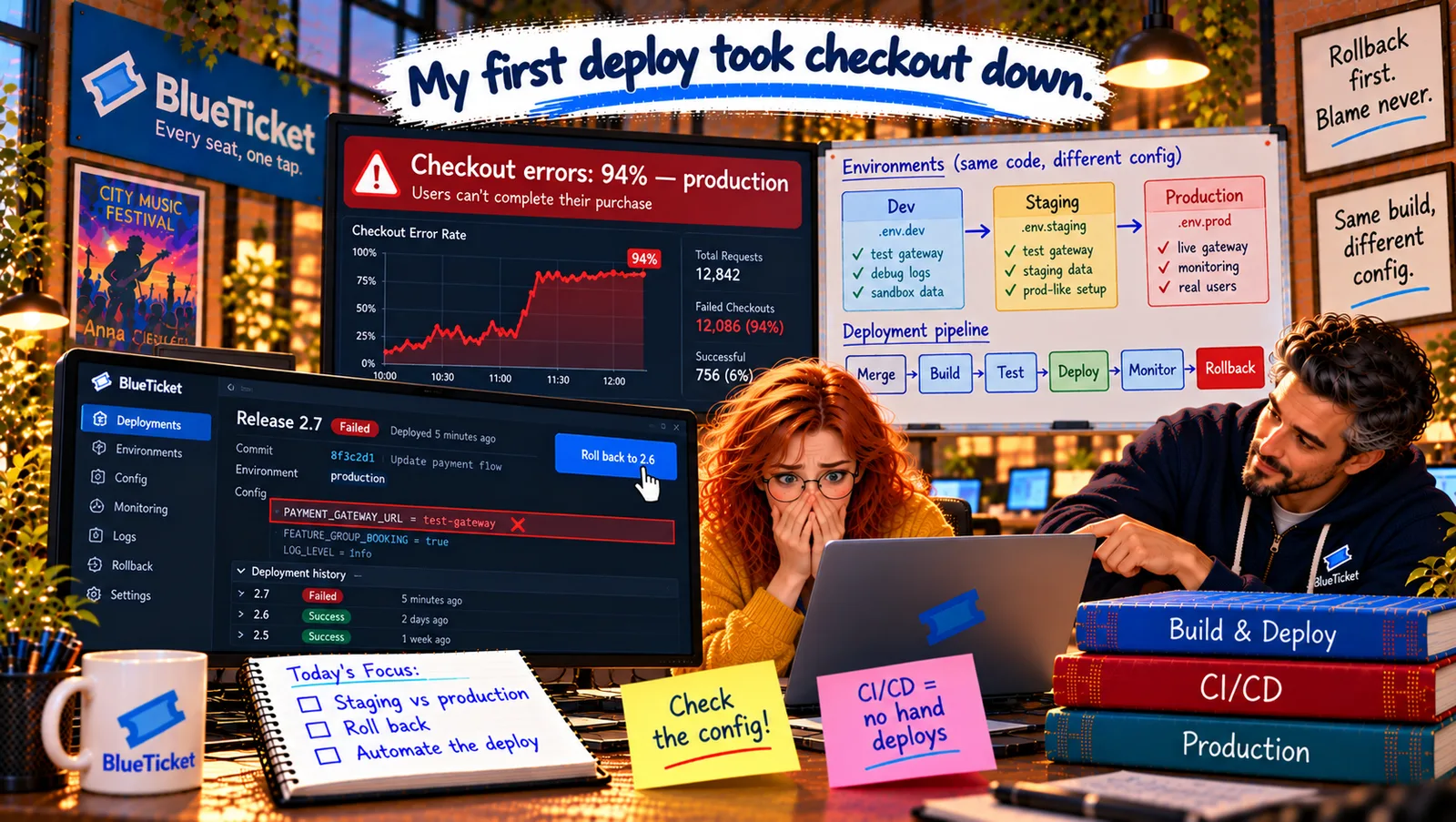
Same build, different config. Build once, configure per environment.
John
Building on a Laptop and Copying Settings vs. One Build, Settings Per Environment
Builds that differ
A build made on a laptop can include different versions or leftover files from the one that was tested.
Settings copied by hand
Copy and paste between environments will eventually paste the wrong value.
No safety check
Nothing stopped production from starting with a test gateway address.
Build Artifacts, Build Pipelines and Configuration
The bakery analogy: a bakery chain bakes one batch of a cake in its central kitchen. Every cake in the batch is identical. Each shop then adds its own label: its own price, its own address. The cake isn't baked again in each shop — that would make every shop's cake slightly different. Software works the same way: build once, then give each environment its own settings.
- Build — baking the cake: a build turns source code into something that can run on a server: installing exact dependencies from the lock file (Act 16), compiling TypeScript, bundling and shrinking the frontend files, running the tests.
- Build artifact — one sealed batch: the result of a build is a build artifact: a package (a folder, a zip file or a container image — Act 20) that contains everything needed to run that version. It gets a version label, like
blueticket-app v2.7.0. The exact same artifact goes to staging and then to production. Whatever was tested on staging is precisely what reaches fans. - Build pipeline — the central kitchen: a build pipeline is an automated series of steps that makes the artifact in the same clean way every time, on a dedicated build machine — never on someone's laptop. Chapter six shows it in full.
- Configuration management — each shop's label, stored safely: configuration management means keeping every environment's settings in one controlled place, separately for each environment: the hosting platform's settings for each environment, or a secrets manager for passwords and keys (Act 16). Changes are recorded (who changed what, and when), and nobody copies values between environments by hand.
- Environment-specific configuration — the label never travels with the cake: the artifact contains no settings for any environment. When it starts, it reads them from its environment variables (Act 16). Staging's environment says "test gateway"; production's says "live gateway". The same cake, two labels.
| Thing | Lives in | Same in every environment? |
|---|---|---|
| Source code | Git | Yes |
| Build artifact v2.7.1 | Artifact storage | Yes — exactly the same file |
| Ordinary settings (port, log level) | Each environment's settings | No |
| Secrets (database password, payment key) | Secrets manager, per environment | No |
| Risky moment on 4:10 PM | Fix |
|---|---|
| Build made on Anna's laptop | Builds only by the pipeline, on a clean machine |
| Setting copied from staging | Production settings stored separately, set by two people |
| No check at start-up | App refuses to start in production with a test gateway |
One artifact, two environments
Source code v2.7.1
in Git
Build pipeline
clean machine, lock file, tests
Artifact: blueticket-app v2.7.1
contains no environment settings
Staging
PAYMENT_GATEWAY_URL = test gateway
Production
PAYMENT_GATEWAY_URL = live gateway
const env = process.env.APP_ENV; // "development", "staging" or "production"const gateway = process.env.PAYMENT_GATEWAY_URL;if (!gateway) {throw new Error("PAYMENT_GATEWAY_URL is not set");}if (env === "production" && gateway.includes("test")) {// Refuse to start: better to fail before any fan arrivesthrow new Error("Production is configured with a TEST payment gateway");}startServer(); // only reached when the settings make sense
If this check had existed at 4:10 PM, the deploy would have failed instantly and no fan would have seen an error.
Application start-up — checking the label before opening the shop: when an app starts, it reads its configuration, connects to the database, and only then starts listening for requests. A good app checks its own settings at start-up and refuses to start if something is clearly wrong — a missing variable, or a test address in production. Failing loudly at 4:10 PM, before any fan arrives, is far better than failing quietly for fans at 4:12 PM.
Anna's fixes: (1) PAYMENT_GATEWAY_URL is now stored in production's own protected settings, set once by John and a second person, never copied from staging. (2) She adds a start-up check: in production, if the gateway address contains "test", the app stops with a clear error. (3) Releases are built by the pipeline, never on a laptop. She redeploys v2.7.1 the next morning — and it works.
Key Takeaway
Build once, configure per environment — like a bakery baking one batch and each shop adding its own label. A build pipeline creates one build artifact per version on a clean machine, and that exact artifact goes to staging and then production. Settings are stored separately for each environment (platform settings, secrets manager), never copied by hand, and a good app checks its settings at start-up and refuses to start with clearly wrong ones.
Why This Matters
"Build once, deploy the same artifact everywhere" and "keep configuration per environment" are two of the most important habits in modern software delivery. They're what let teams deploy many times a day with confidence, and they prevent a whole family of "but it worked on staging" incidents.
The artifact is ready and the settings are safe. But where does it actually go? Anna has pressed "deploy" without ever really knowing what's on the other side of that button: the servers.