

Reasoning Checkpoint
A design challenge, worked through in writing — no auto-grading, just a real attempt.
The Challenge
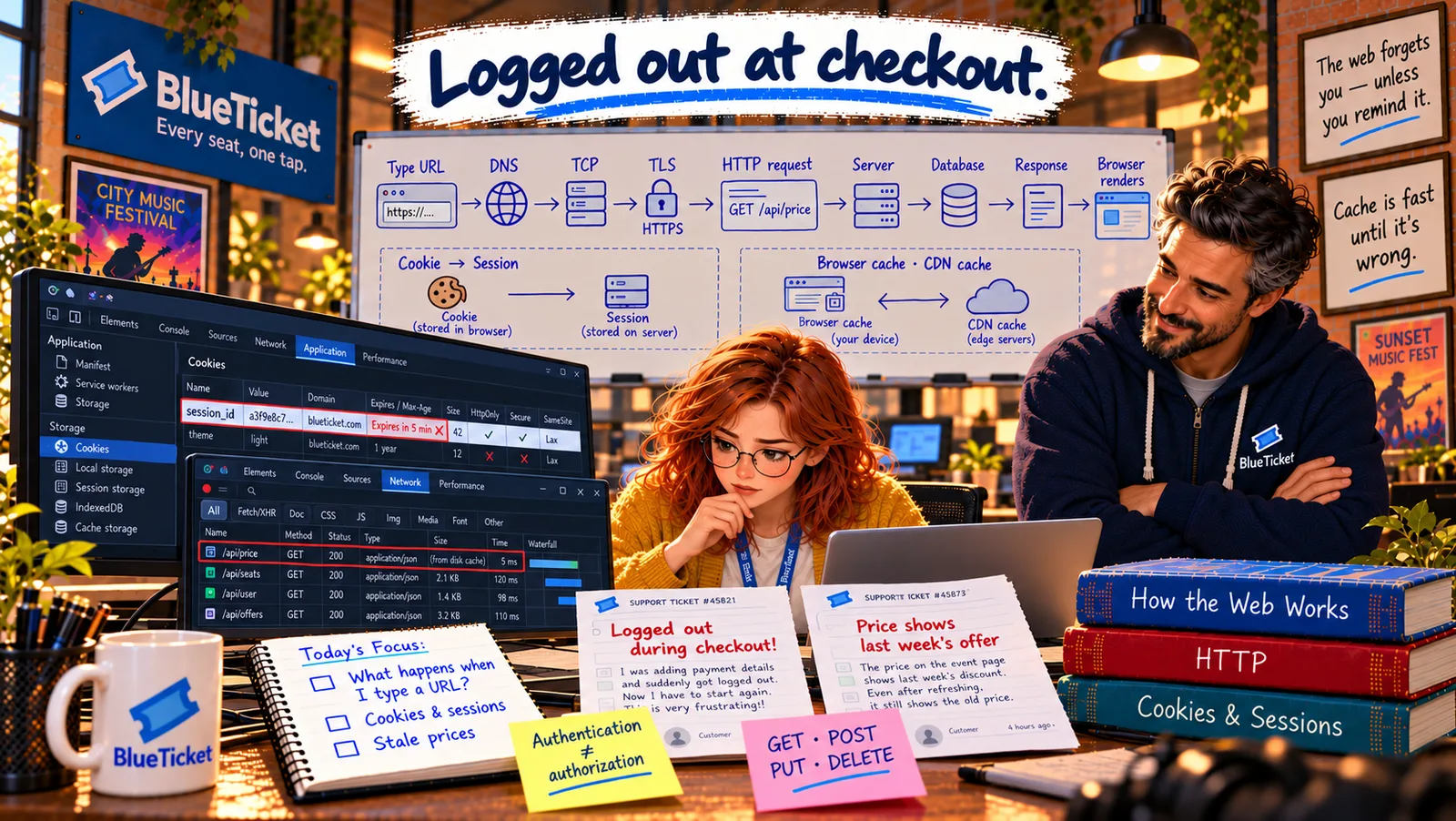
Samantha is presenting BlueTicket to the City Music Festival's board, and wants one slide called "What happens when a fan buys a ticket." She asks Anna to write the story behind it, in plain words a non-technical board can follow — but technically correct.
The scenario: Zoë, already logged in on her phone, types blueticket.example/events/festival, picks seat C14, pays, and sees a confirmation page. Tell the whole story, from the key press to the confirmation.
What Your Answer Needs
- The first half-second: DNS, TCP and TLS, in order, each with a one-line everyday explanation.
- The page: what the server does (including the database), and how the browser builds the page from HTML, CSS and JavaScript.
- Caching: name one thing that should come from a cache (and which one) and one thing that must never be cached.
- Being logged in: how the server knows the requests come from Zoë, and the difference between authentication and authorization here.
- The seat and the payment: the API requests sent (method and endpoint), what's in their JSON bodies, and the status codes that come back.
- One sentence on what would happen if Zoë's session cookie expired halfway through.
Stuck? A Few Hints
- Follow the chapters of this Act in order — they are the story.
- The seat click uses the hold endpoint from chapter 5; paying creates a booking.
- Remember the morning's two bugs: a copy that lived too long and a memory that died too soon.
Before You Move On
If you can tell this story, you understand how the web works better than most people who use it every day — and you have the map for debugging anything from a slow page to a lost login. Every stop on this journey will come back: databases next, then architecture, and the whole chain gets tested at once on Sale Day.