

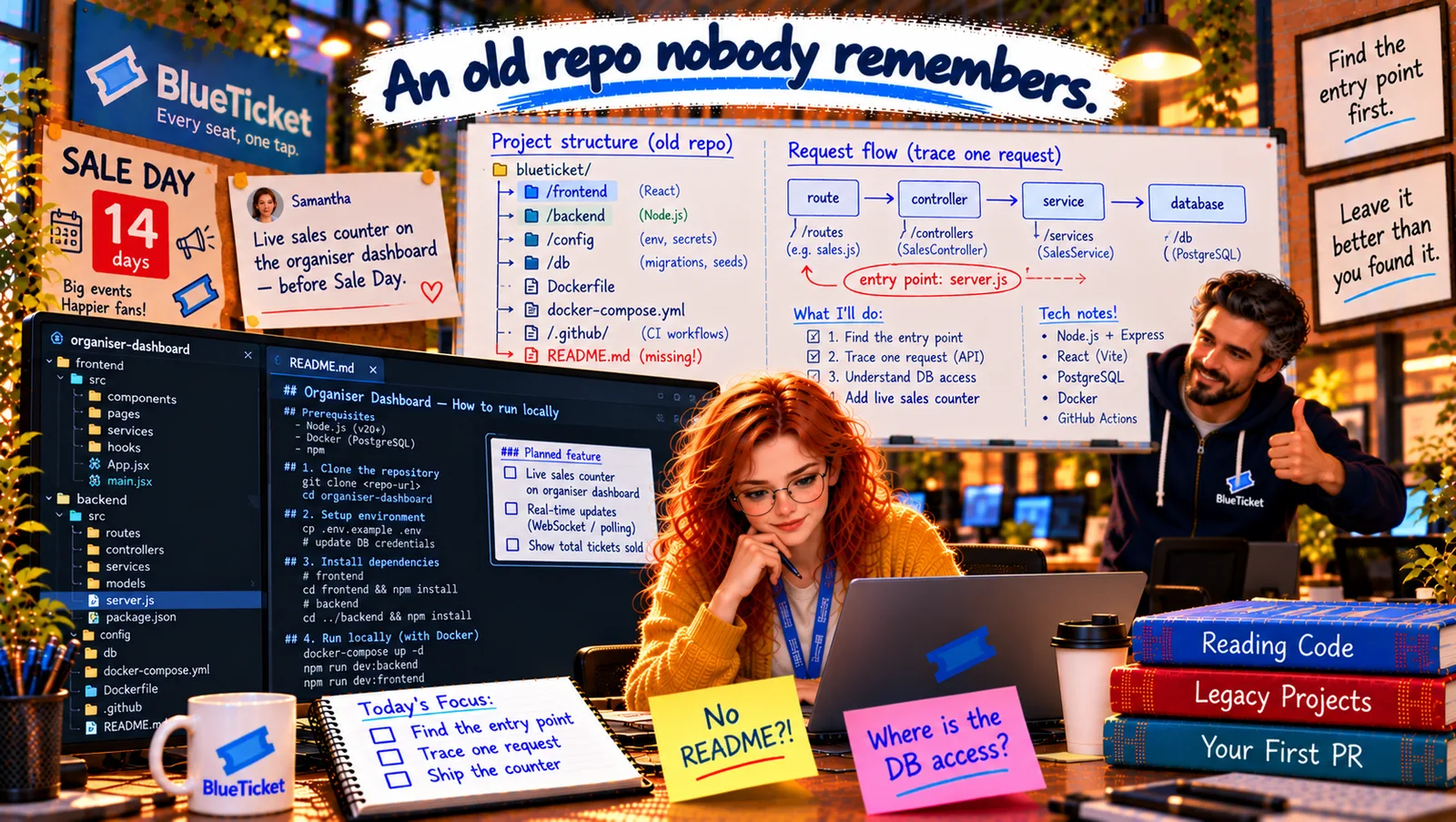
In this chapter
We'll get an old, undocumented project running on a laptop — the right runtime version, a local database, the real list of environment variables, test data, a login — and debug it with breakpoints, explained as getting an old car running again in your garage.
The Problem in Real Life
Anna runs docker compose up. The database starts. The backend crashes: Error: AUTH_SECRET is not set. She adds it. It crashes again: relation "events" does not exist. Then the frontend shows a login screen she has no account for.
Act 16 all over again — but this time, she knows what each error means. "An hour," John says. "And everything you fix goes into the README, so nobody else ever loses that hour."
Every error here is just a missing step someone forgot to write down.
Anna
"It Won't Start" vs. Fixing One Missing Piece at a Time
Outdated setup notes
The .env.sample lists four variables. The code reads seven.
An empty database
A fresh local database has no tables and no data to look at.
Can't log in
Logins come from the main app. Locally, there's no way to get a token.
Running and Debugging a Project Locally
The old car analogy: getting an old car running after years in a garage isn't one big fix. It's a checklist: the right fuel, a charged battery, oil in the engine, the key. You fix one thing, try to start it, read the warning light, fix the next thing. Each warning light tells you exactly what's missing.
- 1. The right runtime — the right fuel: use the version the project expects (Act 16):
enginesinpackage.json,.nvmrc, the Dockerfile'sFROM. Here, Node 16:nvm install 16. Or run everything in Docker, which brings its own version (Act 21). - 2. Supporting services — the battery: databases, Redis, queues.
docker compose up postgresstarts a local PostgreSQL with no installation. - 3. The real environment variables — the oil: don't trust the old
.env.sample. Search forprocess.env(chapter four) to get the real list. Here the code reads seven:PORT,DATABASE_URL,AUTH_SECRET,LOG_LEVEL,EXPORT_BUCKET,MAIN_APP_URL,NODE_ENV. Use local, fake values — never production secrets on a laptop (Act 16, Act 22). - 4. The database schema and data — the engine's insides: run the migrations to create the tables (
npm run migrate), then the seed script to add fake events and orders (npm run seed). Now the dashboard has something to show. - 5. A way to log in — the key: logins normally come from the main BlueTicket app. Anna finds
scripts/make-dev-token.js, which signs a JWT for a test organiser with the localAUTH_SECRET. Never add a "skip auth" switch that could reach production — a dev-only token signed with a dev-only secret is safe. - 6. Start it and read the warning lights: each error message tells you the next missing piece (Act 17: read it slowly). Fix one, restart, repeat.
- Debugging locally — the mechanic's tools (Act 17): add a VS Code launch configuration to start the backend with the debugger attached, set a breakpoint in the controller, load the dashboard, and step through the real request with real data. The browser's DevTools Network tab (Act 17) shows what the frontend sends and receives.
| Error | Car version | Fix |
|---|---|---|
| Unsupported engine: requires node 16.x | Wrong fuel | nvm install 16 (or run in Docker) |
| ECONNREFUSED 127.0.0.1:5432 | Flat battery | docker compose up postgres |
| AUTH_SECRET is not set | No oil | Add all 7 real variables (local values) |
| relation "events" does not exist | Empty engine | npm run migrate, then npm run seed |
| 401 unauthorized on every request | No key | node scripts/make-dev-token.js |
| Variable | In .env.sample? | Read by the code? |
|---|---|---|
| PORT | Yes | Yes |
| DATABASE_URL | Yes | Yes |
| AUTH_SECRET | No | Yes — required |
| LOG_LEVEL | Yes | Yes |
| EXPORT_BUCKET | No | Yes (CSV export) |
| MAIN_APP_URL | No | Yes |
| SMTP_HOST | Yes | No — no longer used |
nvm install 16 && nvm use 16docker compose up -d postgrescp .env.sample .env # then fill in the 7 real variables with LOCAL valuesnpm run migrate # create the tablesnpm run seed # fake events, orders and a test organisernode scripts/make-dev-token.js # prints a dev-only JWT for the test organisernpm run dev # backend on :4000, frontend on :5173
Running, after 50 minutes: the dashboard opens at http://localhost:5173, logged in as "Test Organiser", showing seeded sales for three fake events. Anna sets a breakpoint in getSales, refreshes, and watches eventId, organiserId and the query result appear in the variables panel — the trace from the previous chapter, now live.
Everything into the README: she writes each step down as she goes: Node 16, docker compose up, the real seven variables (and she updates .env.sample to match), npm run migrate, npm run seed, node scripts/make-dev-token.js, and the debugger launch config. Fifty minutes of hard-won knowledge, saved in a file.
Key Takeaway
Get an old project running like an old car: right runtime version (engines, .nvmrc, Dockerfile), supporting services (docker compose), the real environment variables found by searching the code (with local, fake values), migrations and seed data, and a safe local way to log in. Start it, read each error, fix one piece at a time. Then debug with breakpoints in the editor and DevTools in the browser — and write every step into the README.
Why This Matters
Getting a project running locally is the first real task in almost every new job and every inherited codebase. Doing it methodically — runtime, services, real config, schema and data, auth, one error at a time — and writing it down turns a frustrating day into an hour, for you and everyone after you.
The project runs, the debugger works, and Anna understands the path her counter will take. Twelve days to Sale Day. Time to make the change — small, tested, and reviewed.