

In this chapter
We'll learn what software really is, and the three big kinds every computer runs — system software, application software and utility software — so you can tell which kind any program is.
The Problem in Real Life
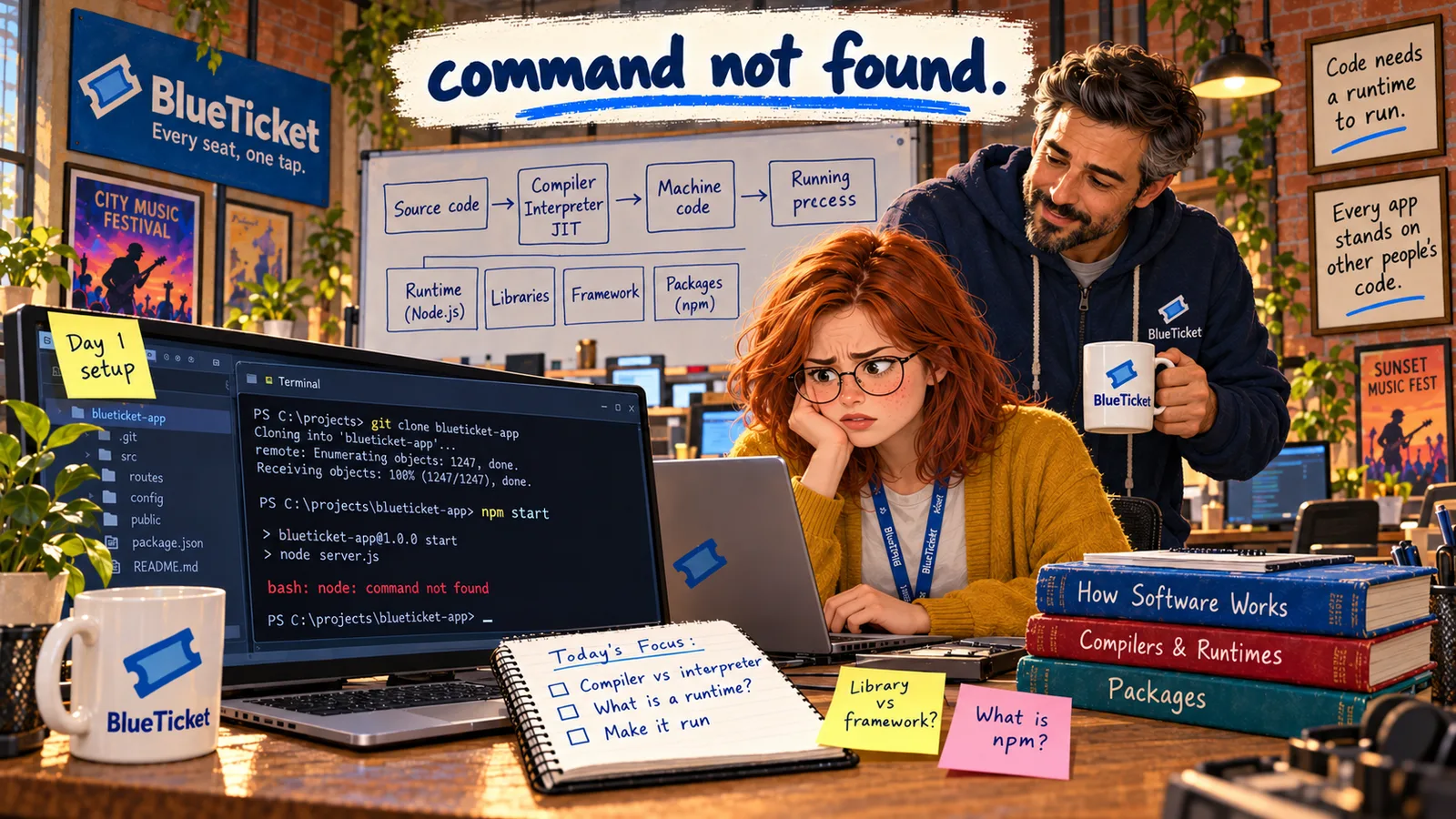
Week four is Anna's first real step as a developer: get BlueTicket's code running on her own laptop. John sends her a short checklist: "1. Download the code. 2. Install what it needs. 3. Run it."
Step 2 already confuses her. "Install what it needs" — but the laptop already has Windows, a browser, an antivirus, a PDF reader and a zip tool. Isn't that... software? Doesn't the computer have everything already?
My laptop is full of software already. Why does one more program need even more?
Anna
"Programs" vs. the Different Jobs Software Does
Not all software is the same
Some software runs the computer, some is what you use, and some keeps everything tidy.
Software depends on other software
Most programs can't run alone — they need other software underneath them.
What Is Software?
In Act 02 we learned that software is the set of instructions that tells hardware what to do. Now let's go one level deeper.
A single program is one piece of software that does a job — like a browser, a calculator or BlueTicket's ticketing app. Software is the general word for all programs, plus the data and files they need to work. Software is written by people, as text, and then turned into instructions the CPU can follow — that's the next chapter.
John splits the software on Anna's laptop into three groups:
- System software — runs and manages the computer itself. The most important one is the operating system (Windows, macOS, Linux), which controls the hardware and lets other programs run. Drivers (from Act 02) are system software too. You rarely "use" system software directly — it works underneath everything else.
- Application software (or apps) — programs that help people do tasks: a browser, a music player, a spreadsheet, a game, BlueTicket's ticketing website. This is what most people mean when they say "software."
- Utility software — small tools that look after the computer: antivirus, backup tools, disk cleaners, zip/unzip tools, file managers. They don't do your work for you; they keep the computer healthy and organised.
| Kind | Its job | Examples |
|---|---|---|
| System software | Runs and manages the computer | Windows, Linux, macOS, device drivers |
| Application software | Helps people do tasks | Chrome, Spotify, Excel, a ticketing website |
| Utility software | Maintains and protects the computer | Antivirus, backup, disk cleanup, 7-Zip |
Software stacks on top of hardware
Applications
browser, ticketing app, games
Utilities
antivirus, backup, zip
Operating system
Windows, macOS, Linux
Drivers
talk to each piece of hardware
Hardware
CPU, RAM, storage, screen
These groups stack on top of each other. Applications ask the operating system for things ("open this file," "send this over the network"). The operating system talks to the hardware through drivers. Utilities help keep the whole stack working.
So why does BlueTicket's code need "more" software? Because it is an application that was built on top of other software — a runtime, libraries and tools that aren't part of Windows. Before it can run, those pieces must be installed. That's what the rest of this Act is about.
Key Takeaway
Software is instructions plus the data they need. System software (like the operating system) runs the computer, application software helps people do tasks, and utility software maintains the computer. Most applications need other software underneath them before they can run.
Why This Matters
Every bug report starts with "where does this problem live?" Knowing whether something is the operating system, an app or a utility tells you who owns it and where to look. On BlueTicket's servers there are no games or music players — just the operating system, a few utilities, and the BlueTicket application itself, which makes this split very clear.
Anna downloads BlueTicket's code and opens the folder. It's full of text files with names like server.ts and index.ts. If software is instructions for the CPU, why does this look like English? That's the next question.