

In this chapter
We'll learn what a build process produces — executables and binaries — and what a runtime and runtime environment are, which finally explains why Anna's laptop said "node: command not found."
The Problem in Real Life
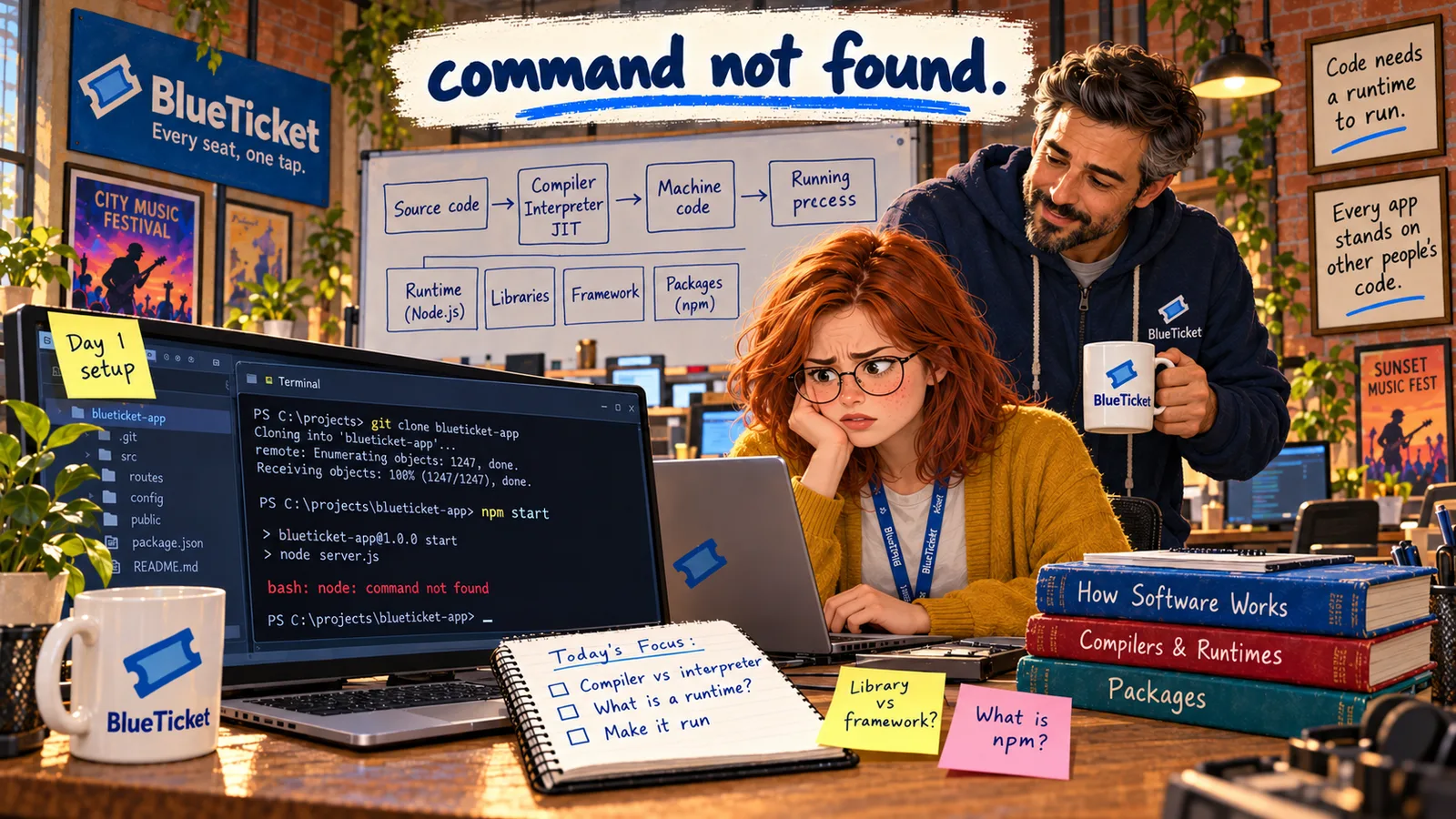
Anna types the command from BlueTicket's README one more time: npm run dev. The terminal answers the same way it has all morning: node: command not found.
"I have the code," she says. "I have a terminal. What's missing?" John pulls his chair over. "Think about Zoë's ticket printer from last week. The bytes were fine; the thing reading them was wrong. Here, the code is fine. The thing that runs it isn't there at all."
| Command | Result |
|---|---|
| git clone blueticket-app | Done — the code is downloaded |
| cd blueticket-app | Done — now inside the project folder |
| npm run dev | node: command not found |
Code doesn't run by itself. Something has to run it.
John
"I Have the Code" vs. Being Able to Run It
The error is precise
"command not found" means the terminal looked for a program called node and couldn't find one.
Code needs a runtime
JavaScript and TypeScript need Node.js to run outside a browser — and it wasn't installed.
Builds, Executables and Runtimes
Before code can run, it usually goes through a build process — the steps that turn source code into something that can run. Depending on the language, a build can:
- Compile the code (from the last chapter) — for example, turn TypeScript into JavaScript, or C into machine code.
- Link or bundle it — join your code with the library code it uses into one or a few files.
- Optimise it — remove unused code, shrink file sizes (called minifying).
- Package it — put everything into one file or folder that can be copied to a server.
| Language | Runtime needed | Runs as |
|---|---|---|
| C, C++, Go, Rust | Usually none | A native executable |
| JavaScript / TypeScript | Node.js (or a browser) | Scripts run by Node.js |
| Java | The JVM | Bytecode run by the JVM |
| C# | .NET runtime | Bytecode run by .NET |
| Python | The Python interpreter | Scripts run by Python |
| Meaning | Example sentence |
|---|---|
| An executable program | "Download the Linux binary and run it." |
| Any non-text file | "Don't open that in Notepad, it's a binary file." |
From source to a running BlueTicket on Anna's laptop
Source code
TypeScript files (.ts)
Build
compile TS → JS, bundle, optimise
Build artifact
JavaScript files ready to run
Runtime: Node.js
runs the JavaScript (JIT)
Running app
http://localhost:3000
After installing Node.js, she checked it, installed the project's libraries, and started the app.
node --version # v20.x — Node.js is now installednpm install # download the project's librariesnpm run dev # start BlueTicket on this laptop# > BlueTicket running at http://localhost:3000
Lines starting with # are comments: notes for people, ignored by the terminal.
The result of a build is often called a build artifact. For compiled languages, it's usually an executable: a file the operating system can start directly, full of machine code. On Windows, executables usually end in .exe. On Linux and Mac they often have no extension at all.
You'll also hear the word binary. It has two meanings: an executable file ("download the binary"), or any file that isn't plain text — images, executables, zip files — because you can't read it in a text editor. (Every file is bits underneath, of course; "binary file" just means "not readable as text.")
Now the key idea: a runtime. A runtime is the software a program needs while it is running. Compiled C or Go programs need very little — the operating system can run them directly. But many languages need a helper program installed:
Node.js runs JavaScript outside a browser (browsers have their own JavaScript engine built in). The JVM (Java Virtual Machine) runs Java. .NET runs C#. The Python interpreter runs Python. These are runtimes. Without one, the code is like a song file with no music player.
The runtime environment is everything around the program while it runs: the runtime itself and its version, built-in libraries, settings like environment variables (Act 06), and access to files and the network. "It works on my machine" bugs — which Anna will meet more than once — are almost always differences in the runtime environment.
So: node: command not found. The npm run dev command tried to start a program called node — the Node.js runtime. The terminal searched the folders listed in its PATH and found nothing, because Node.js was never installed. Anna downloads the version BlueTicket's README asks for, installs it, opens a fresh terminal and checks it with node --version. Then npm install downloads the project's libraries (next chapter), and npm run dev finally prints: "BlueTicket running at http://localhost:3000". She opens it in her browser and sees the seat map — running on her own laptop.
Key Takeaway
A build turns source code into something runnable — often an executable or a bundle of files. A runtime is the software a program needs while it runs (Node.js, the JVM, .NET, Python). "Command not found" usually means the runtime or tool isn't installed or isn't on the PATH.
Why This Matters
Every project you ever join will start with this step: build it and run it. Knowing what a build produces and what runtime it needs turns a scary first day into a checklist. It's also exactly how BlueTicket's servers work — in Act 19 Anna will build the app once and run the same artifact on staging and production, and in Act 21 she'll package the runtime and the app together so "command not found" can't happen on a server.
BlueTicket runs on Anna's laptop for the first time. But one command printed something huge: npm install downloaded over a thousand packages into a folder called node_modules. Did the team really write all that code? No — and that's the next chapter.