

Reasoning Checkpoint
A design challenge, worked through in writing — no auto-grading, just a real attempt.
The Challenge
John prints one real ticket from BlueTicket's system and puts it on Anna's desk. "If you understand this Act, you can explain every part of this ticket in bytes."
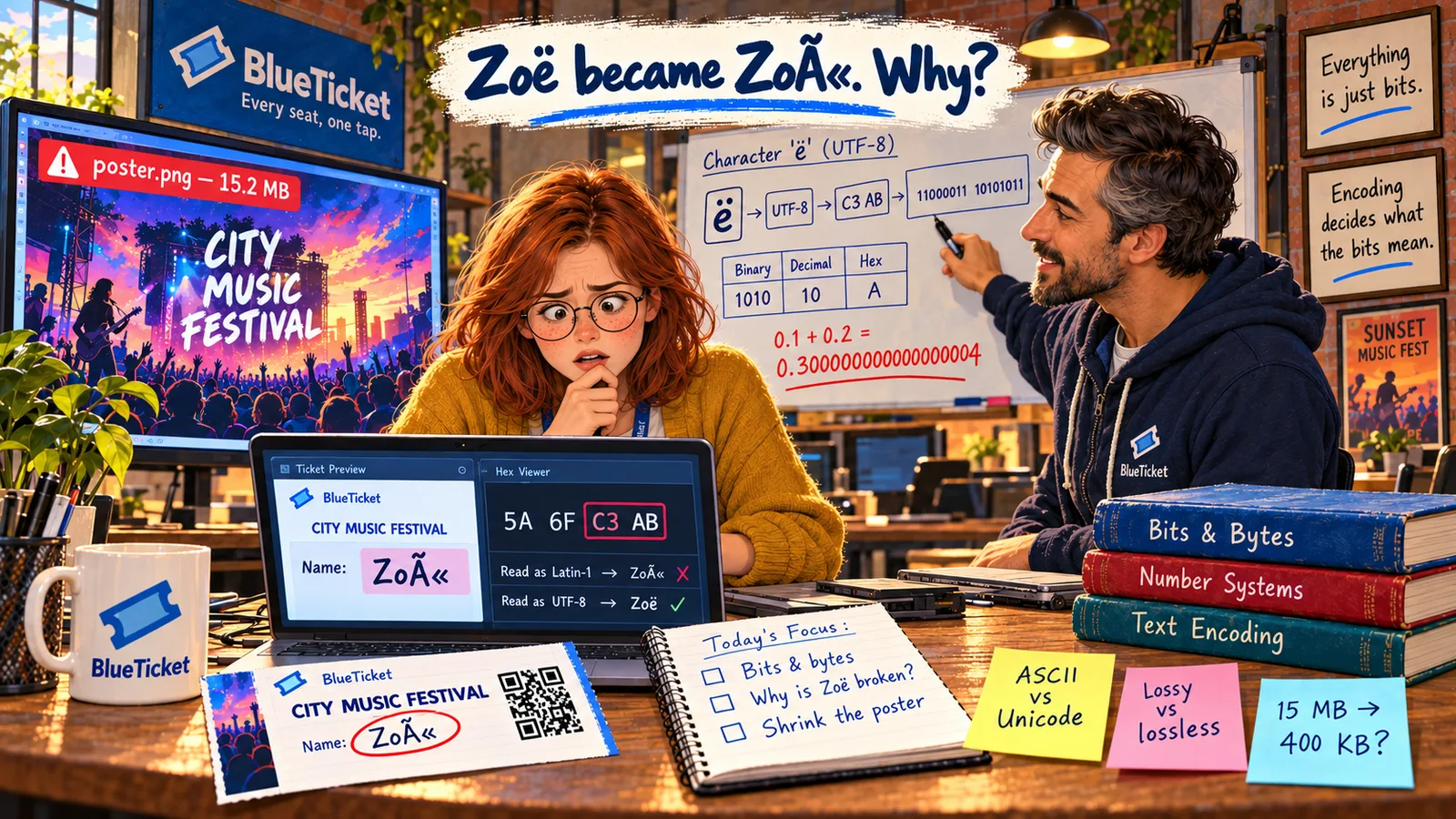
The ticket: customer Zoë Adams, Row C, Seat 14, price 49.99, a QR code image, and the festival poster shown on the ticket page. Explain how each piece is stored, how big it is, and what could go wrong.
What Your Answer Needs
- The name: write the UTF-8 bytes of "Zoë" in hex, and explain in one or two sentences why it once printed as "Zoë".
- The seat number 14: write it in binary and in hex.
- The price 49.99: say how BlueTicket should store it and why not as a floating-point number.
- The QR code: a 300 × 300 pixel black-and-white image. Estimate its raw size if each pixel used 3 bytes, and say which file format you would save it in and why.
- The poster: explain the two changes that took it from 15.2 MB to about 400 KB.
- Speed: a fan's phone gets 8 Mbps. Roughly how long would the old 15.2 MB poster take to download?
Stuck? A Few Hints
- "Z" and "o" are one byte each in UTF-8; "ë" is two.
- 14 = 8 + 4 + 2. In hex, one digit goes up to 15.
- For the speed question, turn megabits into megabytes first: divide by 8.
Before You Move On
If any number here felt hard, that's normal — nobody converts binary by hand at work every day. What matters is the idea under all of it: everything is bytes, and every bug in this Act came from either reading bytes the wrong way or sending far too many of them. You'll see both again.