

In this chapter
We'll learn what makes code easy for the next person: comments, formatting and naming — and the bigger ideas of reusable code, abstraction and modularity.
The Problem in Real Life
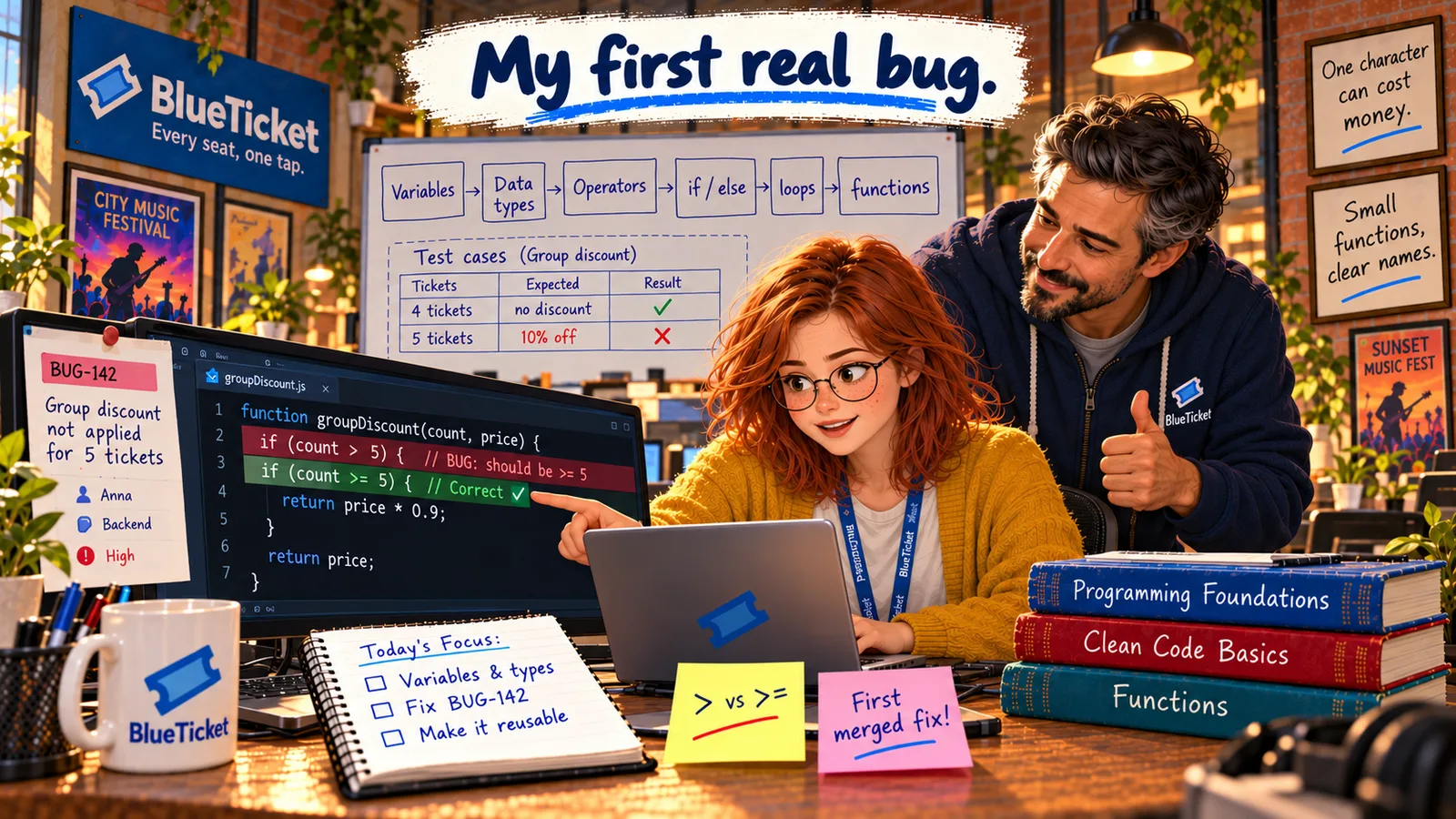
Anna opens her first pull request: "Fix BUG-142 and move pricing into one function." The code works. All her tests pass. She expects a quick approval.
John leaves six comments instead: "What does t mean?" · "What is 0.8?" · "This comment says what the line does — tell me why instead." · "Indentation is mixed here." · "This function also sends the email. Should it?" · "Move this into its own file."
Code is read far more often than it's written. Write it for the next person — that might be you in six months.
John
Code That Works vs. Code Others Can Work With
Working isn't enough
Code that only its author understands becomes a problem the day someone else has to change it.
Small habits, big difference
Good names, consistent formatting and the right comments make code readable at a glance.
Big programs need structure
Thousands of lines stay manageable only when they're split into small, focused pieces.
Writing Clean, Reusable Code
Software lives for years, and many people change it. So professional code has two jobs: work correctly, and be easy for a person to read and change. John's six comments cover the six habits that make that happen:
- Naming: names should say what something is or does.
tmeans nothing;ticketis clear.calc()is vague;calculateTotal()is clear. Booleans read best as questions:isStudent,hasPaid. JavaScript usually uses camelCase (totalCents), and fixed values often use CAPITALS (GROUP_SIZE). A good name removes the need for many comments. - No magic numbers: a bare
0.8in the middle of code makes the reader guess. A named constant —STUDENT_DISCOUNT = 0.8— explains itself and can be changed in one place. - Comments: notes in the code for people, ignored by the computer (
// like thisin JavaScript). The best comments explain why, not what — the code already shows what it does.// add 1 to countis useless.// students get the best price, so check them firstis valuable. - Formatting: consistent indentation, spacing and line breaks, so the structure is visible at a glance. Teams don't argue about this — they use an automatic formatter (like Prettier) that formats every file the same way on save.
- Reusable code: don't repeat yourself. If the same logic appears in two places, put it in one function and call it from both — exactly what Anna did with
calculateTotal. This idea is often called DRY: Don't Repeat Yourself. - Abstraction: hiding the details of how something works behind a simple name. The checkout page calls
calculateTotal(cart, isStudent)and doesn't need to know how discounts work inside. Abstraction lets you use something without understanding all of it — like driving a car without knowing how the engine works. - Modularity: splitting a program into separate, focused pieces — modules, usually separate files — that each do one thing. Pricing lives in
pricing.js, email inemail.js. One function should do one job, socalculateTotalshouldn't also send emails. Modules share code withexportandimport.
| Before | After | Habit |
|---|---|---|
| for (const t of c) | for (const ticket of cart) | Naming |
| total * 0.8 | total * STUDENT_DISCOUNT | No magic numbers |
| // check student | // students get the best price, so check them first | Comments explain why |
| Mixed 2- and 4-space indents | Formatted automatically | Formatting |
| Pricing copied in 3 pages | One calculateTotal function | Reusable (DRY) |
| Pricing also sends emails | Pricing only prices; email is separate | One job per function |
| Everything in checkout.js | pricing.js module, imported where needed | Modularity |
// pricing.js — every BlueTicket price is calculated here, and only here.export const GROUP_SIZE = 5;export const GROUP_DISCOUNT = 0.9; // 10% offexport const STUDENT_DISCOUNT = 0.8; // 20% offexport function calculateTotal(cart, isStudent) {const subtotalCents = sumTicketPrices(cart);// Students always get the best price, so check them first.if (isStudent) {return Math.round(subtotalCents * STUDENT_DISCOUNT);}if (cart.length >= GROUP_SIZE) {return Math.round(subtotalCents * GROUP_DISCOUNT);}return subtotalCents;}function sumTicketPrices(cart) {let totalCents = 0;for (const ticket of cart) {totalCents += ticket.priceCents;}return totalCents;}// checkout.js// import { calculateTotal } from "./pricing.js";
sumTicketPrices isn't exported: it's a detail of how pricing works, hidden behind calculateTotal. That's abstraction.
Anna works through the comments. She renames t to ticket, replaces 0.8 and 0.9 with named constants, rewrites one comment to explain why students are checked first, runs the formatter, removes the email-sending from the pricing function, and moves pricing into its own module, pricing.js, which the checkout, mobile and refund code all import.
John approves the pull request. It's merged. BUG-142 is closed, the college gets its refund, and Anna takes a screenshot of her first merged fix. The sticky note on her desk now has a second line: First merged fix!
Key Takeaway
Clean code is written for people: clear names, no magic numbers, comments that explain why, and consistent formatting. Reusable code follows DRY; abstraction hides details behind a simple name; modularity splits a program into small focused pieces, each doing one job.
Why This Matters
In a real team, code review is how quality is protected, and these habits are what reviewers look for first. They decide how fast the team can change BlueTicket safely — and in Act 24, Anna will get a much tougher review with 31 comments. Clean, modular code is also what makes the testing in Act 17 and the large codebase in Act 25 manageable.
BUG-142 is closed, and Anna has written, fixed, tested, cleaned up and shipped real code. Before moving on, John asks her to write the full pricing rules from scratch — with one new discount added.