

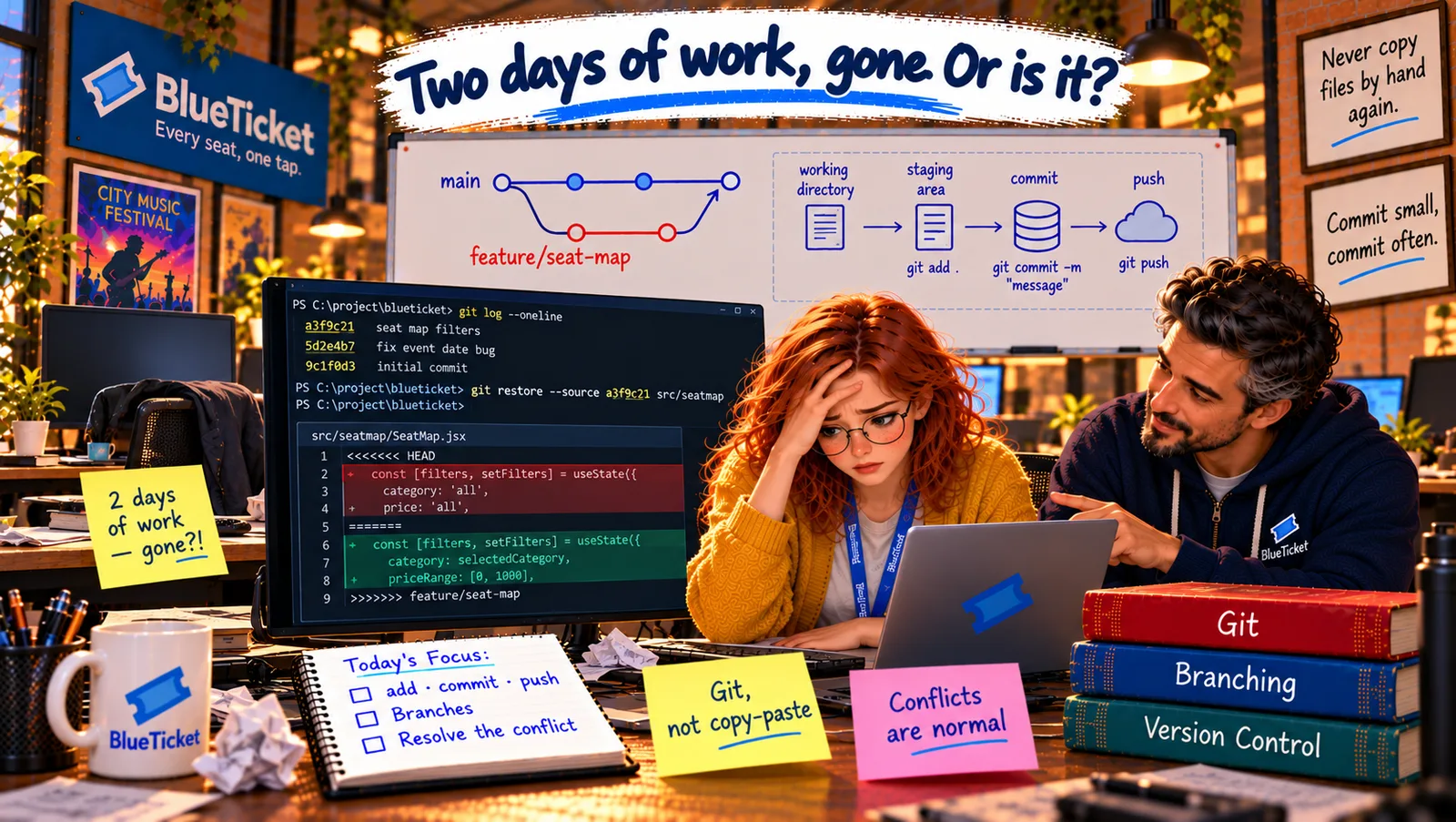
Reasoning Checkpoint
A design challenge, worked through in writing — no auto-grading, just a real attempt.
The Challenge
John creates a practice repository for Anna: a tiny project with one file, price.js. Her task is the full professional cycle from this Act, from cloning to a merged change — and he has planted a conflict on purpose.
The task: change the student discount in price.js from 20% to 25%. The trap: while she works, John merges a change into main that edits the same line to read the discount from a settings object.
What Your Answer Needs
- Write every command, in order, from cloning the repository to having your change merged — with a one-line plain-English reading of each command.
- Include checking what changed before committing, and a good commit message.
- Work on your own branch with a clear name, and push it to the remote.
- When you update your branch from main, show what the conflict looks like and explain how you'd resolve it (and what the final line should be).
- Say which file in this project should be in .gitignore if it had a
.envfile, and why. - Bonus: explain how you'd recover if you accidentally overwrote the settings change and committed it.
Stuck? A Few Hints
- Start from the latest main before creating your branch.
- Update your branch from main before opening the pull request — that's when the conflict appears.
- For the bonus, think about chapter 2: git log and git restore.
Before You Move On
If you could follow this from start to finish, you know the Git a working developer uses every day — and you know how to recover when things go wrong, which is what really matters. Remember this morning's lesson: never copy files around by hand; let Git keep the history.