

In this chapter
We'll learn the two roles in almost every network conversation — the client who asks and the server who answers — how client-server architecture works, and how peer-to-peer is different, using a restaurant counter and a group of friends sharing notes.
The Problem in Real Life
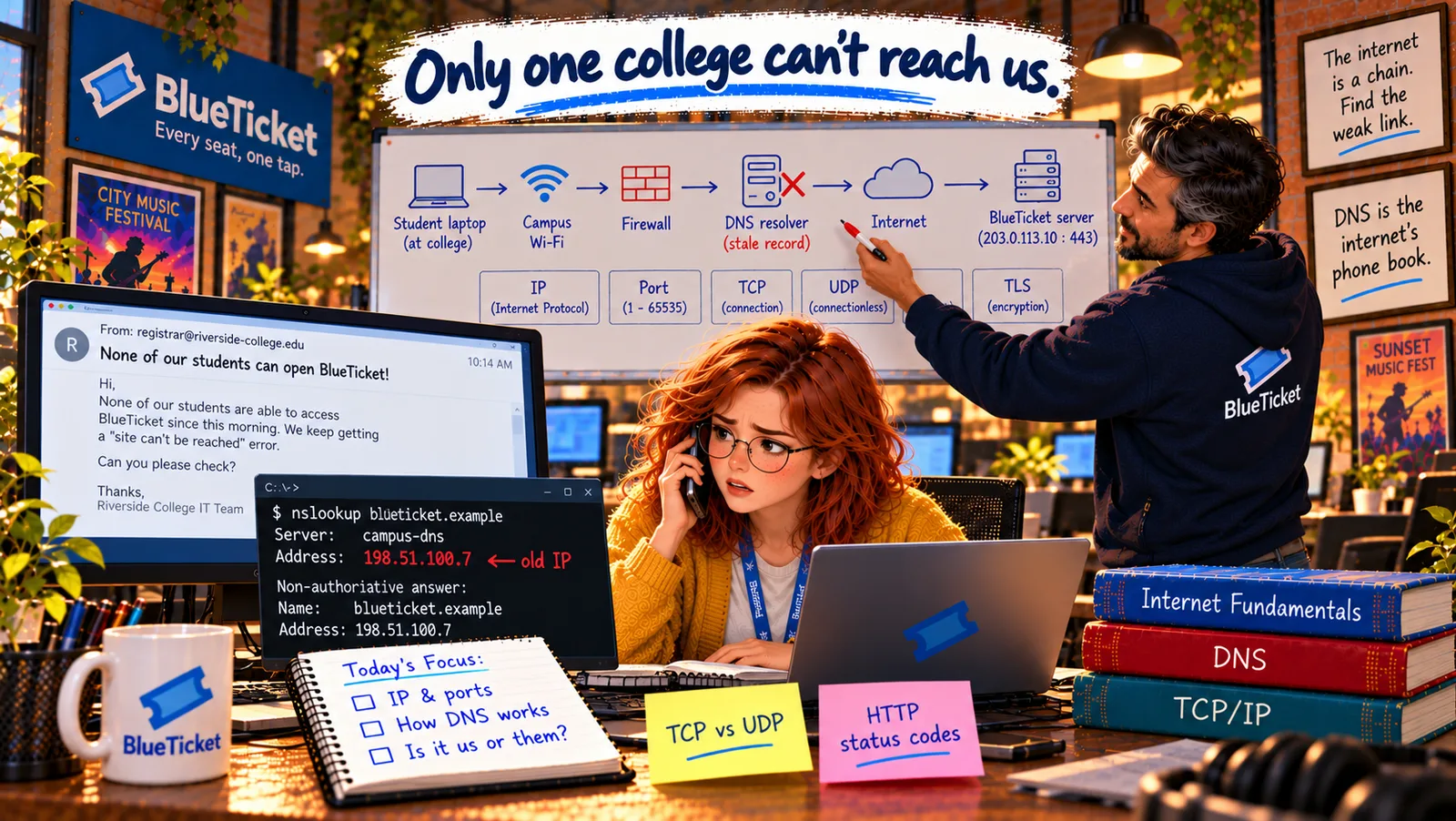
Anna asks the student union to send a screenshot. It shows a student's browser with a blank page and a spinning icon, and finally: "This site can't be reached. blueticket.example took too long to respond."
"Took too long to respond," Anna reads. "Respond to what? Who is supposed to respond?" John taps the screen. "Every conversation on the internet has an asker and an answerer. Let's figure out which side is staying silent."
Every web page you've ever seen was a question from a client and an answer from a server.
John
"My Computer Shows the Website" vs. Asking and Answering
Two sides, two jobs
One side asks for something; the other side provides it. A problem can be on either side.
Many askers, one answerer
Thousands of students' browsers all ask the same servers for pages.
Not every network works this way
Some systems have no central server at all — every computer is both asker and answerer.
Clients, Servers and Peers
The restaurant counter analogy: at a takeaway counter, customers walk up and ask for food, and the kitchen behind the counter prepares it and hands it over. The customers come and go; the kitchen stays open all day, waiting for orders. The internet works the same way.
- Client — the customer who asks: a client is the program or device that starts the conversation by asking for something. A student's browser asking for BlueTicket's seat map is a client. So is a phone app asking for new messages. Clients usually run on people's own devices and only connect when they need something.
- Server — the kitchen that answers: a server is a program (and, by extension, the computer it runs on) that waits for requests and answers them. BlueTicket's web server waits for browsers to ask for pages and sends them back. Servers usually run all the time, in data centres or the cloud, often with no screen at all (Act 05).
- "Server" means a role, not a special machine: any computer can be a server if it runs a program that answers requests. Anna's laptop became a server in Act 04 when she ran BlueTicket locally at
localhost:3000— and her own browser was the client.
| Feature | Client | Server |
|---|---|---|
| Role | Asks for something | Waits and answers |
| Restaurant version | The customer at the counter | The kitchen |
| Runs on | People's laptops and phones | Data centres, the cloud (or any computer) |
| Running time | Only when needed | All the time |
| Example | A student's browser | BlueTicket's web server |
| Feature | Client-server | Peer-to-peer |
|---|---|---|
| Central server? | Yes | No |
| Each computer is | Either client or server | Both client and server |
| Control and security | Easier | Harder |
| If one computer fails | If it's the server, everyone is affected | Others keep working |
| Examples | Websites, banking apps, BlueTicket | BitTorrent, some video calls, blockchains |
Client-server vs. peer-to-peer
Client-server
many browsers → one central server
Peer-to-peer
every computer asks and shares
Like a takeaway counter
customers ask, the kitchen answers
Like friends sharing notes
everyone gives and takes pages
Easy to control and update
but one place can fail
No single point to fail
but harder to control and secure
Client-server architecture — the counter model: when a system is built with many clients asking one central set of servers, it's called client-server architecture. Almost the whole web works like this: browsers and apps are clients; websites and services are servers. It's easy to control and update, because all the important data and rules live in one place — the kitchen. The weakness: if the kitchen closes, or the road to it is blocked, every customer goes hungry.
Peer-to-peer (P2P) — friends sharing notes: in a peer-to-peer network, there's no central kitchen. Every computer, called a peer, is both a client and a server: it asks others for pieces of data and shares the pieces it has. Think of classmates sharing lecture notes — everyone gives a page and gets pages from others. File-sharing systems like BitTorrent, some video-call systems and many blockchains work this way. It keeps working even if some peers leave, but it's harder to control and keep secure.
Reading the error again: "took too long to respond" means the student's browser — the client — sent its question and never got an answer from the server. Either the question never reached BlueTicket's server, or the answer never got back. Since BlueTicket's server is answering everyone else instantly, Anna suspects the question is going somewhere it shouldn't. To check, she needs to know how a client finds the right server in the first place: addresses.
Key Takeaway
A client is the side that asks (a browser, an app); a server is the side that waits and answers (a web server). Almost the whole web uses client-server architecture — many clients, one central kitchen — which is easy to control but has a single place that can fail. Peer-to-peer networks have no centre: every peer both asks and shares.
Why This Matters
Knowing which side is the client and which is the server is the first question in every network bug: did the client ask correctly, did the question reach the server, did the server answer, did the answer come back? BlueTicket — like almost every business app — is client-server, so its servers are the kitchen that 50,000 fans will all queue at on Sale Day.
The client is asking and getting no answer. Before a question can reach a server, the client has to know where the server is. On the internet, "where" means an address — and there are several kinds.