

In this chapter
We'll follow code after it's written — code review, testing, build, deployment, monitoring, maintenance and bug fixing — and learn what releases and version numbers are, explained as a dish travelling from the kitchen to a customer's table.
The Problem in Real Life
Anna asks a question she's been too shy to ask: "When I finish my code, what actually happens to it? I push it, and a few days later it's live. What happens in between?"
John takes her to the kitchen of the café downstairs, where the chef is plating a dish. "Same journey. Let's watch one plate."
Writing the code is cooking the dish. It still has to reach the table — and the customer still has to like it.
John
"My Code Works" vs. Code That's Safely in Users' Hands
Other eyes catch mistakes
The person who wrote the code is the worst person to spot its problems.
Many changes, one product
Several developers' work has to come together into one version that users get.
Release isn't the end
After users get it, someone has to watch it, fix it and improve it.
From Finished Code to a Release
The restaurant analogy: a cook prepares a dish. Before it leaves the kitchen, the head chef tastes it and checks it looks right. It's plated the same way every time. A waiter serves it. The staff watch the customer's face — did they enjoy it? And next week, the recipe is adjusted based on what people said. Code takes the same steps.
- Development — cooking: the developer writes the code on a branch (Act 15), runs it locally and writes tests (Act 17).
- Code review — the head chef tastes it: the developer opens a pull request and teammates read the change before it's merged. They look for bugs, unclear code, missing tests and security problems. More on this in chapter five.
- Testing — the quality check: automated tests run on every pull request. Bigger features also get checked by a person on a staging environment: a private copy of the real site (Act 19).
- Build — plating the dish the same way every time: turning the source code into something that can run on servers, in exactly the same way every time: installing dependencies with the lock file (Act 16), compiling TypeScript, bundling the frontend.
- Deployment — serving it: putting the built version onto the production servers so users get it. Modern teams do this many times a week, sometimes many times a day.
- Monitoring — watching the customer's face: after deployment, watching error rates, response times and business numbers (are group bookings actually happening?). If something's wrong, the team can roll back to the previous version.
- Maintenance and bug fixing — adjusting the recipe: bugs reported by users become tickets (Act 17), fixed in the same way: branch, test, review, release. An urgent fix that can't wait for the normal schedule is called a hotfix.
| Release | Version | Why this number |
|---|---|---|
| Current app | v2.3.4 | — |
| Group booking added | v2.4.0 | New feature, nothing broken → MINOR |
| Fix: discount rounding | v2.4.1 | Bug fix only → PATCH |
| Old mobile API removed | v3.0.0 | Breaking change → MAJOR |
| Type | Note |
|---|---|
| New | Group booking: colleges can book 10–60 seats in one order |
| New | 15% discount for groups of 10 or more |
| Improved | Seat map loads faster on slow phone connections |
| Fixed | "Only 0 seats left" banner when one seat remained (BUG-377) |
The development workflow
Ticket
what to do
Branch + code + tests
cooking
Pull request + review
the head chef tastes
Merge + build
plated the same way every time
Staging
final check
Production release v2.4.0
served to users
Monitoring
errors, speed, sales
git switch maingit pullgit tag v2.4.0 -m "Group booking for colleges"git push origin v2.4.0 # the exact code of v2.4.0 is now marked forever
Releases — the menu changes customers notice: a release is a version of the software made available to users, usually with release notes — a short list of what's new, what changed and what was fixed. Some teams release on a schedule (every two weeks); others release every change as soon as it's ready (continuous deployment, Act 19).
Versioning — numbering each release: releases get version numbers so everyone knows exactly which one they're talking about. Many apps use the same semantic versioning as packages (Act 16): MAJOR.MINOR.PATCH. BlueTicket's app is at v2.3.4. Group booking is a new feature that doesn't break anything, so it'll be v2.4.0. A bug fix after that becomes v2.4.1. Each release is also marked in Git with a tag (git tag v2.4.0), so you can always find the exact code behind any version.
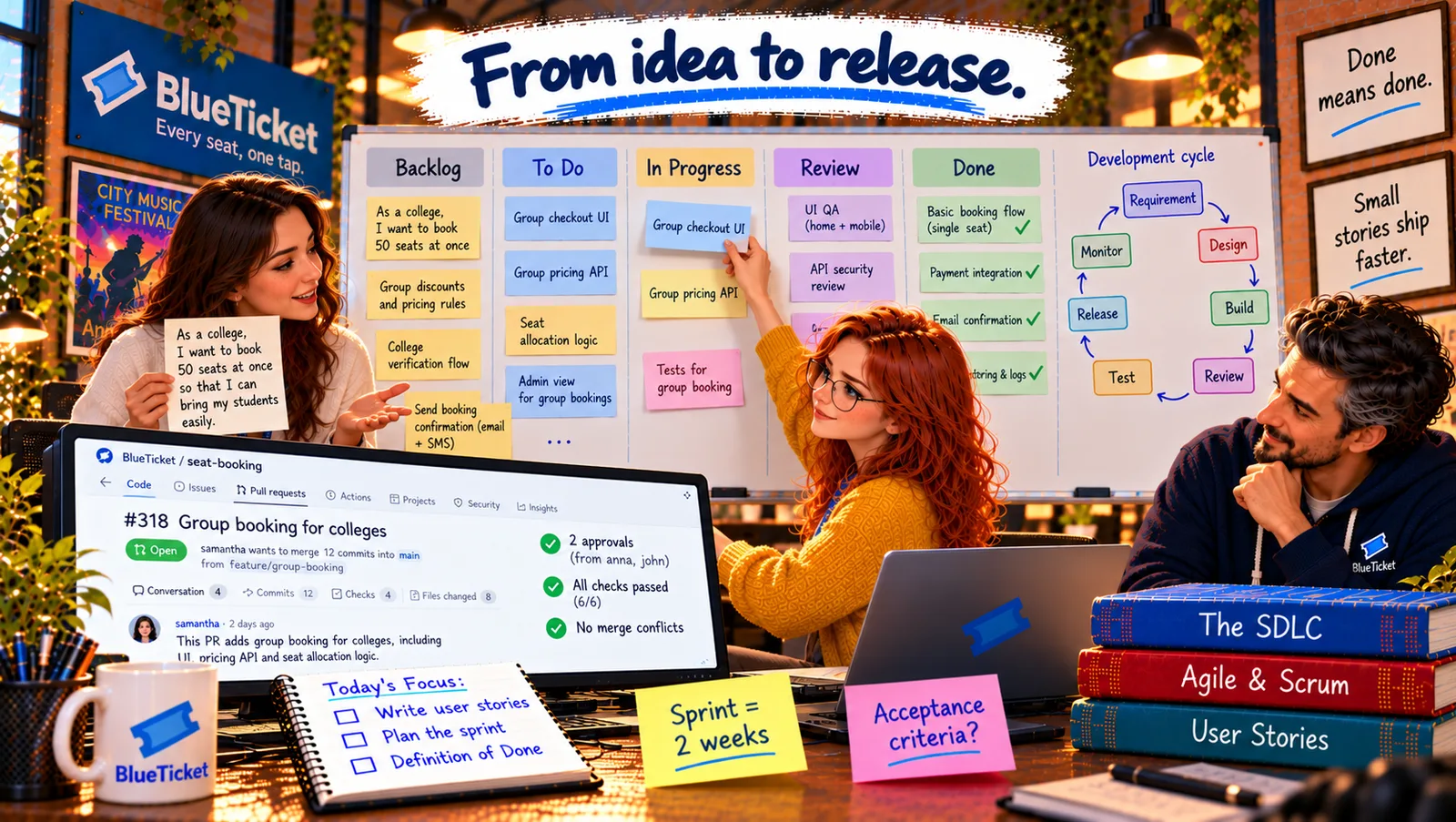
The development workflow, all together: ticket → branch → code and tests → pull request → review → automated checks → merge → build → deploy to staging → check → deploy to production → monitor. Anna draws it on a sticky note and puts it on her monitor.
Key Takeaway
After code is written, it's reviewed by teammates (the head chef tasting), tested automatically and on staging, built the same way every time (plating), deployed to production (serving), monitored (watching the customer's face) and maintained with bug fixes and hotfixes (adjusting the recipe). Users receive releases, named with version numbers like v2.4.0 and tagged in Git.
Why This Matters
As a junior developer, your daily work lives inside this workflow. Knowing what happens after you push — review, checks, staging, release, monitoring — helps you prepare your work well, understand why a release is waiting, and know what to do when something you shipped breaks.
Anna now sees the whole journey. But group booking is still one huge dish, and there are six weeks to cook it. How do teams cut big work into pieces they can actually finish? John introduces her to the way BlueTicket organises its work: Agile and Scrum.