

In this chapter
We'll learn what encryption really does — locking data so only the right key opens it — the two kinds of keys, how HTTPS and TLS use both, and the difference between protecting data while it travels and while it's stored, explained with locked boxes and open padlocks.
The Problem in Real Life
Samantha forwards a question from a large venue's IT department: "Is our customers' data encrypted in transit and at rest?" She adds one line: "Please answer this in words I can also understand."
Anna knows the padlock in the browser from Act 12, and that the database is "encrypted" from Act 20. But to answer properly, she needs to understand what encryption actually is — and why it's different from the hashing she just learned.
Hashing is a smoothie. So what's encryption?
Anna
Data Anyone Can Read vs. Data Only the Right Key Can Open
Data travels through strangers
Between a fan's phone and BlueTicket, data passes through Wi-Fi, ISPs and routers (Act 11).
Data sits on disks
Databases, backups and laptops can be stolen or copied.
Sharing a key safely
To lock and unlock messages, both sides need keys — without anyone else getting them.
Encryption, HTTPS and TLS
The locked box analogy: encryption is putting a message in a box and locking it. Anyone can carry the box, but only someone with the right key can open it and read the message. Unlike hashing (the smoothie), encryption is designed to be reversed — by the right key.
- Encryption vs. hashing: hashing is one-way: good for checking (passwords). Encryption is two-way: good for hiding and later reading (messages, stored data). Use the wrong one and you get either readable passwords or unreadable data.
- Symmetric encryption — one key for locking and unlocking: the same key locks and unlocks, like a normal house key. Very fast, so it's used for large amounts of data (the standard algorithm is AES). The problem: how do two sides who've never met agree on the same secret key, over a network full of strangers?
- Asymmetric encryption — the open padlock: imagine handing out open padlocks to anyone who asks, while you keep the only key. Anyone can snap a padlock shut on a box and send it to you; only you can open it. That's asymmetric encryption: a public key (the padlock — share it freely) and a private key (keep it secret). It also works backwards for signatures: something "locked" with your private key can be checked by anyone with your public key — that's how certificates and JWT-style signatures prove who made them.
- TLS — using both, cleverly: TLS (Transport Layer Security) is the protocol that secures connections. During the handshake (Act 12), the server shows its certificate (Act 19) — its public key, signed by a trusted authority, proving it's really
blueticket.example. Then, using asymmetric tricks, browser and server agree on a fresh symmetric key that nobody watching can work out. The rest of the conversation is encrypted with that fast symmetric key. - HTTPS — HTTP inside TLS: HTTPS is ordinary HTTP (Act 12) sent through a TLS connection. It gives three things: privacy (nobody in between can read it), integrity (nobody can change it unnoticed) and authenticity (you're really talking to the site whose name you typed).
- Encryption in transit — while it travels: data moving over a network is encrypted with TLS: browser to load balancer (HTTPS), and ideally also inside the system — app to database, app to Redis — so someone who gets into the network still sees only locked boxes.
- Encryption at rest — while it's stored: data on disks — databases, backups, object storage, laptops — is encrypted, so a stolen disk or copied backup is unreadable without the keys. Cloud providers make this a setting (Act 20's
storage_encrypted = true); the keys are kept in a key management service, separate from the data.
| Feature | Hashing | Encryption |
|---|---|---|
| Analogy | A smoothie | A locked box |
| Reversible? | No | Yes, with the key |
| Use for | Passwords, checking files haven't changed | Messages, stored data you need to read later |
| Examples | bcrypt, Argon2, SHA-256 | AES, TLS |
| Feature | Symmetric | Asymmetric |
|---|---|---|
| Analogy | One house key | Open padlocks + your private key |
| Keys | One shared secret key | Public key + private key |
| Speed | Very fast | Slower |
| Used for | Encrypting the actual data | Agreeing on keys, certificates, signatures |
Where BlueTicket's data is encrypted
Fan's browser or app
HTTPS
Load balancer
certificate for blueticket.example
App containers
inside the private network
Database + backups
at rest: encrypted disks
Object storage
at rest: encrypted
Anna's answer to the venue: "Yes. In transit: every connection from fans' browsers and apps uses HTTPS with TLS 1.2 or newer, and connections between our services and our database and Redis are also encrypted with TLS. At rest: our database, its backups and our file storage are encrypted on disk, with keys held in our cloud provider's key management service. Passwords are not encrypted at all — they're stored only as salted bcrypt hashes, so even we can't read them. Card numbers are never stored by us; our payment provider handles them." Samantha reads it twice. "I understood every sentence. Send it."
Key Takeaway
Encryption locks data in a box that only the right key can open — unlike hashing, it's meant to be reversed. Symmetric encryption uses one fast shared key (AES); asymmetric uses a public padlock and a private key, and also enables signatures. TLS combines them: certificates prove identity, then a fresh symmetric key encrypts the conversation. HTTPS is HTTP over TLS. Protect data in transit (TLS everywhere) and at rest (encrypted disks and backups, keys kept separately).
Why This Matters
Customers, venues, auditors and laws all ask the same question: is the data encrypted in transit and at rest? Knowing the difference between hashing and encryption, what TLS actually does and where keys live lets you answer clearly — and avoid classic mistakes like encrypting passwords or forgetting the connection to the database.
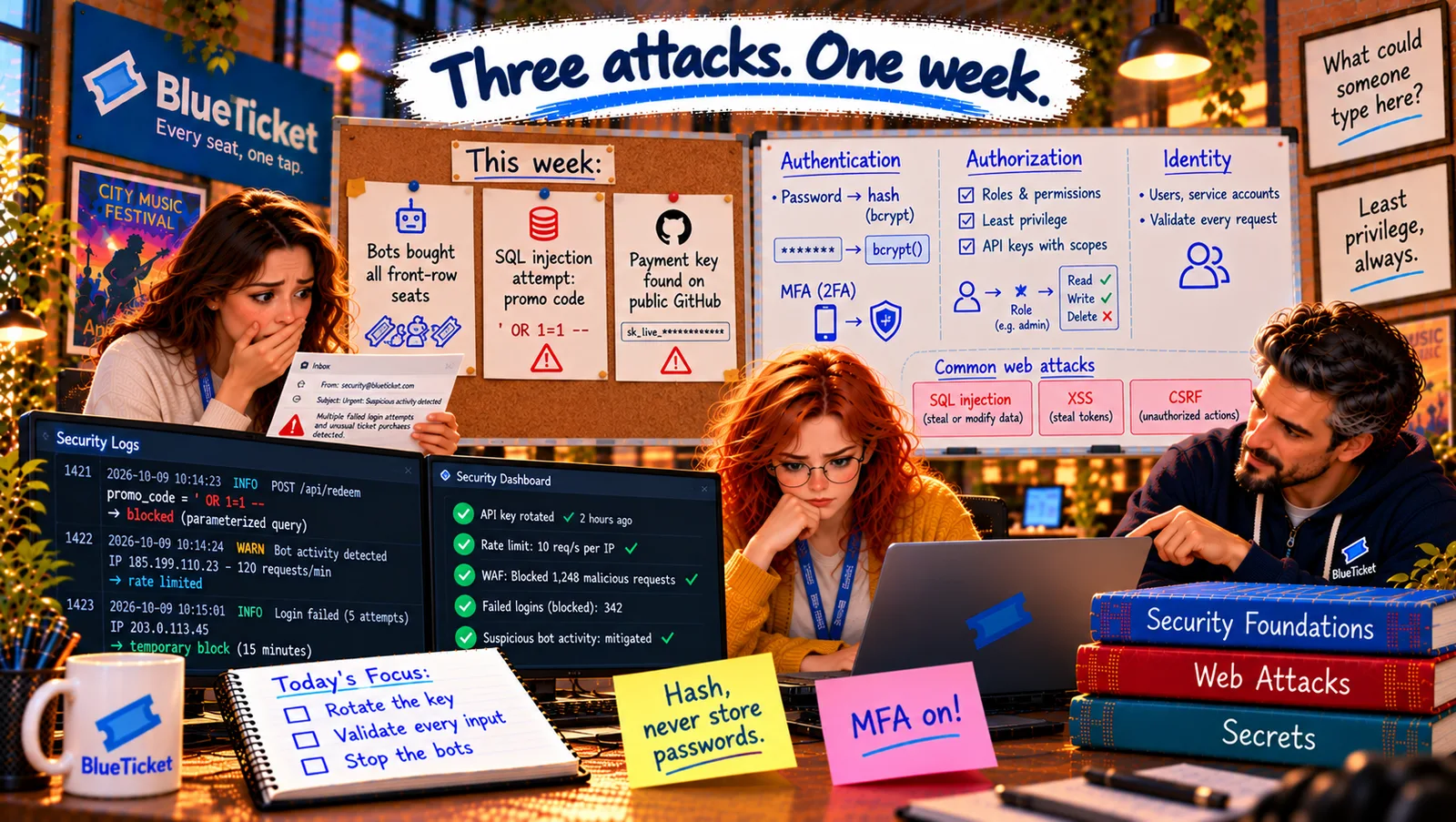
Encryption is only as safe as its keys. And on Thursday morning, one of BlueTicket's most powerful keys was sitting on a public website for anyone to copy.