

In this chapter
We'll learn why every software team uses version control — explained with "final_v2_REALLY_final" files and a video game's save points — and what Git and a repository are.
The Problem in Real Life
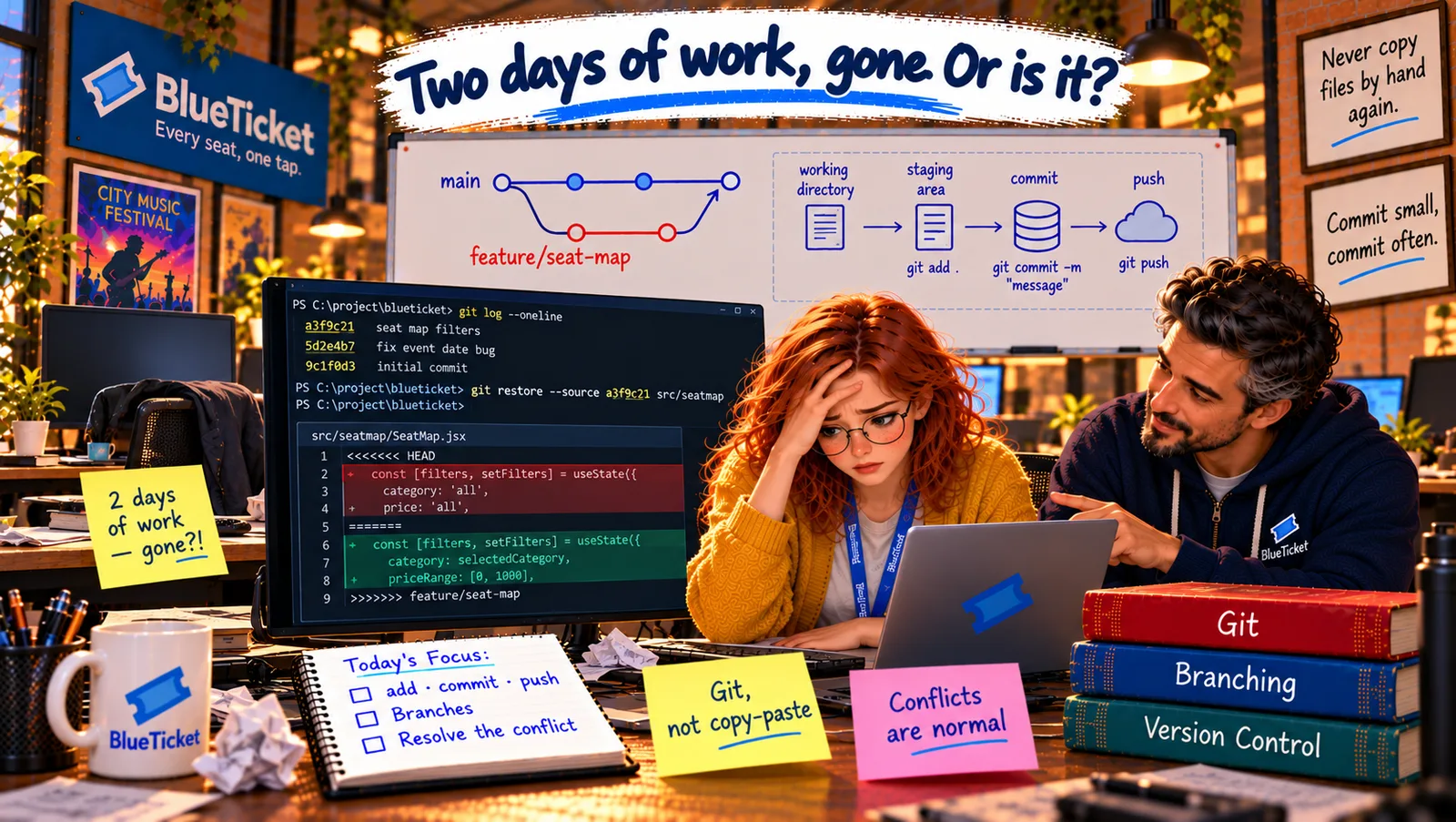
Week fifteen. Anna needs the latest seat-map code. Her copy is a few days old, and she's in a hurry. So she does what she's always done with files: she copies the seatmap folder from an old download on her laptop, pastes it over the project's folder, saves, and sends her change to the team.
Twenty minutes later, her teammate Liam walks over, pale. "My seat-map filters are gone. Two days of work. They were there this morning." Anna looks at her screen and realises: the folder she pasted was older than his work. She'd quietly replaced his files with an old version.
"I'm so sorry," she says. "Is it... gone forever?" John doesn't even look worried. "No. Because we use Git. Nothing is gone. Let me show you why."
With version control, almost every mistake can be undone. Without it, every mistake is permanent.
John
Copying Files Around vs. a Full History of Every Change
Copying files loses work
Pasting a folder over another silently replaces newer work with older work.
Many people, same files
A team changes the same project every day. Someone has to keep track of who changed what.
You need a way back
When something breaks, you need to see exactly what changed — and go back.
Why Version Control?
The "final_v2" problem: you've probably seen a folder like this: report.docx, report_final.docx, report_final_v2.docx, report_final_v2_REALLY_final.docx, report_final_v2_John_edits.docx. Which one is the latest? What changed between them? Who changed it? Now imagine that for a project with 3,000 files and 15 people changing them every day. That's the problem version control solves.
The video game save points analogy: in a video game, you save at important moments. If you walk into a trap, you load the last save and try again. You can even keep several saves and go back to any of them. Version control gives a whole software project save points: every time someone saves a set of changes, the system records exactly what changed, who changed it, when and why — and you can go back to any earlier point.
- Version control system: software that records every change to a set of files over time, so you can see the history, compare versions, go back, and let many people work on the same files safely.
- Git: the version control system almost every software team uses today. It's free, open source, fast, and was created in 2005 by Linus Torvalds — the same person who created Linux — to manage the Linux kernel's code.
- Repository (repo): a project folder that Git is tracking, plus its entire history. The history lives in a hidden folder called
.gitinside the project (a hidden file, from Act 06). Every save point ever made is in there. Delete the.gitfolder, and the project becomes just files again, with no memory.
| Situation | Copying files around | With Git |
|---|---|---|
| Which version is the latest? | Guess from the file names | Always clear — the newest save point |
| What changed and why? | Nobody knows | Every change has a message, author and date |
| Someone overwrites your work | Lost | Still in the history, recoverable |
| A change breaks something | Hope someone has a backup | Go back to the last good save point |
| Trying a risky idea | Copy the whole folder first | Make a branch, throw it away if needed |
| Video game | Git |
|---|---|
| Saving your progress | Making a commit |
| The list of all your saves | The project's history (git log) |
| Loading an old save | Going back to an earlier commit |
| A separate save slot to try something risky | A branch |
What version control gives a team: a complete history — every change ever made, with who, when and why. Safe teamwork — many people can work on the same project without overwriting each other (when used properly). Undo for anything — go back to any earlier version of any file. Blame-free investigation — find exactly which change introduced a bug (Act 17). And experiments without fear — try something risky in a separate copy, and throw it away if it doesn't work (chapter 5).
Why Liam's work isn't gone: this morning, before Anna's paste, Liam had saved his work in Git — twice. Those save points are in the repository's history. Anna's change didn't delete them; it just added a new save point on top, with old files in it. John opens the history and there they are: "Add price filter to seat map" and "Add section filter to seat map," both by Liam, both from this morning. Getting them back will take about a minute — once Anna understands how Git saves things. That's the next chapter.
Key Takeaway
Version control records every change to a project — what, who, when and why — like save points in a video game, so a team can work together safely and go back to any earlier version. Git is the version control system almost everyone uses. A repository is a project folder plus its full history, stored in the hidden .git folder.
Why This Matters
Every software team in the world uses version control, and almost all of them use Git. It's the first tool you'll use on your first day at any job, and it's how teams collaborate, review each other's work (Act 18) and deploy safely (Act 19). Losing work because of a copied folder is a mistake you only make once — if you're lucky enough to be using Git when it happens.
Liam's work is safe in the history. To get it back — and to never cause this again — Anna needs to understand how Git turns changes into save points: the working directory, the staging area and commits.