

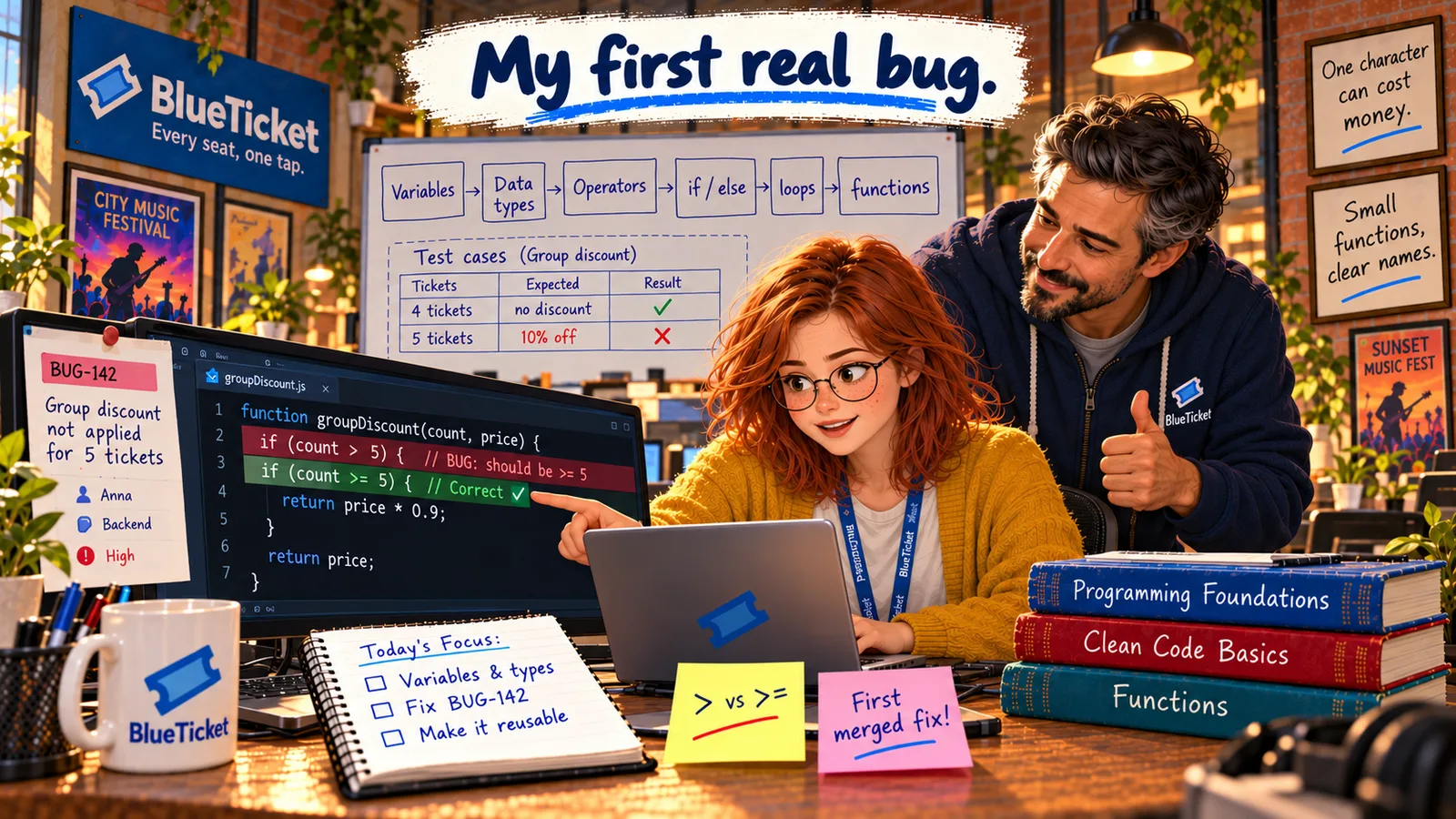
In this chapter
We'll learn how programs make decisions with if, else if and else, and how they repeat work with for, for...of and while loops — and use both to price a whole cart correctly.
The Problem in Real Life
With the bug fixed, Anna reads the rest of the pricing code. It checks one ticket, then copies the same lines again for the second ticket, and again for the third — five copies in total. A comment above says: // TODO: support more than 5 tickets.
John winces. "Someone wrote that before we had groups. What happens when a college buys 50 tickets?" Anna already knows: tickets 6 to 50 wouldn't be priced at all.
If you're copying the same lines over and over, the computer should be doing that for you.
John
Copy-Pasting Lines vs. Decisions and Loops
Copied code breaks
Five copies of the same lines mean five places to fix — and no way to handle a sixth ticket.
Several rules, one price
Group, student and normal prices need a clear order of decisions, not a tangle.
Repeat for any number of items
A cart can hold 1 ticket or 50. The code must work for both without changes.
Making Decisions and Repeating Work
Code normally runs from top to bottom, one line after another. Two tools change that flow: conditionals choose which lines to run, and loops run lines more than once. Together they're called control flow.
if: runs a block of code only when a condition is true.if (count >= 5) { ... }— the code inside the curly brackets runs only for groups.else: runs a block when theifcondition is false. One or the other always happens.else if: checks another condition when the first was false. Conditions are checked from top to bottom, and only the first true one runs — so order matters.forloop: repeats a block a set number of times, using a counter.for (let i = 0; i < 3; i++) { ... }runs three times, withias 0, 1 and 2. (i++means "add 1 to i".)for...ofloop: runs once for each item in an array — the simplest way to do something to every ticket in a cart:for (const ticket of cart) { ... }.whileloop: repeats as long as a condition stays true. Useful when you don't know in advance how many times — like "keep trying while the payment is pending."
| Loop | Use it when | Example |
|---|---|---|
| for | You know how many times | Print seat numbers 1 to 20 |
| for...of | You want each item in a list | Add up every ticket in a cart |
| while | You repeat until something changes | Check payment status until it's done |
| Tickets | Student? | Expected discount |
|---|---|---|
| 1 | No | None |
| 4 | No | None |
| 5 | No | 10% (group) |
| 5 | Yes | 20% (student — best one wins) |
| 50 | No | 10% (group) |
| 0 | No | Total is 0 |
How the new pricing decides
Loop: add up every ticket
for (const ticket of cart)
Is the buyer a student?
yes → 20% off, done
Else, 5 or more tickets?
yes → 10% off, done
Else: full price
no discount
const GROUP_SIZE = 5;let totalCents = 0;for (const ticket of cart) { // runs once per ticket, any numbertotalCents += ticket.priceCents;}if (isStudent) { // best discount firsttotalCents = Math.round(totalCents * 0.8); // 20% off} else if (cart.length >= GROUP_SIZE) {totalCents = Math.round(totalCents * 0.9); // 10% off} else {// no discount: full price}
Only one branch of the if / else if / else chain runs, so a student group never gets both discounts.
A warning about loops: if a loop's condition never becomes false, it runs forever — an infinite loop. The program freezes and uses 100% of a CPU core. That's exactly what Anna saw in Act 05 with the file watcher. Always make sure something inside a loop moves it towards ending. If you need to stop a loop early, break exits it immediately.
Anna rewrites the pricing in two clear steps. First, a loop adds up the price of every ticket in the cart — any number of tickets, no copied lines. Second, an if / else if / else chain decides the discount. She puts the best discount first: a student group gets the student price (20% off) rather than the group price (10% off), and only one discount ever applies.
Then she tests the edges, as John taught: 0 tickets, 1 ticket, 4, 5, 6 and 50 tickets, with and without a student account. Every result matches the website's promise.
Key Takeaway
Conditionals (if, else if, else) choose which code runs — checked top to bottom, first true wins, so order matters. Loops (for, for...of, while) repeat code for a count, for each item, or while a condition holds. Every loop needs a way to end, or it becomes an infinite loop.
Why This Matters
Decisions and repetition are how every real program handles real data: every ticket in a cart, every seat in a venue, every line in a log (Act 06's grep is a loop over lines). In Act 08, Anna will design a much trickier set of decisions — holding a seat for ten minutes — and in Act 09 she'll see how a loop inside a loop can make a page take eight seconds.
The pricing works for any cart. But it's all one long block of code inside the checkout page. The mobile app needs the same pricing, and so does the refund page. Copying it three times would bring back every problem loops just solved. Anna needs to package it so it can be reused.