

Playground Checkpoint
Describe Tom's shop with constants and variables and print a small daily report — then break it on purpose.
The Challenge
Friday afternoon. Olivia wants one small file that describes Tom's shop and today's bookings, and prints a short report she can read at a glance. "And this time," she says, "if Tom changes a price, I want it changed in one place — not six."
Open the starter in the PHP Playground with the button below. It contains the plan as comments. Write the code under each comment until the output matches the expected report exactly. Then break it twice on purpose, to see for yourself how PHP treats a misspelled variable and a misspelled constant.
What Your File Needs
- Define the shop's fixed values as constants with
const: the shop name (Tom's Barbershop), opening hour (9), closing hour (18), slots per hour (2), haircut price (25) and beard trim price (10). Each value is written exactly once in the file. - Store today's bookings in variables with clear camelCase names: 5 haircuts and 2 beard trims.
- Write a small function,
slotsFor(), that turns a number of hours into a number of slots using the slots-per-hour constant — withoutglobaland without an extra parameter for it. - Work out the hours open, the total slots, the free slots (each booking uses one slot) and today's takings — without typing any price or hour as a number again.
- Print the discount code, or
noneif there isn't one — without creating a$discountCodevariable, and without any warning. - The output must match the expected report exactly, with no warnings.
- Finally, break it on purpose: misspell one variable in one of the
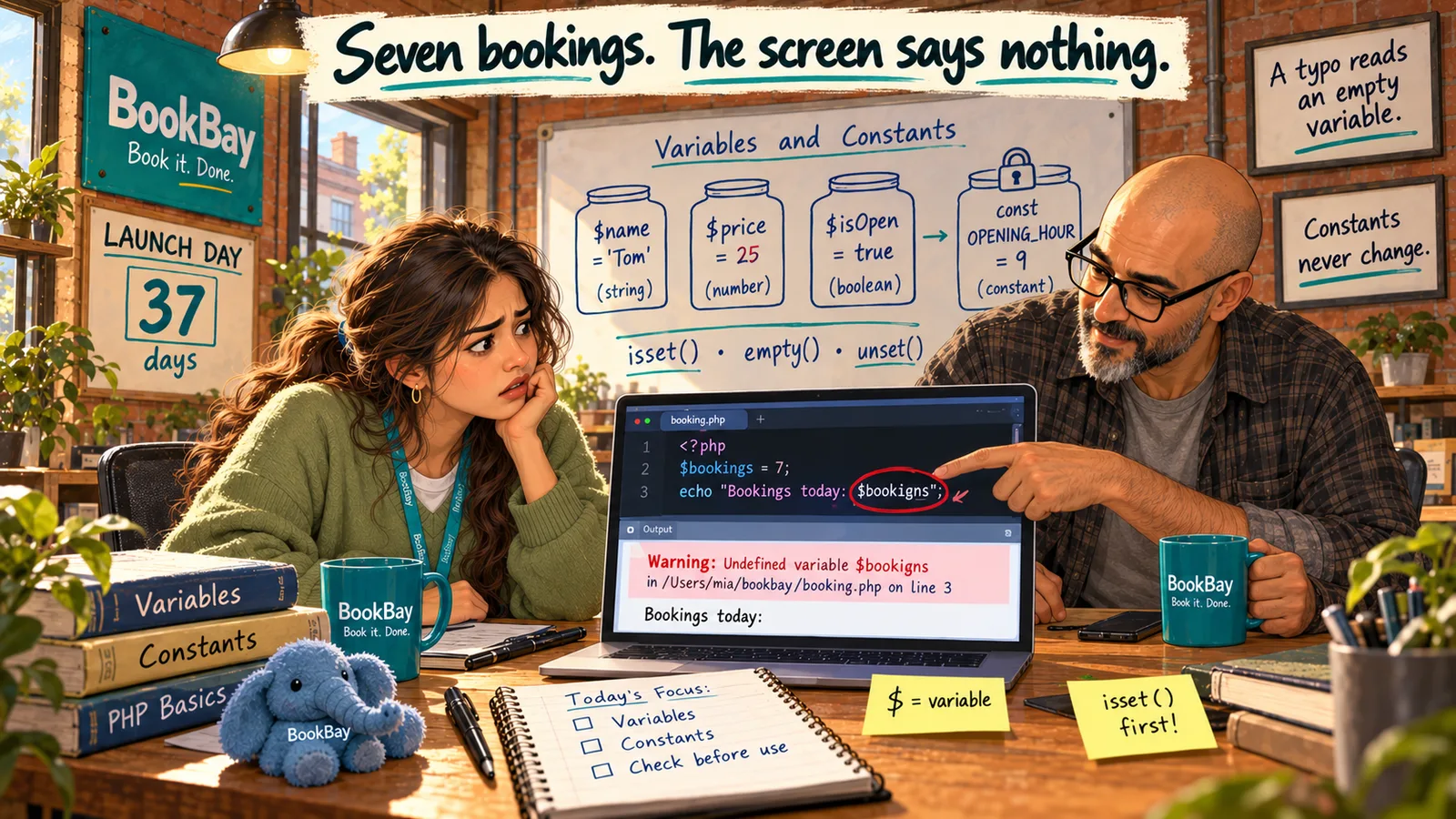
echolines and run the file; then put it back, misspell one constant in anecholine and run again. Write down the difference — then fix it.
Stuck? A Few Hints
- Constants have no
$, are written in UPPER_SNAKE_CASE, andconstlines go at the top level of the file — not inside the function (chapter 3). - Constants aren't filled in inside double quotes. Print them with commas:
echo "Open ", OPENING_HOUR, ":00";(chapter 3). - A function can see constants, but not your variables (chapter 5). That's why the slots-per-hour value must be a constant here.
- For the discount code, the
??shortcut from chapter 2 does it in one expression: a missing variable on its left gives no warning. - Free slots are the total slots minus all bookings. Takings are the haircuts times the haircut price, plus the beard trims times the beard trim price.
Ready to Build It?
Opens the Playground, right in your browser — nothing to install.
A correct run prints exactly six lines: Tom's Barbershop · Open 9:00 to 18:00, 9 hours, 18 slots · Booked: 5 haircuts, 2 beard trims · Free slots: 11 · Takings: £145 · Discount code: none — and nothing else, no warnings.
Before You Move On
If your report matches, you can now give every value in a PHP file the right home: fixed values in constants, changing values in variables, optional values checked with ?? or isset() before you use them, and values passed into functions instead of reached for from outside. You've also seen why mistakes should be loud — a misspelled constant stops the file, a misspelled variable only whispers. Next: what kinds of values PHP has — types.