

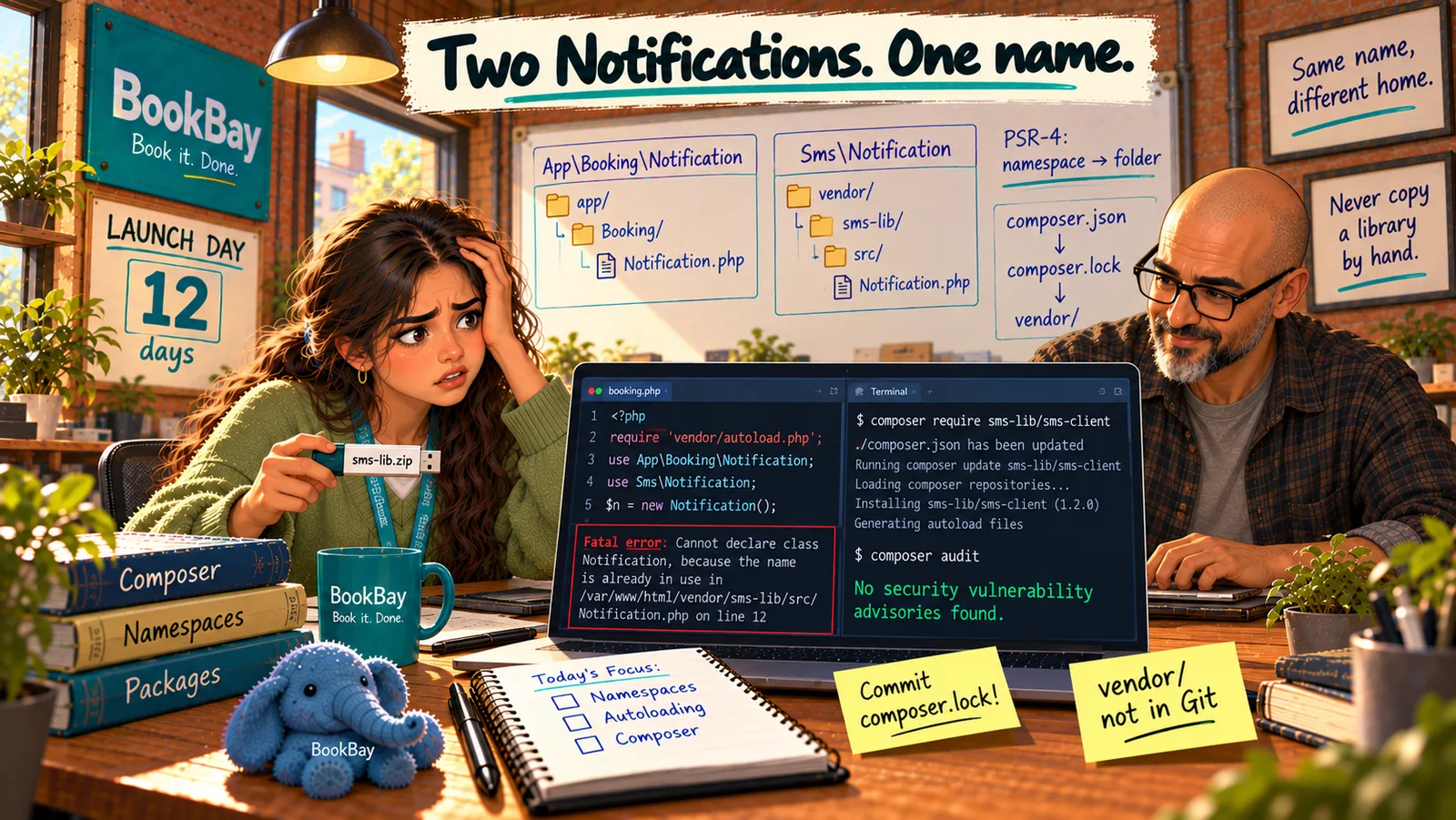
In this chapter
We'll learn what Composer is and why copying libraries from zip files breaks, what composer.json, composer.lock and the vendor folder each do, how to add, install, update and remove packages, where packages come from (Packagist and other repositories), and how platform requirements like ext-mbstring stop a project from running on the wrong server.
The Problem in Real Life
TextFlow's version 2.4 has a security fix, so Mia unzips it over lib/textflow/. The reminder script dies: "Class "GuzzleHttp\Client" not found". Version 2.4 sends SMS through Guzzle, another library — which wasn't in the zip, and which needs two more libraries of its own.
Worse, git diff shows that Marcus's small fix from last month, made directly inside lib/textflow/Client.php, is gone: the new zip overwrote it. And nobody can say which version BookBay was running before, because the folder had no version number anywhere.
Copying libraries by hand only works until the first update. We need a tool that knows what we use, what that needs, and exactly which versions we have.
Marcus
Zip Files by Hand vs. Composer
Libraries need libraries
TextFlow 2.4 needs Guzzle, which needs three more packages. Nobody wants to download those by hand.
Which version do we have?
A copied folder doesn't say. Every laptop and the server can quietly differ.
Two files, one folder
composer.json says what you want, composer.lock records exactly what you got, vendor/ holds the code.
Composer, composer.json and composer.lock
PHP's package manager: Composer is the tool every PHP project uses to install the libraries it depends on. It's what npm is for JavaScript and pip for Python. This chapter covers:
- Packages and dependencies: what Composer actually manages.
- composer.json, composer.lock and vendor/: the three pieces and who edits each.
- The commands: require, install, update and remove.
- Packagist and repositories: where packages come from.
- Platform requirements: PHP versions and extensions.
Packages and dependencies: a package is a library with a name in the form vendor/package, like guzzlehttp/guzzle or monolog/monolog. Your project depends on a package when your code uses it — that package is a dependency. Most packages depend on others in turn, so the full list grows fast: these indirect ones are transitive dependencies. Composer reads what your project asks for, works out the whole tree, picks versions that fit together, downloads all of them and makes their classes loadable. It's installed once per computer (composer --version shows it; this course was checked with Composer 2.10) and works in any folder.
composer.json: what you want: the file composer.json, in the project's root folder, is written by you (mostly through commands). Its require section lists your direct dependencies with the range of versions you accept, like "giggsey/libphonenumber-for-php-lite": "^9.0" — chapter 5 explains the ranges. It also holds the project's name, the autoloading rules (chapter 6) and scripts (chapter 7). composer init asks a few questions and creates one. One thing to check after init: it builds a namespace from the package name, so bookbay/booking became Bookbay\Booking with a lower-case "b" — fix it to BookBay\Booking straight away, because namespaces in composer.json must match your code exactly.
{"name": "bookbay/app","description": "BookBay's booking system","type": "project","license": "proprietary","require": {"php": ">=8.2","ext-mbstring": "*","giggsey/libphonenumber-for-php-lite": "^9.0"}}
composer.lock: exactly what you got: when Composer resolves the versions, it writes composer.lock: the exact version of every package, direct and transitive, plus where it was downloaded from and a checksum. You never edit it by hand. Commit both files to Git. With the lock file, every laptop, every test run and the production server install the same versions, down to the last digit — the "which version were we running?" question can never happen again. The diagram below shows how the three pieces relate.
composer.json → composer.lock → vendor/
composer.json
you: "giggsey/libphonenumber-for-php-lite": "^9.0"
composer update / require
Composer picks the newest versions that fit — including transitive ones
composer.lock
exactly 9.0.42 and symfony/polyfill-mbstring v1.43.3 (committed)
composer install
on every laptop, CI and the server — the same versions
vendor/
the code + vendor/autoload.php (not committed, never edited)
vendor/: the code itself: Composer puts every package's code into the folder vendor/, one folder per package (vendor/giggsey/…, vendor/symfony/…), plus vendor/autoload.php, the one file your code includes to load all of them (chapter 6). Add vendor/ to .gitignore: it can always be rebuilt from the lock file, so it doesn't belong in Git. And never edit the files inside it — exactly Marcus's mistake: the next install throws your change away. To change how a library behaves, extend or wrap its class in your own code, or contribute the fix to the library.
require, install, update, remove: four commands do almost everything. composer require vendor/package adds a new dependency: it updates composer.json, resolves versions, updates composer.lock and installs. composer install installs exactly what the lock file says — the command for a fresh clone, a colleague's laptop, CI and production. composer update ignores the old lock, finds the newest versions your ranges allow, and writes a new lock file; run it on purpose, review the change, and commit the new lock. composer update vendor/package updates just one package. composer remove vendor/package takes one out, along with transitive dependencies nothing else needs. The table below summarises them, and the code shows real output.
| Command | Reads | Changes composer.json? | Changes composer.lock? | Use it when… |
|---|---|---|---|---|
| composer require vendor/pkg | Packagist | Yes: adds the package | Yes | Adding a new dependency |
| composer install | composer.lock | No | No (creates it only if missing) | Fresh clone, CI, production |
| composer update | composer.json | No | Yes: newest allowed versions | On purpose, to upgrade |
| composer update vendor/pkg | composer.json | No | Yes: only that package | Upgrading one package |
| composer remove vendor/pkg | composer.json | Yes: removes it | Yes | A dependency is no longer used |
| composer show | composer.lock | No | No | Listing installed versions |
$ composer require giggsey/libphonenumber-for-php-lite./composer.json has been updatedRunning composer update giggsey/libphonenumber-for-php-liteLoading composer repositories with package informationUpdating dependenciesLock file operations: 2 installs, 0 updates, 0 removals- Locking giggsey/libphonenumber-for-php-lite (9.0.42)- Locking symfony/polyfill-mbstring (v1.43.3)Writing lock fileInstalling dependencies from lock file (including require-dev)Package operations: 2 installs, 0 updates, 0 removals- Installing symfony/polyfill-mbstring (v1.43.3): Extracting archive- Installing giggsey/libphonenumber-for-php-lite (9.0.42): Extracting archiveGenerating autoload filesNo security vulnerability advisories found.Using version ^9.0 for giggsey/libphonenumber-for-php-lite$ composer showgiggsey/libphonenumber-for-php-lite 9.0.42 A lite version of giggsey/libphonenumber-for-php, ...symfony/polyfill-mbstring 1.43.3 Symfony polyfill for the Mbstring extension
Packagist and other repositories: where does composer require find packages? By default on Packagist (packagist.org), the public directory of PHP packages, with hundreds of thousands of them. Packagist stores only each package's name, versions and the address of its code (usually a GitHub repository); Composer downloads the code from there. A project can add other repositories in composer.json: a private Git repository, a private package server, or a folder on disk — chapters 7 and 9 use those.
Platform requirements: composer.json can also require things Composer can't install: a PHP version and PHP extensions. "php": ">=8.2" and "ext-mbstring": "*" — the promise from Act 01 — make Composer check the computer it runs on. If the server lacks mbstring, composer install stops before anything is deployed, with a clear message, instead of the site crashing on the first mb_strlen(). Packages declare the same: the phone-number library requires php ^8.1. The example below shows the message.
$ composer installYour requirements could not be resolved to an installable set of packages.Problem 1- Root composer.json requires PHP extension ext-mbstring * but it is missing from your system. Install or enable PHP's mbstring extension.To enable extensions, verify that they are enabled in your .ini files:- /etc/php/8.5/cli/php.iniYou can also run `php --ini` in a terminal to see which files are used by PHP in CLI mode.Alternatively, you can run Composer with `--ignore-platform-req=ext-mbstring` to temporarily ignore these required extensions.
Key Takeaway
Composer installs a project's dependencies and their transitive dependencies. composer.json (yours, committed) lists what you want and the version ranges you accept; composer.lock (generated, committed) records the exact versions installed; vendor/ (generated, not committed, never edited) holds the code plus vendor/autoload.php. composer require adds a package, composer install reproduces the lock exactly, composer update moves to the newest allowed versions and rewrites the lock, composer remove takes one out. Packages come from Packagist by default, and platform requirements (php, ext-mbstring) are checked before anything installs.
Why This Matters
Every PHP framework and almost every PHP project is installed with Composer: Laravel itself is a set of Composer packages. "Clone, composer install, run" is the first thing you'll do on any PHP job.
The lock file is what makes deployments repeatable. "It works on my machine" bugs caused by different library versions disappear when everyone installs from the same composer.lock.
lib/textflow/ is deleted, and TextFlow's library is now a Composer package with all its dependencies in vendor/. To test the upgrade properly, Marcus copies an old side project's composer.json that uses the same library — it says "textflow/sms": "*". composer update installs TextFlow 3.0, and every send() call breaks: version 3 renamed it. Why did Composer pick a version that breaks the code? That's the next chapter: semantic versioning.