

In this chapter
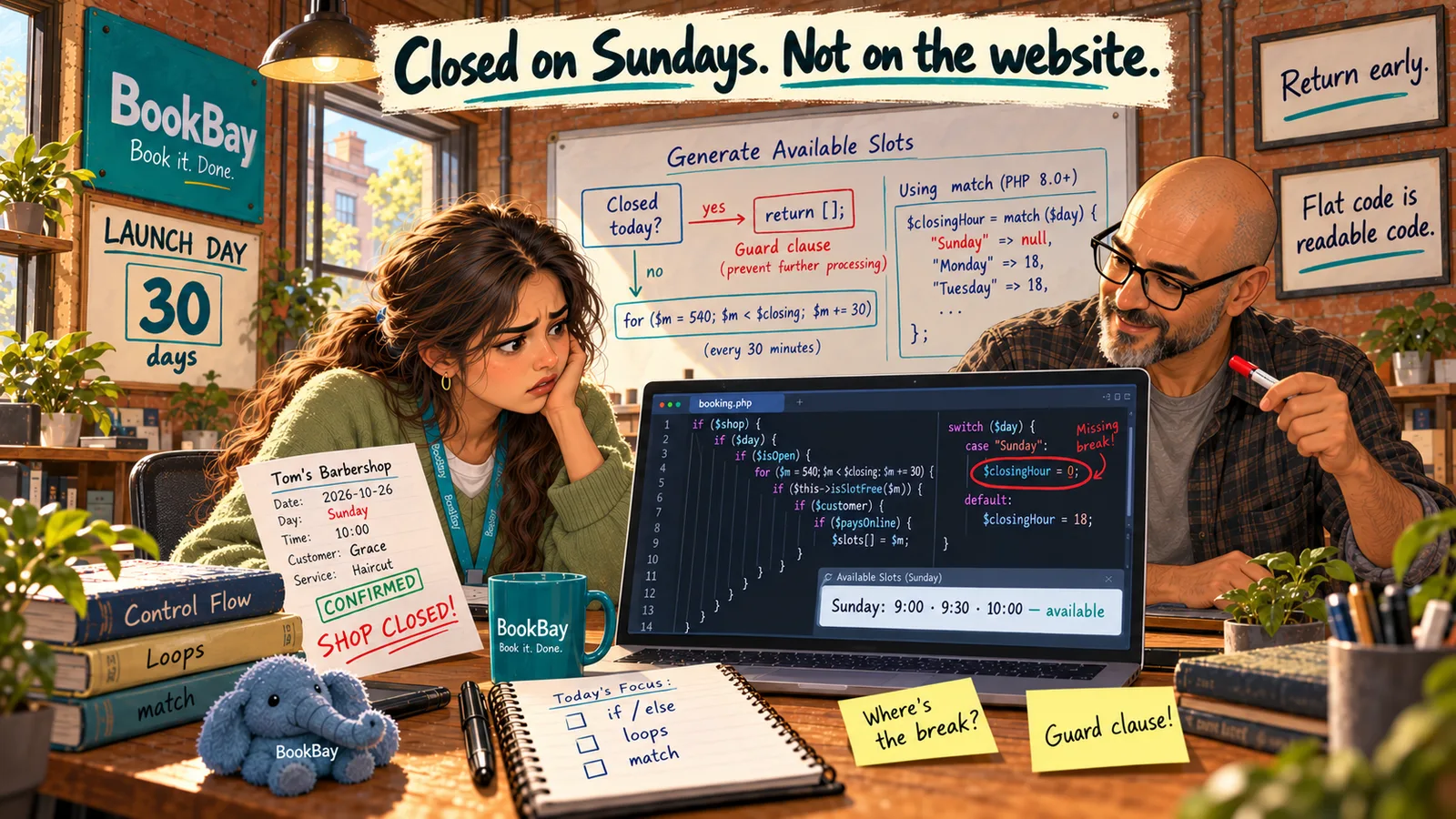
We'll learn the statements that leave code early — return, which ends a function and gives back a value, exit, which stops the whole script, and goto, which you'll recognise but never write — and why one exit made Monday vanish from the week view.
The Problem in Real Life
The week view shows three days at a time, starting with today. It's Saturday, so it shows Saturday, Sunday and Monday. Olivia wants Sunday to say "closed" instead of showing an empty row.
Mia adds three lines to slotsFor(): if the day is Sunday, print "Sunday: closed" and exit. She tests Sunday on its own, and it works. The next morning Olivia sends a screenshot: Saturday's slots, then "Sunday: closed" — and then nothing. No Monday. Even the page footer is gone.
I only wanted to stop Sunday. Where did Monday go?
Mia
Leaving a Function vs. Stopping Everything
The rest of the page vanished
exit doesn't end a function. It ends the whole script — every line after it, in every file.
Who decides what to show?
slotsFor() should report "no slots". Printing "closed" and stopping is a decision for the code that called it.
Jumping around
PHP even has goto, which jumps to a label. Recognise it in old code; don't write it.
return, exit and goto
Three ways to leave early: chapter 2's break and continue leave a loop. This chapter adds three statements that leave bigger things:
- return: ends the current function and gives a value back to the line that called it.
- exit: ends the whole script. Nothing after it runs, in any function or file.
- goto: jumps to a label somewhere else in the same file. It exists, but you shouldn't use it.
return: you've seen return at the end of functions since Act 03. What's new is that it can appear anywhere in a function, and wherever it runs, the function ends right there. The value after return becomes the function's result; the lines below it don't run. A function can have several return statements, one for each situation. return; with no value gives back null. In a function declared : void, which gives nothing back, a bare return; simply means "leave now". A function that ends without any return also gives back null.
<?phpfunction closingHour(string $day): ?int{if ($day === "Sunday") {return null; // leaves the function right here}if ($day === "Saturday") {return 16;}return 18;}var_dump(closingHour("Sunday")); // NULLvar_dump(closingHour("Saturday")); // int(16)var_dump(closingHour("Monday")); // int(18)
<?phpfunction logLine(string $text): void{if ($text === "") {return; // nothing to log: just leave}echo "[log] $text\n";}function noReturn(){}logLine(""); // prints nothinglogLine("Slot booked"); // [log] Slot bookedvar_dump(noReturn()); // NULL: no return gives null
exit stops everything: exit doesn't end the function — it ends the whole script. PHP sends whatever output it has, runs any shutdown functions, and stops. No caller, no loop and no footer gets another line. That's what happened to Mia: slotsFor("Sunday") printed "closed" and ran exit, so the foreach over the days never reached Monday, and the template never printed the footer. die is another name for exactly the same thing.
<?phpfunction slotsFor(string $day): array{if ($day === "Sunday") {echo "$day: closed\n";exit; // stops EVERYTHING, not just this function}return ["9:00", "9:30"];}foreach (["Saturday", "Sunday", "Monday"] as $day) {$slots = slotsFor($day);echo "$day: ", count($slots), " slots\n";}echo "(end of week view)\n";// Saturday: 2 slots// Sunday: closed// Monday and the last line never appear
The fix: return, and let the caller decide: slotsFor() has one job: give back the slots for a day. For Sunday the honest answer is "no slots" — an empty array, return [];. The code that calls it, the week view, decides what to show for an empty day: it prints "closed" and moves on to the next day with continue. A function that gives back a value is easy to test and to reuse. A function that prints and then stops the program is neither.
<?phpfunction slotsFor(string $day): array{if ($day === "Sunday") {return []; // "no slots": nothing printed, nothing stopped}return ["9:00", "9:30"];}foreach (["Saturday", "Sunday", "Monday"] as $day) {$slots = slotsFor($day);if ($slots === []) {echo "$day: closed\n";continue;}echo "$day: ", count($slots), " slots\n";}echo "(end of week view)\n";// Saturday: 2 slots// Sunday: closed// Monday: 2 slots// (end of week view)
When exit is right: exit is right when the whole script really is finished. On the web, that's mostly straight after sending a redirect (Act 17), so no page is drawn behind it. In a terminal script, exit can also tell whoever started the script whether it worked. exit(0) means success, and any other number, usually exit(1), means failure. Tools like deploy pipelines check that number and stop if it isn't 0. exit("message") prints the message and stops. Since PHP 8.4, exit and die are real functions, but they're used exactly as before.
<?php// check-settings.php, run as: php check-settings.php$openingHour = 9;$closingHour = 8; // a mistake in the settingsif ($closingHour <= $openingHour) {echo "Settings error: closing hour must be after opening hour.\n";exit(1); // 1 = "failed": a deploy tool stops here}echo "Settings OK.\n";// Settings error: closing hour must be after opening hour.
goto: goto retry; jumps to the line labelled retry:, forwards or backwards. PHP limits it: the label must be in the same file and function, and you can't jump into a loop or a switch ("'goto' into loop or switch statement is disallowed"). Anything goto can do, a loop or a function does more clearly, because the reader sees where the repetition starts and ends. You may meet goto in very old code. Don't write it.
<?php$attempt = 1;retry:echo "Attempt $attempt\n";$attempt++;if ($attempt <= 3) {goto retry; // jump back up to the label}// The same thing as a loop — this is what you should write:for ($attempt = 1; $attempt <= 3; $attempt++) {echo "Attempt $attempt\n";}// Both print: Attempt 1, Attempt 2, Attempt 3
How they compare: the table below lists every statement that leaves a block early — the two from chapter 2 and the three from this chapter — with what each one ends, and where PHP continues.
| Statement | What it ends | Where PHP continues |
|---|---|---|
| break | The current loop or switch | The first line after that loop or switch |
| continue | The current round of a loop | The next round of the same loop |
| return | The current function | The line that called the function, with the value |
| exit / die | The whole script | Nowhere: only shutdown functions still run |
| goto label | Nothing: it jumps | The line after label: in the same function |
Key Takeaway
return ends the current function and hands a value back to its caller; a function can return early from several places. exit (and die) ends the entire script — nothing after it runs anywhere — so use it only when the whole program is truly done, like after a redirect or in a terminal script with an exit code. Let functions return values and let the caller decide what to show. goto exists; never use it.
Why This Matters
return is how every function in BookBay's code hands its result back. Returning early, as soon as the answer is known, is also the main tool for flat, readable code — the next chapter is built on it.
exit is a sledgehammer. Used inside a function, it silently cuts off everything the rest of the page was going to do. Knowing the difference keeps one small feature from blanking out a whole page.
The week view now shows Saturday's slots, "Sunday: closed", and Monday's slots again, and the footer is back. Now Mia can read every piece of the old slot builder: if, loops, match and return. "Good," says Marcus. "Then let's take the staircase apart." That's the next chapter.