

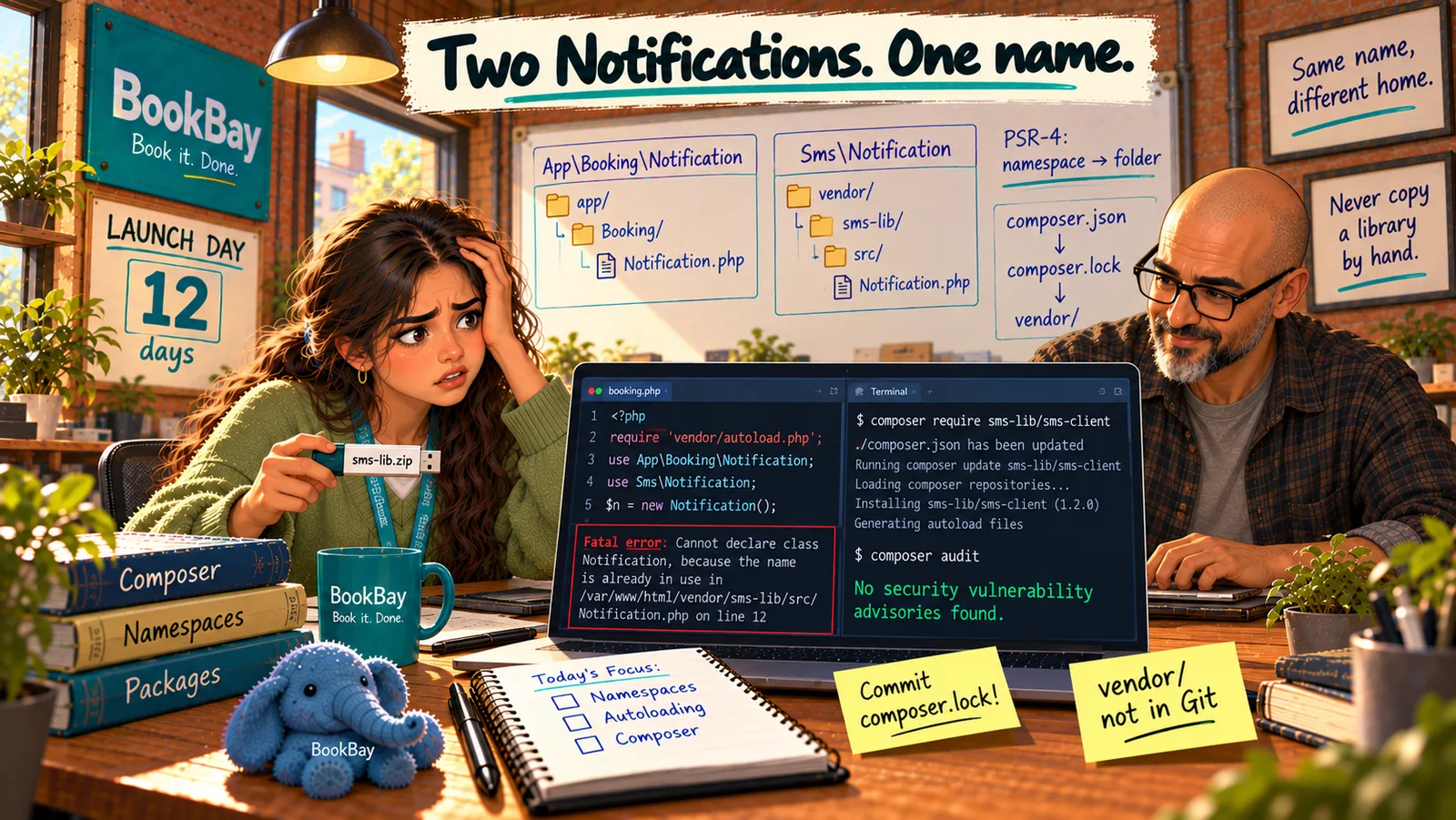
Hands-on Checkpoint
Turn the reminder script into a real Composer project — namespaces, PSR-4 autoloading, a real package from Packagist, your own local package and scripts — on your own computer.
The Challenge
Before launch, Marcus wants the reminder script in its final shape: every class in a namespace and loaded by Composer, the phone numbers formatted by a real library, Money in its own package, and one command to run it. And composer audit must be clean.
Like Act 10's checkpoint, this one runs on your own computer, because Composer, folders and the terminal are the whole point. You need PHP 8.2 or newer with mbstring, and Composer.
What You Need to Do
- Create a folder
bookbaywith acomposer.json(namebookbay/app, typeproject, a description and a licence) that requiresphp8.2 or newer andext-mbstring(chapter 4). - Put the classes
BookBay\Booking\Booking,BookBay\Booking\BookingStatus(an enum) andBookBay\Notifications\Notificationinsrc/, each in the file PSR-4 expects, with capital letters matching exactly.composer dump-autoload -omust print no "does not comply" warning (chapters 1 and 6). - Put a plain function
BookBay\shopName()insrc/helpers.php, loaded throughfilesautoloading, and import it withuse functionwhere it's used (chapters 2 and 6). - Install
giggsey/libphonenumber-for-php-litewithcomposer requireand use it in a classBookBay\Notifications\PhoneFormatterthat turns "07700 900456" into "+447700900456". Check thatcomposer.jsonhas a^constraint and thatcomposer.lockexists (chapters 4 and 5). - Create the package
bookbay/pricinginpackages/pricing/with the classBookBay\Pricing\Money, and install it into the project through a path repository with the constraint^1.0(chapter 9). - Write
bin/send-reminders.phpwith a singlerequire— ofvendor/autoload.php, built from__DIR__— that prints the reminders for the confirmed bookings on the date given as its first argument (chapters 3 and 6). - Add the scripts
remindersandcheck(validate --strictplusaudit), and makecomposer reminders -- 2026-11-06andcomposer checkboth succeed (chapters 7 and 8). - Make sure Git would ignore
vendor/, and thatcomposer.json,composer.lockand the package folder would be committed (chapter 4).
Stuck? A Few Hints
- "Class … not found" for your own class: compare the namespace, the class name and the file path letter by letter, then run composer dump-autoload (chapter 6).
- "Class "BookBay\Booking\DateTimeImmutable" not found": a built-in class needs
use DateTimeImmutable;or a leading backslash (chapter 3). - composer require bookbay/pricing:^1.0 can't find the package: check the path repository's url, and that the package's composer.json has "version": "1.0.0" (chapter 9).
- validate --strict complaining about "unbound version constraints" means a constraint like
@devor*: use^1.0(chapters 5 and 8). - Test the script from another folder too: the require path must start at
__DIR__(Act 10).
Before You Move On
If composer reminders and composer check both pass, you've built the shape every modern PHP project has — Laravel included: namespaces, PSR-4, Composer packages, a lock file and scripts. Next: exceptions. A blank white page in production, and nothing in the logs, is about to teach Mia how PHP reports errors.