

In this chapter
We'll learn PHP's everyday string functions: strlen() for length, str_contains(), str_starts_with(), str_ends_with() and strpos() for searching, substr() for cutting out a piece, str_replace() for replacing, strtolower() and friends for case, and trim() for cleaning up spaces — plus the strpos() trap that skipped every VIP customer.
The Problem in Real Life
Tom marks his best customers by starting the booking note with "VIP", like "VIP - likes a short fade". Their reminder should end with an extra line: "Your free coffee is waiting."
Mia finds the check: if (strpos($note, "VIP")) { ... }. She tests it with a note from Tom's list, "VIP - likes a short fade". No coffee line. She tests "Regular, VIP" — and the coffee line appears.
It finds VIP in the middle of the note, but not at the start. How can the start be harder to find?
Mia
Position 0 vs. Not Found
Finding text
Does the note contain VIP? Does the phone number start with +44? Searching is the most common string job.
0 looks like false
strpos() returns 0 for "found at the very start" — and an if treats 0 as false.
Messy input
Customers type names with extra spaces and random capitals. Clean the text before you use it.
Searching, Replacing and Trimming Strings
PHP's string toolbox: PHP has more than a hundred string functions. You'll use about fifteen of them almost every day. They come in six groups:
- Length:
strlen(). - Searching:
str_contains(),str_starts_with(),str_ends_with(), andstrpos()with its relatives. - Substrings:
substr(), which cuts out a piece. - Replacing:
str_replace(). - Case:
strtolower(),strtoupper(),ucfirst()anducwords(). - Trimming:
trim(),ltrim()andrtrim().
Length: strlen($s) gives the length of a string in bytes (chapter 1). For plain English text, that's the number of characters. For text with letters like é or ë, it isn't — chapter 6 deals with that.
Yes-or-no searches: str_contains(), str_starts_with() and str_ends_with(), added in PHP 8.0, answer a yes-or-no question with true or false. str_contains($note, "VIP") asks "is VIP anywhere in the note?", and str_starts_with($note, "VIP") asks "does the note start with VIP?". They're case-sensitive: "vip" is not "VIP". When your question is yes or no, use these three.
<?php$note = "VIP - likes a short fade";$phone = "+447700900123";var_dump(str_contains($note, "VIP")); // bool(true)var_dump(str_contains($note, "vip")); // bool(false): case mattersvar_dump(str_starts_with($phone, "+44")); // bool(true)var_dump(str_ends_with($note, "fade")); // bool(true)
strpos and the 0 trap: strpos($haystack, $needle) answers a different question: where is the text? It returns the position of the first match, counting from 0, or false if the text isn't there. That's the VIP bug. In "VIP - likes a short fade", VIP is at position 0, the very first byte. And if (0) is false (Act 04), so the coffee line was skipped. In "Regular, VIP", VIP is at position 9, and 9 counts as true. So 0 and false mean opposite things, but if treats them the same. The fix is a strict comparison, strpos($note, "VIP") !== false, or better, str_starts_with($note, "VIP"), which says exactly what Tom meant. Its relatives: stripos() ignores case, strrpos() finds the last match, and an optional third argument tells strpos() where to start looking.
<?phpvar_dump(strpos("VIP - likes a short fade", "VIP")); // int(0): found at position 0var_dump(strpos("Regular, VIP", "VIP")); // int(9)var_dump(strpos("No notes", "VIP")); // bool(false): not found$note = "VIP - likes a short fade";if (strpos($note, "VIP")) {echo "Bug: coffee line\n"; // never printed: 0 counts as false}if (strpos($note, "VIP") !== false) {echo "Fix 1: coffee line\n";}if (str_starts_with($note, "VIP")) {echo "Fix 2: coffee line\n"; // says exactly what Tom meant}// Fix 1: coffee line// Fix 2: coffee line
<?php$note = "vip, prefers Ben. Ben only on Saturdays";var_dump(stripos($note, "VIP")); // int(0): ignores casevar_dump(strpos($note, "Ben")); // int(13): the first matchvar_dump(strrpos($note, "Ben")); // int(18): the last matchvar_dump(strpos($note, "Ben", 14)); // int(18): start looking at position 14
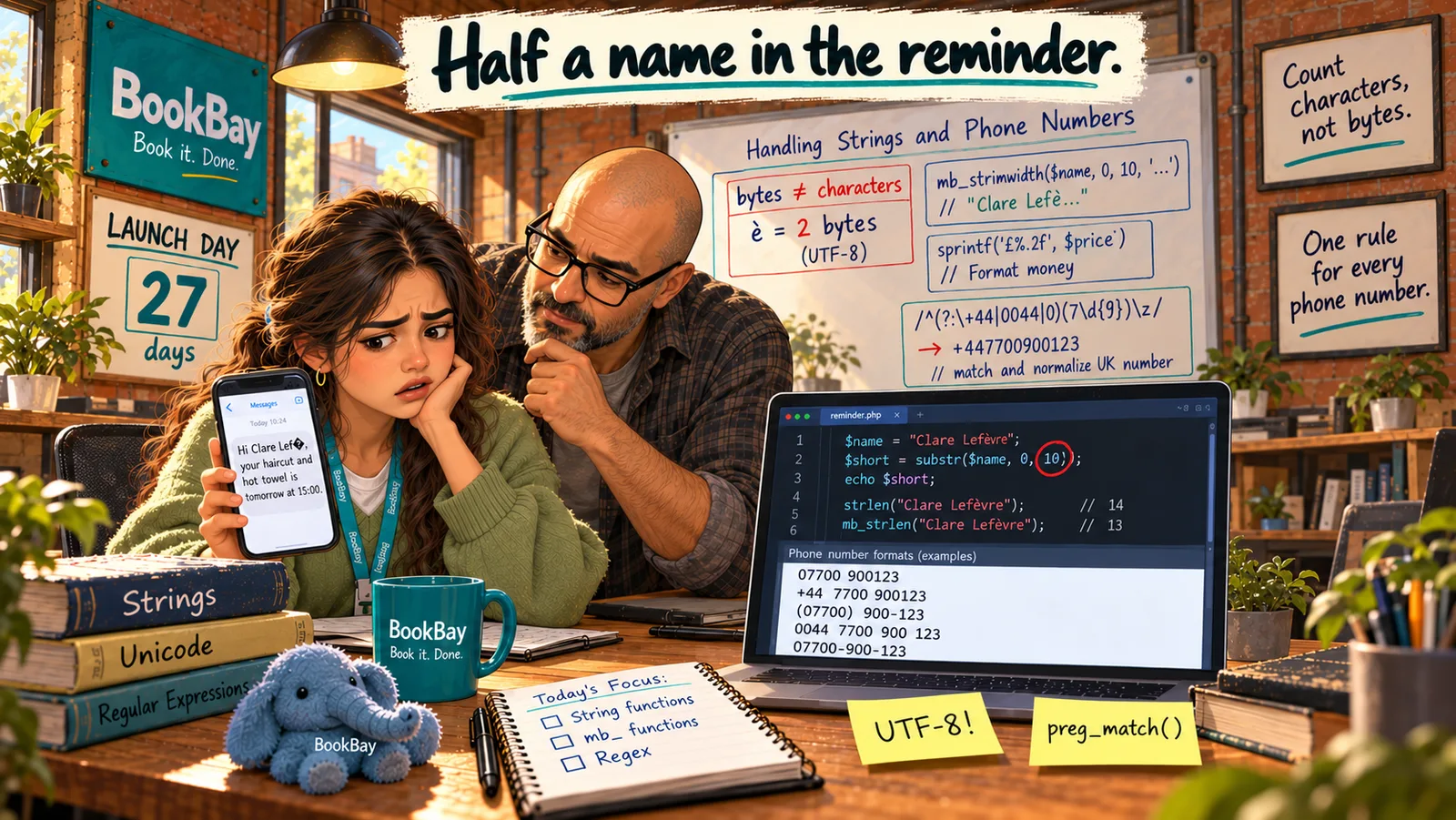
Substrings with substr: substr($s, $start, $length) cuts out a piece. Positions count from 0, so substr("07700900123", 0, 5) gives 07700. Leave out the length to go to the end. A negative start counts from the end: substr($phone, -3) gives the last three characters. The reminder script uses substr() to keep long names short, because the SMS has room for 10 characters of name: substr($name, 0, 10). Remember that line. substr() counts bytes, too.
<?php$phone = "07700900123";echo substr($phone, 0, 5), "\n"; // 07700echo substr($phone, 5), "\n"; // 900123: to the endecho substr($phone, -3), "\n"; // 123: the last three$name = "Christopher Johnson";echo substr($name, 0, 10), "\n"; // Christophe: the SMS keeps 10 characters of a name
Replacing with str_replace: str_replace($search, $replace, $subject) replaces every match and returns the new string. The original variable doesn't change. Search and replace can also be arrays, to make several replacements in one call — that's how chapter 2's nowdoc template was filled in. An optional fourth argument tells you how many replacements were made. str_ireplace() does the same but ignores case.
<?php$phone = "07700-900-123";echo str_replace("-", "", $phone), "\n"; // 07700900123echo $phone, "\n"; // 07700-900-123: the original is unchanged$messy = "(07700) 900-123";echo str_replace(["(", ")", " ", "-"], "", $messy, $count), "\n"; // 07700900123echo "$count characters removed\n"; // 4 characters removedecho str_ireplace("vip", "VIP", "vip - short fade"), "\n"; // VIP - short fade
Case: strtolower() and strtoupper() change the case of the whole string. ucfirst() makes the first letter a capital, and ucwords() the first letter of every word. They're useful for comparing ("vip", "Vip" and "VIP" all become "vip") and for tidying names: ucwords(strtolower("dANIEL brooks")) gives "Daniel Brooks". These four only change the letters A to Z. They leave letters like ë alone, so strtoupper("zoë") gives "ZOë". The mb_ versions in chapter 6 handle every letter.
<?php$typed = "dANIEL brooks";echo strtolower($typed), "\n"; // daniel brooksecho strtoupper($typed), "\n"; // DANIEL BROOKSecho ucfirst("daniel"), "\n"; // Danielecho ucwords(strtolower($typed)), "\n"; // Daniel Brooksecho strtoupper("zoë"), "\n"; // ZOë: only A to Z change
Trimming: customers type their name with a space at the end, or press Enter after it. trim() removes spaces, tabs, new lines and a few other invisible characters from both ends of a string; ltrim() only from the left, and rtrim() only from the right. Nothing in the middle is touched. A second argument lists other characters to remove: trim($code, "#"). Trim everything a person types before you store it or compare it. The table below collects this chapter's functions.
| Function | Returns | Example and result |
|---|---|---|
| strlen($s) | The length in bytes | strlen("Tom") gives 3 |
| str_contains($s, $find) | true or false | str_contains("Regular, VIP", "VIP") gives true |
| str_starts_with($s, $find) | true or false | str_starts_with("+447700900123", "+44") gives true |
| strpos($s, $find) | A position from 0, or false | strpos("VIP - fade", "VIP") gives 0 |
| substr($s, $start, $length) | A piece of the string | substr("07700900123", -3) gives "123" |
| str_replace($find, $new, $s) | A new string | str_replace("-", "", "07700-900-123") gives "07700900123" |
| strtolower($s) / strtoupper($s) | A new string | strtoupper("vip") gives "VIP" |
| ucfirst($s) / ucwords($s) | A new string | ucwords("daniel brooks") gives "Daniel Brooks" |
| trim($s) | A new string | trim(" Daniel ") gives "Daniel" |
<?php$typed = " Daniel Brooks ";echo "[" . trim($typed) . "]\n"; // [Daniel Brooks]echo "[" . ltrim($typed) . "]\n"; // [Daniel Brooks ]echo "[" . rtrim($typed) . "]\n"; // [ Daniel Brooks]$fromForm = "Daniel\n"; // he pressed Entervar_dump($fromForm === "Daniel"); // bool(false)var_dump(trim($fromForm) === "Daniel"); // bool(true)echo trim("##VIP##", "#"), "\n"; // VIP
Key Takeaway
Use str_contains(), str_starts_with() and str_ends_with() for yes-or-no questions. strpos() returns a position — and position 0 counts as false in an if — so always compare it with !== false. substr() cuts by position, str_replace() replaces every match, strtolower() and ucfirst() change case, and trim() cleans both ends. All of them work on bytes.
Why This Matters
Searching, cutting, replacing and cleaning is what most string code does: is this customer a VIP, what are the last three digits, remove the dashes, tidy up the name. These fifteen functions cover nearly all of it.
And the strpos() trap is one of PHP's most famous bugs, because it hides behind a value that is almost always fine. Position 0 only happens when the match is at the very start — exactly where Tom writes VIP.
The VIP check now uses str_starts_with(), and Tom's best customers get their coffee line. Olivia has two more wishes for the reminder: list the services in a proper sentence, and show the price as "£27.50", not "£27.5". That needs splitting, joining and formatting — the next chapter.