

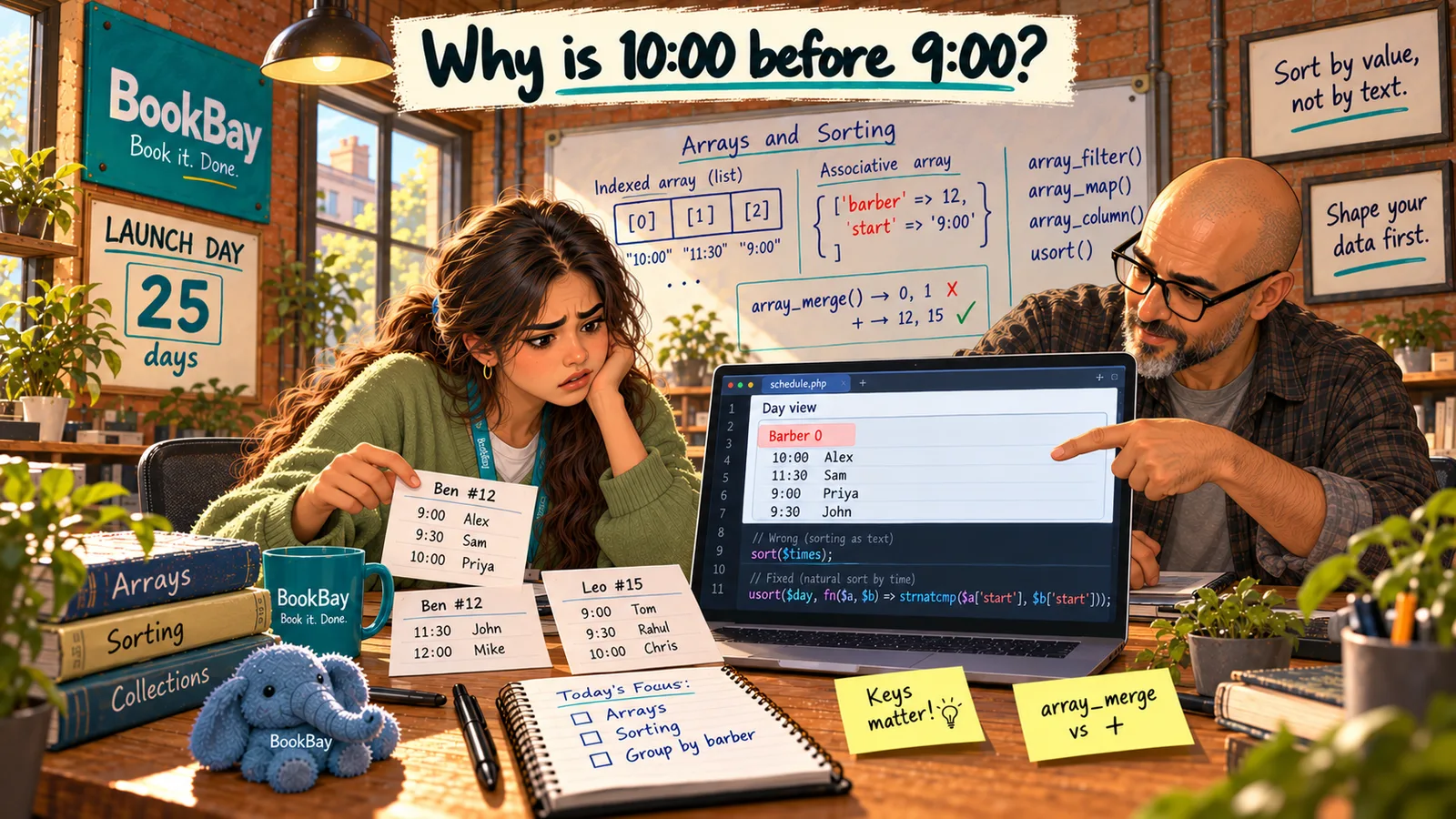
In this chapter
We'll learn the two ways to walk through an array: foreach — with keys, nested loops, and what happens when you change the array inside the loop — and the four functions that take a callback: array_filter() to keep some items, array_map() to transform every item, array_reduce() to boil a list down to one value, and array_walk() to change items in place — plus why array_filter() and array_map() keep the old keys.
The Problem in Real Life
Olivia wants three things from the day's bookings: hide the cancelled ones, show each price with a £ and two decimals, and print the day's total at the bottom. Mia writes three foreach loops, each building a new array, and then a fourth line that prints the first active booking with $active[0].
Today the first booking, Ann's 9:00, is the cancelled one. The day view prints a warning, "Undefined array key 0", where Clare's 9:30 should be.
I filtered out one booking. Why is there no item 0 any more?
Mia
A Loop for Every Job vs. One Function per Job
The same loop, three times
Create an empty array, loop, check or change, add. Every loop repeats the same five lines around one real line.
Filtering keeps the keys
array_filter() removes items but keeps the keys of the ones left — so key 0 may be gone.
Say what, not how
"Keep the confirmed ones", "format every price", "add them up": each job is one function and one short rule.
Iterating and Transforming Arrays: map, filter, reduce
Two ways through an array: you can walk through an array step by step with foreach, or hand the whole array to a function that does one job with it. This chapter covers both:
- foreach in depth: keys and values, nested loops,
forvs.foreach, and changing the array during the loop. - array_filter(): keeps the items for which the callback returns true.
- array_map(): builds a new array from the callback's result for every item.
- array_reduce(): combines all items into one value, like a total.
- array_walk(): calls the callback on every item, with its key, to change items in place.
foreach with keys: Act 06 introduced foreach ($array as $value). Add a key variable, foreach ($prices as $service => $price), and you get each key too: the service name, the barber ID, the position in a list. PHP visits the items in the array's order — the order they were added, or sorted — not in key order. For a multidimensional array, put a foreach inside a foreach: the outer loop gives you each barber's list, the inner loop each booking in it. That's how every grouped view in this Act is printed.
<?php$prices = ["Haircut" => 25, "Beard trim" => 10];foreach ($prices as $service => $price) {echo "$service: £$price\n";}$byBarber = ["Ben" => ["9:00", "10:00"],"Leo" => ["9:30"],];foreach ($byBarber as $barber => $times) {echo $barber, ":";foreach ($times as $time) {echo " ", $time;}echo "\n";}// Haircut: £25// Beard trim: £10// Ben: 9:00 10:00// Leo: 9:30
for or foreach: foreach is the loop for arrays: it visits exactly the keys that exist, gaps or no gaps, numbers or names. A for loop with $i only works for a list with keys 0, 1, 2 … and no gaps — chapter 3 showed what happens after unset(). Use for when you're really counting (slots, steps), or when you need the next or previous item, like $times[$i + 1] — and then check the array is a list first. If you write for ($i = 0; $i < count($day); $i++), PHP calls count() again before every round; with a big array, count once before the loop.
<?php$times = ["9:00", "9:30", "10:00", "10:30"];$total = count($times); // count once, before the loopfor ($i = 0; $i < $total - 1; $i++) {echo $times[$i], " to ", $times[$i + 1], "\n"; // for: when you need the next item}// 9:00 to 9:30// 9:30 to 10:00// 10:00 to 10:30
Changing the array inside the loop: foreach walks through a copy of the array as it was when the loop started (chapter 4). So items you add inside the loop aren't visited, and the loop never runs forever because of them. Removing items with unset($day[$key]) inside the loop is safe: the loop still visits the original items, and the item is gone afterwards. To change the items you visit, write through the key ($day[$key]["status"] = ...) or loop by reference (chapter 4).
<?php$day = ["9:00", "9:30", "10:00"];foreach ($day as $key => $time) {if ($time === "9:00") {$day[] = "11:00"; // added, but not visited by this loop}if ($time === "9:30") {unset($day[$key]); // removing is safe}echo $time, " ";}echo "| ", implode(" ", $day), "\n";// 9:00 9:30 10:00 | 9:00 10:00 11:00
Callbacks: most loops over a list do one of a few jobs: keep some items, change every item, or add them all up into one value. PHP has a function for each job. You give it the array and a small function that says what to do with one item. A function that you hand to another function, to be called later, is called a callback.
Writing a callback: the shortest way to write a small callback is an arrow function: fn($booking) => $booking["status"] === "confirmed". It takes the parameters in brackets, and the expression after => is what it returns. You met one in Act 07; Act 09 covers functions fully. Arrow functions can read the variables around them, which is handy: fn($b) => $b["price"] >= $minimum. Longer callbacks use the full form, function ($booking) { ...; return ...; }. That form can't see the variables around it on its own; you list the ones it needs with use: function ($b) use ($minimum) { ... }. Act 09 explains both forms properly. You can also pass the name of an existing function as a string, like "trim" or "strtoupper".
<?php$isConfirmed = fn($booking) => $booking["status"] === "confirmed";var_dump($isConfirmed(["status" => "confirmed"])); // bool(true)var_dump($isConfirmed(["status" => "cancelled"])); // bool(false)$names = [" ann lee ", "TOM HART"];print_r(array_map("trim", $names)); // a function name as the callback// Array// (// [0] => ann lee// [1] => TOM HART// )
array_filter: array_filter($day, fn($b) => $b["status"] === "confirmed") returns a new array with only the items for which the callback returned true. Without a callback, it removes every falsy item (0, "", null, false, an empty array). The important detail is that array_filter keeps the keys. Ann's booking had key 0, so the filtered array starts at key 1. That's Mia's warning. If you need a list again, wrap it in array_values(), or don't use positions at all: foreach, or array_first() from chapter 10. With the flag ARRAY_FILTER_USE_KEY the callback receives the keys instead, and with ARRAY_FILTER_USE_BOTH the value and the key.
<?php$day = [["time" => "9:00", "customer" => "Ann Lee", "price" => 25, "status" => "cancelled"],["time" => "9:30", "customer" => "Clare Lefèvre", "price" => 27.5, "status" => "confirmed"],["time" => "10:00", "customer" => "Tom Hart", "price" => 10, "status" => "confirmed"],];$active = array_filter($day, fn($b) => $b["status"] === "confirmed");print_r(array_keys($active));echo $active[0]["customer"] ?? "nothing at key 0", "\n"; // nothing at key 0$active = array_values($active); // renumber: 0, 1echo $active[0]["customer"], "\n"; // Clare Lefèvre// Array// (// [0] => 1// [1] => 2// )
<?phpprint_r(array_filter(["Ann", "", null, "Tom", 0])); // falsy items removed// Array// (// [0] => Ann// [3] => Tom// )$prices = ["Haircut" => 25, "Beard trim" => 10, "Hot towel" => 2.5];$twoWords = array_filter($prices, fn($name) => str_contains($name, " "), ARRAY_FILTER_USE_KEY);print_r($twoWords);// Array// (// [Beard trim] => 10// [Hot towel] => 2.5// )
array_map: array_map(fn($b) => sprintf("%s £%.2f", $b["customer"], $b["price"]), $day) calls the callback on every item and returns a new array of the results, same length. Note the order of the arguments: the callback comes first for array_map(), but second for array_filter(). Everyone mixes them up, and your editor will tell you. With one array, array_map() keeps all the keys, integer keys too, so the gaps left by array_filter() are still there afterwards; wrap the result in array_values() when you need a fresh list. With several arrays, it walks them side by side and returns a new list: array_map(fn($a, $b) => ..., $times, $names).
<?php$day = [["time" => "9:00", "customer" => "Ann Lee", "price" => 25, "status" => "cancelled"],["time" => "9:30", "customer" => "Clare Lefèvre", "price" => 27.5, "status" => "confirmed"],["time" => "10:00", "customer" => "Tom Hart", "price" => 10, "status" => "confirmed"],];$lines = array_map(fn($b) => sprintf("%5s %-14s £%.2f", $b["time"], $b["customer"], $b["price"]), $day);echo implode("\n", $lines), "\n";// 9:00 Ann Lee £25.00// 9:30 Clare Lefèvre £27.50 (one space short: sprintf counts bytes, Act 07)// 10:00 Tom Hart £10.00print_r(array_map(fn($time, $name) => "$time $name", ["9:00", "9:30"], ["Ann", "Clare"]));// Array// (// [0] => 9:00 Ann// [1] => 9:30 Clare// )$active = array_filter($day, fn($b) => $b["status"] === "confirmed"); // keys 1, 2$names = array_map(fn($b) => $b["customer"], $active);echo implode(", ", array_keys($names)), "\n"; // 1, 2: array_map() kept the gap
array_reduce: array_reduce($day, fn($total, $b) => $total + $b["price"], 0) boils a list down to one value. It starts with the third argument, 0, and calls the callback once per item with the total so far and the item; whatever the callback returns becomes the new total. For a plain sum or count, PHP has simpler helpers: array_sum(), array_product() and count(). Use array_reduce() when the combining step is more than adding.
<?php$day = [["time" => "9:00", "customer" => "Ann Lee", "price" => 25, "status" => "cancelled"],["time" => "9:30", "customer" => "Clare Lefèvre", "price" => 27.5, "status" => "confirmed"],["time" => "10:00", "customer" => "Tom Hart", "price" => 10, "status" => "confirmed"],];$total = array_reduce($day, fn($sum, $b) => $sum + $b["price"], 0);echo $total, "\n"; // 62.5$latest = array_reduce($day, fn($last, $b) => $b["time"], null);echo $latest, "\n"; // 10:00: whatever the last call returnedecho array_sum([25, 27.5, 10]), "\n"; // 62.5: the simple way for a plain sum
Chaining: because each function returns a new array, you can feed one into the next. Filter first, then map: array_map($format, array_filter($day, $isConfirmed)). Read it from the inside out. The original $day is never changed. That makes these functions safe: no copies to forget, and no references (chapter 4) to clean up. When a chain gets long, give each step a variable with a good name.
<?php$day = [["time" => "9:00", "customer" => "Ann Lee", "price" => 25, "status" => "cancelled"],["time" => "9:30", "customer" => "Clare Lefèvre", "price" => 27.5, "status" => "confirmed"],["time" => "10:00", "customer" => "Tom Hart", "price" => 10, "status" => "confirmed"],];$isConfirmed = fn($b) => $b["status"] === "confirmed";$active = array_filter($day, $isConfirmed);$lines = array_map(fn($b) => $b["time"] . " " . $b["customer"], $active);$total = array_sum(array_map(fn($b) => $b["price"], $active));echo implode("\n", $lines), "\n";printf("Total: £%.2f\n", $total);echo count($day), " bookings in \$day: the original is unchanged\n";// 9:30 Clare Lefèvre// 10:00 Tom Hart// Total: £37.50// 3 bookings in $day: the original is unchanged
array_walk: array_walk($array, $callback) calls the callback on every item, with the value and the key, and ignores what it returns. It changes items only if the callback takes the value by reference: function (&$price, $service) { ... }. It's the in-place cousin of array_map(); most of the time, array_map() or a foreach is clearer. The table below compares the four functions.
| Function | The callback gets | Returns | Keys |
|---|---|---|---|
| array_filter($a, $fn) | Each value (or key, or both) | The items where $fn returned true | Kept, with gaps |
| array_map($fn, $a) | Each value | A new array of results | Kept with one array, also integer keys |
| array_reduce($a, $fn, $start) | The total so far and each value | One value | Not used |
| array_walk($a, $fn) | Each value (by reference) and its key | true; changes $a in place | Unchanged |
<?php$prices = ["Haircut" => 25, "Beard trim" => 10];array_walk($prices, function (&$price, $service) {$price = "$service: £" . number_format($price, 2);});print_r($prices);// Array// (// [Haircut] => Haircut: £25.00// [Beard trim] => Beard trim: £10.00// )
Key Takeaway
A callback is a small function you hand to another function. array_filter() keeps the items whose callback returns true — and keeps their keys, so use array_values() if you need a list again. array_map(callback, array) transforms every item into a new array; array_reduce() combines all items into one value; array_walk() changes items in place through a reference. None of the first three changes the original array.
Why This Matters
Nearly every page of BookBay is "take a list, keep some, reshape them, maybe add them up": today's active bookings, the price list, the day's takings. array_filter(), array_map() and array_reduce() say each step in one line, and they never change the original list by accident.
The same three ideas — filter, map, reduce — exist in JavaScript, Python and Laravel's collections. Learn them once here, and you'll read that code too.
The day view is now a filter, a map and a sum, and it starts at Clare's 9:30. Then Leo's schedule arrives from Olivia's spreadsheet, keyed by his barber ID like Ben's. Mia joins the two with array_merge(), and the day view shows "Barber 0" and "Barber 1". The IDs are gone. That's the next chapter: combining arrays.