

In this chapter
We'll learn how PHP compares strings: == versus ===, why two numeric strings are compared as numbers, PHP 8's safer rules for comparing numbers with strings, strcmp() and strcasecmp() for putting strings in order, and strnatcmp() for "Chair 2" before "Chair 10" — and why a phone lookup with == found the wrong customer.
The Problem in Real Life
The reminder script finds a customer's bookings by phone number. Mia tests the lookup: she types Tom's number, "07700900123", and gets Tom's bookings. Then she makes a typo and leaves out the first zero: "7700900123". Tom's bookings again.
"A different number," says Marcus, "and PHP says it's the same one. Look at the comparison." The line is if ($customer["phone"] == $typed).
07700900123 and 7700900123 aren't the same text. Why does PHP say they're equal?
Mia
Comparing as Numbers vs. Comparing as Text
== can compare as numbers
If both strings look like numbers, == compares their values, not their characters.
Which comes first?
Putting names in order needs more than equal or not equal: strcmp() says before, same or after.
Chair 10 before Chair 2
Comparing text goes byte by byte, so "10" comes before "2". People expect the opposite.
Comparing Strings and Numeric Strings
Two questions: comparing strings means answering one of two questions:
- Same or not:
===, and its loose cousin==. - Which comes first:
strcmp(),<=>,strcasecmp()andstrnatcmp(), used for putting things in order.
=== compares the exact text: $a === $b is true only when both are strings with exactly the same bytes in the same order. "Tom" and "tom" are different, and so are "Tom" and "Tom " with a space at the end. To compare without caring about case, change both sides first: strtolower($a) === strtolower($b). Almost every time you compare two strings, === is what you want.
<?phpvar_dump("Tom" === "Tom"); // bool(true)var_dump("Tom" === "tom"); // bool(false): T and t are different bytesvar_dump("Tom" === "Tom "); // bool(false): one extra spacevar_dump(strtolower("Tom") === strtolower("tom")); // bool(true): same case first
Numeric strings: a string that looks like a number, like "07700900123", "25", "27.50" or "1e3", is called a numeric string. (1e3 is a short way to write 1 × 10³, which is 1000.) Spaces before or after the number are allowed: " 25 " is numeric too. "25 pounds" is not. is_numeric() tells you whether a string is numeric.
<?phpforeach (["25", "27.50", "1e3", " 25 ", "07700900123", "25 pounds", "abc", ""] as $s) {echo str_pad("\"$s\"", 15), is_numeric($s) ? "numeric" : "not numeric", "\n";}// "25" numeric// "27.50" numeric// "1e3" numeric// " 25 " numeric// "07700900123" numeric// "25 pounds" not numeric// "abc" not numeric// "" not numeric
== compares numeric strings as numbers: here's the phone bug. When both sides of == are numeric strings, PHP compares them as numbers. "07700900123" becomes the number 7700900123, and so does "7700900123", so they're equal. The leading zero, which matters a lot in a phone number, simply disappears. The same rule makes "1e3" == "1000" true, and "25" == "25.0" too. With ===, all of these are false, because the text is different. Phone numbers, postcodes and booking codes are made of digits, but they aren't numbers: always compare them with ===.
<?php$stored = "07700900123"; // Tom's number$typed = "7700900123"; // the first zero is missingif ($stored == $typed) {echo "== says: same customer\n"; // printed!}if ($stored === $typed) {echo "=== says: same customer\n"; // not printed}var_dump("1e3" == "1000"); // bool(true)var_dump("25" == "25.0"); // bool(true)var_dump("1e3" === "1000"); // bool(false)// == says: same customer
PHP 8 made number-and-string comparisons safer: when you compare a number with a string that is not numeric, PHP 7 turned the string into a number, so 0 == "abc" was true. Since PHP 8.0, PHP turns the number into a string instead and compares them as text, so 0 == "abc" is false. You'll still find the old rule in old answers online. The table below shows the common cases.
| Comparison | == | === | Why |
|---|---|---|---|
| "07700900123" and "7700900123" | true | false | Both numeric: == compares them as numbers |
| "1e3" and "1000" | true | false | 1e3 is 1000 written another way |
| "25" and "25.0" | true | false | Both numeric, same value |
| "25" and 25 | true | false | A numeric string and a number: compared as numbers |
| "abc" and 0 | false | false | PHP 8: a non-numeric string is compared as text |
| "Tom" and "tom" | false | false | Different bytes |
<?phpvar_dump(0 == "abc"); // bool(false) — PHP 7 said truevar_dump(25 == "25"); // bool(true): "25" is numericvar_dump(25 == "25abc"); // bool(false) — PHP 7 said truevar_dump(0 == ""); // bool(false) — PHP 7 said true
Which comes first, strcmp: to put strings in order, you need more than "equal or not". strcmp($a, $b) returns a number below 0 if $a comes first, 0 if they're equal, and a number above 0 if $b comes first. Only the sign matters, not the size: the number can be -1 or 7 or -25. The spaceship operator from Act 05, $a <=> $b, answers the same question, always with exactly -1, 0 or 1. strcmp() compares byte by byte, using each byte's number (chapter 1's ord()), so every capital letter comes before every small letter: "Zack" before "anna". strcasecmp() ignores case, and strncmp($a, $b, 5) compares only the first 5 bytes. One warning: <, > and <=> follow the same rule as ==, so two numeric strings are compared as numbers. strcmp() always compares them as text.
<?phpvar_dump(strcmp("Ann", "Ben")); // int(-1): below 0, so Ann comes firstvar_dump(strcmp("Ben", "Ben")); // int(0): equalvar_dump(strcmp("anna", "Zack")); // int(7): above 0, so Zack comes first: capitals before small lettersvar_dump(strcasecmp("anna", "Zack")); // int(-25): below 0, case ignoredvar_dump("anna" <=> "Zack"); // int(1): <=> gives exactly -1, 0 or 1var_dump(strncmp("07700900123", "07700111222", 5)); // int(0): the first 5 bytes matchvar_dump("10" < "9"); // bool(false): numeric strings, compared as numbersvar_dump(strcmp("10", "9")); // int(-8): below 0, as text "1" comes before "9"
Natural order, strnatcmp: Tom has three chairs, "Chair 1", "Chair 2" and "Chair 10". Compared byte by byte, "Chair 10" comes before "Chair 2", because the byte "1" comes before "2". strnatcmp() compares the way people read: numbers inside the text are compared as numbers, so "Chair 2" comes before "Chair 10". strnatcasecmp() also ignores case. Act 08 uses these to sort whole lists — including a schedule where 10:00 comes before 9:00.
<?phpvar_dump(strcmp("Chair 2", "Chair 10")); // int(1): above 0, so as text "Chair 10" comes firstvar_dump(strnatcmp("Chair 2", "Chair 10")); // int(-1): "Chair 2" comes firstvar_dump(strnatcasecmp("chair 2", "Chair 10")); // int(-1): natural order, case ignored
Key Takeaway
Compare strings with ===: same type, same bytes. == compares two numeric strings as numbers, so "07700900123" == "7700900123" and "1e3" == "1000" are true — never use == for phone numbers, codes or IDs. To order strings, strcmp() and <=> compare byte by byte (capitals first), strcasecmp() ignores case, and strnatcmp() puts "Chair 2" before "Chair 10".
Why This Matters
A lookup that matches the wrong customer isn't a small bug: Tom's bookings, name and phone number shown to someone who typed a different number. With ===, a phone number matches only itself.
And putting text in order — names, chairs, booking codes — is a daily job. Knowing that plain comparison goes byte by byte, capitals first and "10" before "2", tells you when you need strcasecmp() or strnatcmp() instead.
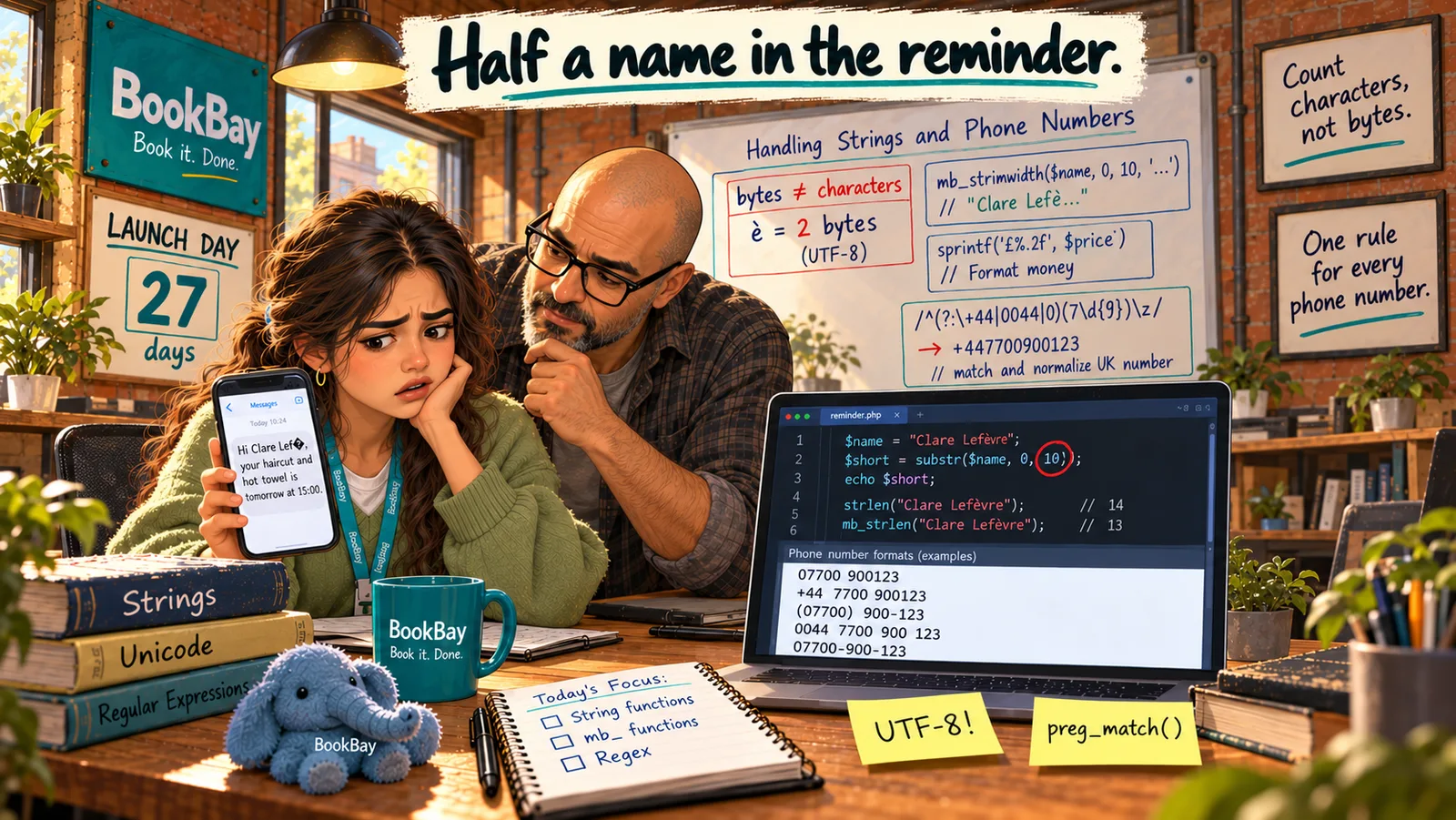
The lookup now uses ===, and a missing zero finds nobody. But that brings a different problem into view: Tom's customers wrote their numbers in five different ways, so the same person can be "07700 900123" in one booking and "+44 7700 900123" in another. Before Mia tackles the phone numbers, Marcus wants to go back to the first bug of the Act: Clare's name, cut in half. That's the next chapter.