

In this chapter
We'll learn what superglobals are — the arrays PHP fills before your script starts — what each one holds: $_GET, $_POST, $_SERVER, $_COOKIE, $_SESSION, $_FILES, $_ENV and $_REQUEST, which of their values come from the visitor and can't be trusted, why $_REQUEST is best avoided, and how to keep superglobals at the edge of your code.
The Problem in Real Life
A freelancer's old code, which BookBay took over, reads $_REQUEST['id'] everywhere and logs each customer's IP address from $_SERVER['HTTP_X_FORWARDED_FOR']. Marcus sends one request with curl -H "X-Forwarded-For: 1.2.3.4" — and the log faithfully records 1.2.3.4 as the customer's address.
Then he adds a cookie called id to his browser, and $_REQUEST['id'] suddenly shows a booking he never asked for.
These arrays look like PHP's own data. Most of what's in them was typed by the visitor.
Marcus
Superglobals Everywhere vs. Superglobals at the Edge
Available everywhere
Superglobals can be read in any function without the global keyword.
Mostly visitor input
Query, body, cookies and HTTP_ headers are all controlled by the client.
Read once, at the edge
Take what you need at the start of a request and pass typed values inward.
PHP Superglobals
PHP's ready-made request data: before your script runs, PHP fills a set of arrays with everything it knows about the request. They're called superglobals. This chapter covers:
- What superglobals are: and why they're everywhere.
- The request's data:
$_GET,$_POSTand$_FILES. - $_SERVER: the request line, headers and server details.
- Cookies, sessions and environment:
$_COOKIE,$_SESSIONand$_ENV. - $_REQUEST, and trusting input: what to avoid and why.
What superglobals are: a superglobal is an array that PHP creates for every request and that's visible in every scope — inside any function or method, with no global keyword (Act 10). There are nine: $_GET, $_POST, $_FILES, $_COOKIE, $_SERVER, $_ENV, $_REQUEST, $_SESSION (once a session is started) and $GLOBALS. Being readable everywhere is convenient and also their danger: any function can depend on the request without saying so. The table below lists what each holds and who controls it.
| Superglobal | Holds | Controlled by |
|---|---|---|
| $_GET | Query-string parameters | The visitor |
| $_POST | Form-body fields | The visitor |
| $_FILES | Uploaded files (Act 15) | The visitor (content), PHP (tmp_name) |
| $_COOKIE | Cookies sent by the browser | The visitor |
| $_SERVER | Request line, HTTP_* headers, server details | Mixed: HTTP_* by the visitor |
| $_SESSION | Data your code stored for this visitor | Your server |
| $_ENV | Environment variables | The deployment |
| $_REQUEST | $_GET + $_POST (+ cookies) | The visitor — avoid |
| $GLOBALS | Every global variable | Your code — avoid |
The request's data: chapter 3's channels. $_GET holds the decoded query string, $_POST the decoded form body, $_FILES the uploaded files (Act 15). All their keys and values come from the visitor: a field can be missing, renamed, duplicated or an array where you expected text.
$_SERVER: information about the request and the server. From the request line: REQUEST_METHOD, REQUEST_URI, QUERY_STRING. Every request header appears with an HTTP_ prefix, in capitals, dashes turned into underscores: Accept-Language becomes HTTP_ACCEPT_LANGUAGE, User-Agent becomes HTTP_USER_AGENT (except Content-Type and Content-Length, which have no prefix). From the server: SCRIPT_NAME, SERVER_NAME, HTTPS (set when the connection is encrypted) and REMOTE_ADDR, the address of whatever connected to the server. Every HTTP_ value is written by the client — the IP-address bug: X-Forwarded-For is just a header anyone can send. Only trust it when it was set by your own proxy or load balancer, and configured to replace any value the visitor sent.
Who writes each value?
The visitor (never trust)
$_GET · $_POST · $_FILES · $_COOKIE · $_SERVER['HTTP_*'] · REQUEST_URI · QUERY_STRING
The web server
REMOTE_ADDR · HTTPS · SERVER_NAME · SCRIPT_NAME
Your server-side code
$_SESSION
The deployment
$_ENV / getenv()
$ curl -H "Accept-Language: en-GB" -A "Mozilla/5.0" "http://localhost:8000/misc.php?what=request&date=2026-11-07&barber=ben"GET /misc.php?what=request&date=2026-11-07&barber=ben ← REQUEST_METHOD and REQUEST_URIQUERY_STRING: what=request&date=2026-11-07&barber=benHTTP_USER_AGENT: Mozilla/5.0HTTP_ACCEPT_LANGUAGE: en-GBREMOTE_ADDR: ::1$_GET: {"what":"request","date":"2026-11-07","barber":"ben"}$_REQUEST: {"what":"request","date":"2026-11-07","barber":"ben"}
<?php// log-ip.phpecho "REMOTE_ADDR: ", $_SERVER['REMOTE_ADDR'], "\n"; // the real connectionecho "X-Forwarded-For: ", $_SERVER['HTTP_X_FORWARDED_FOR'] ?? '-', "\n"; // whatever was sent// $ curl -H "X-Forwarded-For: 1.2.3.4" http://localhost:8000/log-ip.php// REMOTE_ADDR: ::1// X-Forwarded-For: 1.2.3.4
Cookies, sessions and the environment: $_COOKIE holds the cookies the browser sent — again, visitor-controlled and easy to edit. $_SESSION holds data your server stored for this visitor (chapter 6); it lives on the server, so the visitor can't change its contents directly. $_ENV and getenv() give environment variables set by the server or the deployment — database passwords, APP_DEBUG (Act 14) — and never come from the request.
$_REQUEST, and trusting input: $_REQUEST merges $_GET and $_POST (and, depending on php.ini's request_order, cookies too), so $_REQUEST['id'] can come from the URL, the form or a cookie, and you can't tell which — today's second bug. It also hides the difference between a safe GET and a POST that changes data (chapter 2). Use $_GET and $_POST explicitly. The general rule for all of them: read superglobals once, at the edge of your code — the top of the script, a controller — validate and convert them, and pass typed values to your functions. A function freeSlots(DateTimeImmutable $date) can be tested and reused; a function that reads $_GET['date'] inside can't.
<?phpdeclare(strict_types=1);// inside: no superglobals, real types — easy to test and reusefunction freeSlots(DateTimeImmutable $date, ?int $barberId): array{return $barberId === 12 ? ['09:30', '16:00'] : ['09:00', '09:30', '10:00', '16:00'];}// the edge: read, validate, convert once$query = ['date' => '2026-11-07', 'barber' => '12']; // in a real request: $_GET$date = DateTimeImmutable::createFromFormat('!Y-m-d', $query['date'] ?? '');$barberId = filter_var($query['barber'] ?? null, FILTER_VALIDATE_INT, FILTER_NULL_ON_FAILURE);if ($date === false) {http_response_code(400);exit("Invalid date\n");}echo implode(' ', freeSlots($date, $barberId)), "\n";// 09:30 16:00
Key Takeaway
Superglobals are arrays PHP fills before each request and makes visible in every scope: $_GET (query), $_POST (form body), $_FILES (uploads), $_COOKIE (cookies sent by the browser), $_SERVER (request line, headers as HTTP_*, server details such as REMOTE_ADDR and HTTPS), $_SESSION (server-side session data), $_ENV (environment), $_REQUEST (a merge — avoid it) and $GLOBALS. Everything that came from the request — query, body, cookies, every HTTP_ header including X-Forwarded-For — is controlled by the visitor. Read superglobals once at the edge, validate and convert, and pass typed values inward.
Why This Matters
Every PHP request starts in these arrays, and every injection, spoofing and tampering attack starts with something in them. Knowing which values the visitor writes is the basis of web security.
Frameworks hide superglobals behind request objects precisely to keep them at the edge — Laravel's Request, Symfony's HttpFoundation, the PSR-7 standard. The idea is the one in this chapter.
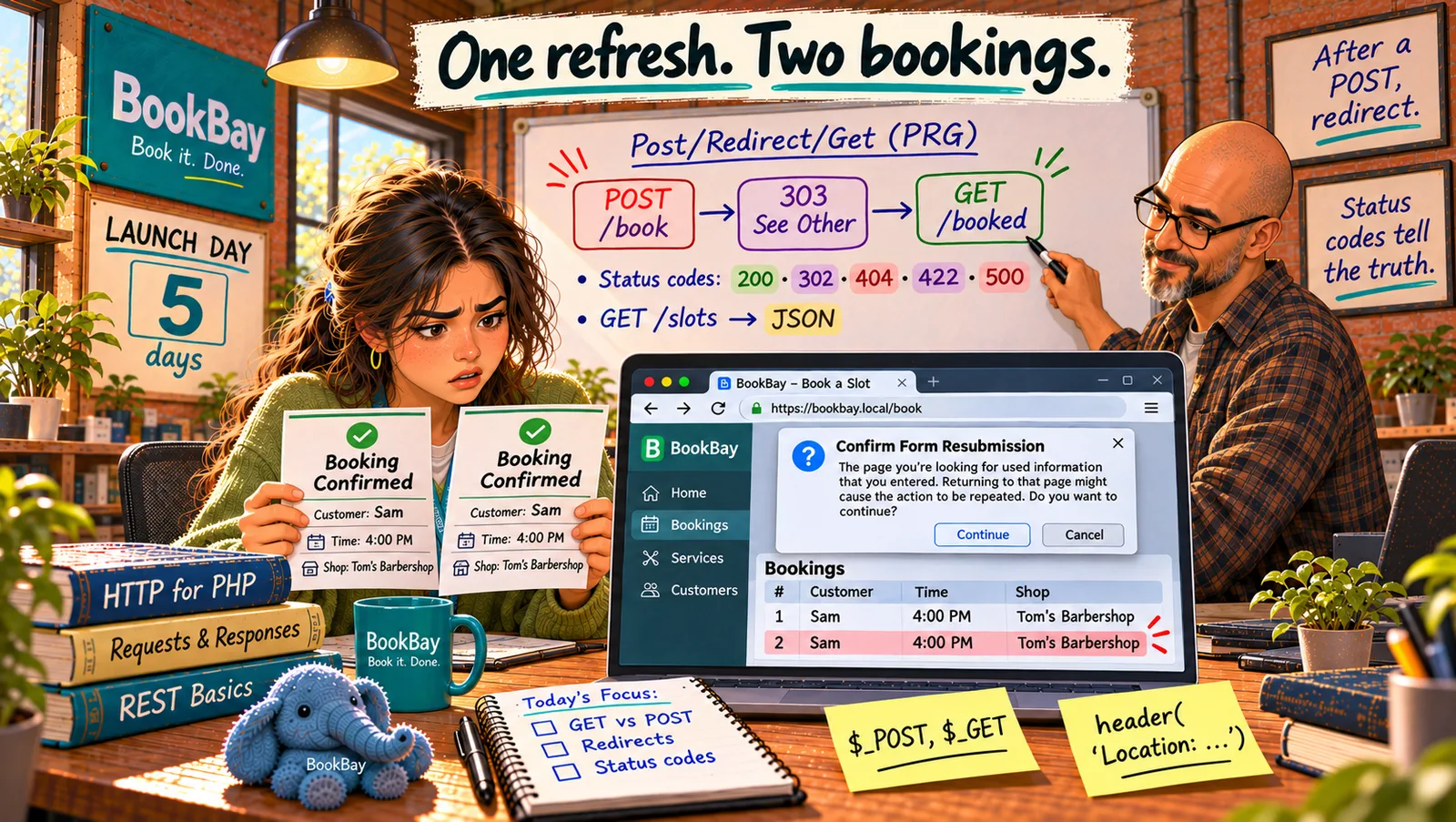
$_REQUEST is gone, IP addresses come from REMOTE_ADDR (or a trusted proxy), and input is read once at the top of each script. Now back to Sam's double booking. The confirmation page must not be the response to the POST — the browser has to be sent somewhere else. Mia adds header('Location: …') and gets "Cannot modify header information - headers already sent". That's the next chapter: headers, redirects and content types.