

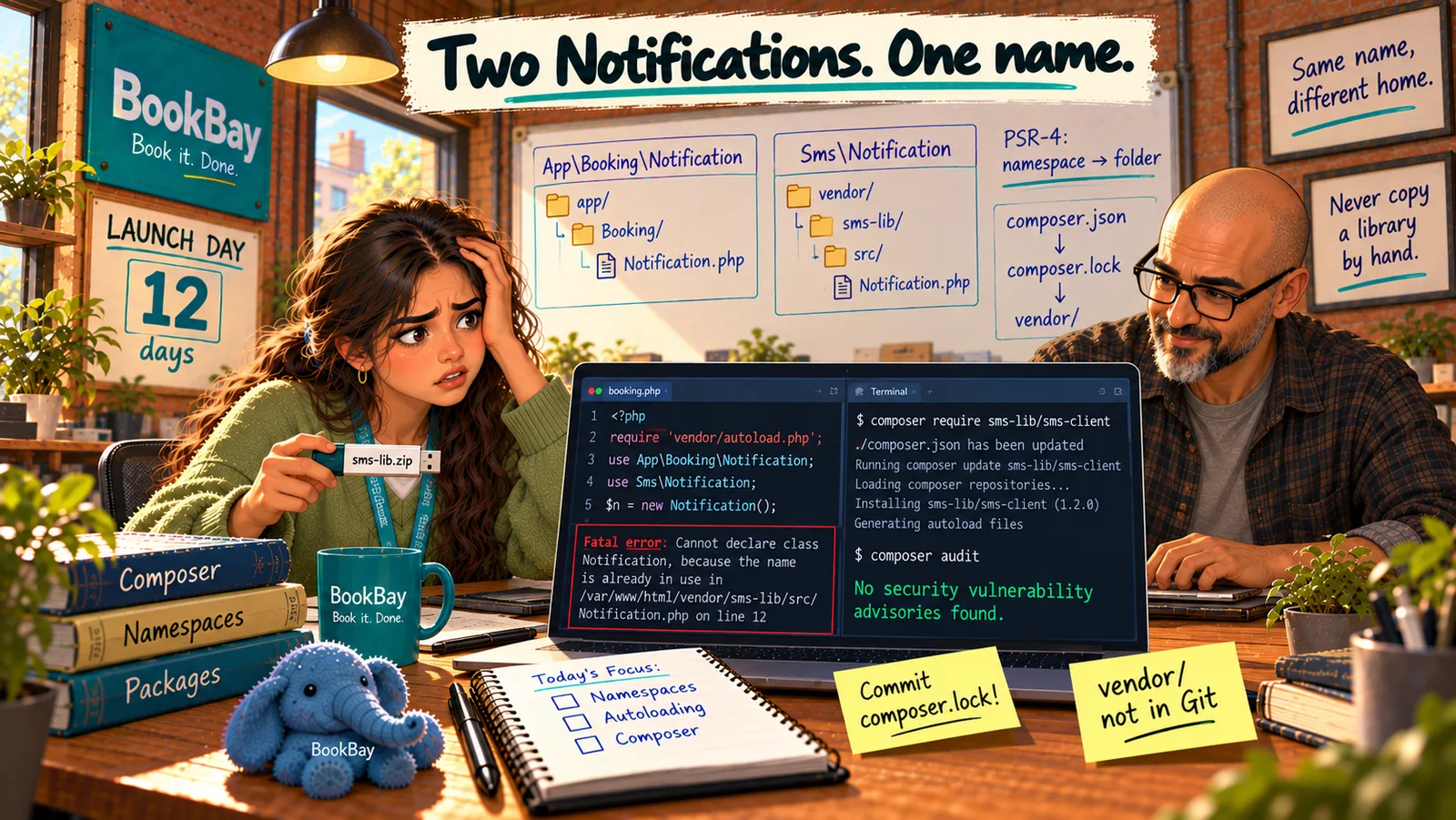
In this chapter
We'll learn how to read a Composer dependency conflict and fix it with composer why and why-not, how composer audit finds packages with known security holes, why Composer refuses to install insecure versions, what abandoned packages are, and the habits that keep a project's dependencies healthy.
The Problem in Real Life
Mia wants proper logs for the reminder script and runs composer require monolog/monolog. Composer prints "Your requirements could not be resolved to an installable set of packages", then a "Problem 1" about psr/log ^1.0 — a package BookBay's composer.json asks for directly, for a reason nobody remembers.
The next morning, Marcus tries to pin Guzzle to the old 7.4.0 that TextFlow's documentation mentions. Composer refuses again: the version is "affected by security advisories", fourteen of them.
I asked for one package and got a wall of text. How do I even start reading this?
Mia
Fighting Composer vs. Reading What It Says
Two ranges that don't overlap
A conflict means two packages need versions of a third that no single version satisfies.
Known holes
Old versions of popular packages have published security problems — and Composer knows the list.
Habits, not heroics
Small regular updates, a committed lock file and composer audit in CI prevent most of it.
Dependency Conflicts and Security
When Composer says no: every refusal from Composer is a precise explanation, once you know how to read it. This chapter covers:
- Dependency conflicts: reading "Problem 1" line by line.
- Investigating: composer why, why-not and updating with dependencies.
- composer audit: known security holes in installed packages.
- Blocking and abandoned packages: what Composer refuses, and why.
- Best practices: keeping dependencies healthy.
Dependency conflicts: Composer must find one version of every package that satisfies every constraint at once — yours and those of every package. When two constraints can't overlap, there's no answer, and Composer explains why. Read the "Problem" lines like a chain of reasons, as in the example: your composer.json requires monolog/monolog ^3.0; every Monolog 3 version requires psr/log ^2.0 || ^3.0; but your composer.json also requires psr/log ^1.0. No version of psr/log is both 1.x and 2.x or 3.x — conflict. The fix is almost always to relax the old constraint, here psr/log to ^3.0, or to remove it if nothing in your own code needs it directly. The diagram below draws the chain.
Reading the conflict as a chain
composer.json requires monolog/monolog ^3.0
the new request
composer.json requires psr/log ^1.0
an old line nobody remembers
Every Monolog 3.x requires psr/log ^2.0 || ^3.0
Monolog's own rule
psr/log must be 1.x AND 2.x or 3.x
impossible → "could not be resolved"
Fix: change psr/log to ^3.0 (or remove it)
then composer require monolog/monolog again
$ composer require monolog/monolog./composer.json has been updatedRunning composer update monolog/monologLoading composer repositories with package informationUpdating dependenciesYour requirements could not be resolved to an installable set of packages.Problem 1- Root composer.json requires monolog/monolog ^3.0 -> satisfiable by monolog/monolog[3.0.0, ..., 3.12.1].- monolog/monolog[3.0.0, ..., 3.12.1] require psr/log ^2.0 || ^3.0 -> found psr/log[2.0.0, 3.0.0, 3.0.1, 3.0.2] but it conflicts with your root composer.json require (^1.0).Installation failed, reverting ./composer.json to its original content.
Investigating with why and why-not: composer why vendor/package answers "who needs this?": composer why symfony/polyfill-mbstring says the phone-number library requires it. composer why-not vendor/package version answers "what stops this version?" and lists every constraint in the way. When an update is blocked only by a transitive dependency, composer update vendor/package --with-all-dependencies (-W) lets Composer update that package's dependencies too. And when a package genuinely can't support what you need yet, the options are waiting, a different package, or contributing — never editing vendor/.
$ composer why symfony/polyfill-mbstringgiggsey/libphonenumber-for-php-lite 9.0.42 requires symfony/polyfill-mbstring (^1.17)$ composer update psr/log monolog/monolog --with-all-dependencies
composer audit: security problems in packages are published as advisories, each with an ID, a severity and the affected versions, and collected in a public database that Packagist and GitHub maintain. composer audit checks every installed package against it and lists matches; it exits with an error when it finds any, so it can fail a CI build. Composer also runs it automatically after every require and update — the "No security vulnerability advisories found." line you've been seeing. The fix is usually to update the package within your constraint (composer update guzzlehttp/guzzle); if the fix is only in a new major version, that's a planned upgrade (chapter 5).
$ composer auditFound 14 security vulnerability advisories affecting 1 package:Package: guzzlehttp/guzzleSeverity: highAdvisory ID: PKSA-gcrk-3vtt-1r14CVE: CVE-2026-69246Title: Guzzle: Noncanonical host can bypass host-based checksURL: https://github.com/advisories/GHSA-v5mv-p594-2x33Affected versions: >=8.0.0,<8.0.1|<7.15.2Reported at: 2026-08-03T21:07:26+00:00--------...
Blocking insecure versions: since Composer 2.9, update and require go one step further and refuse to install a version with known advisories, as Marcus saw. The message lists the advisory IDs and how to override it — per advisory with policy.advisories.ignore-id, per package, or by switching blocking off — and every override should be a written decision ("we don't use the affected feature"), not a way to make the error go away. composer install from an existing lock file isn't blocked, which is why the audit in CI matters too.
$ composer require guzzlehttp/guzzle:7.4.0Your requirements could not be resolved to an installable set of packages.Problem 1- Root composer.json requires guzzlehttp/guzzle 7.4.0 (exact version match: 7.4.0 or 7.4.0.0),found guzzlehttp/guzzle[7.4.0] but these were not loaded, because they are affected bysecurity advisories ("PKSA-gcrk-3vtt-1r14", "PKSA-cnw1-2ytm-cgr8", ...).Go to https://packagist.org/security-advisories/ to find advisory details.To ignore the advisories, add their IDs to the "policy.advisories.ignore-id" configor add the package to "policy.advisories.ignore".To turn the feature off entirely, you can set "policy.advisories.block" to false.
Abandoned packages: a maintainer can mark a package abandoned on Packagist, often naming a replacement. It still installs, but nobody will fix its next security hole. Composer warns about abandoned packages during installs and in composer audit; treat that warning as a task to replace the package.
Best practices: keep the list short — every dependency is code you trust with your server. Before adding one, check that it's maintained, widely used and has a sensible licence (composer licenses lists all of them). Use ^ constraints, commit composer.lock, and update often and in small steps — composer outdated, then a few packages at a time, with tests — instead of once a year in a panic. Run composer audit in CI, install production with composer install --no-dev, and review the lock file's changes in code review like any other code. The table below turns this into a checklist.
| Habit | Command or rule | Prevents |
|---|---|---|
| Few, well-maintained packages | Check activity, users, licence before adding | Abandoned and risky code |
| Compatible ranges | ^ constraints, never * | Surprise breaking changes |
| One source of truth | Commit composer.lock | Different versions per machine |
| Small, regular updates | composer outdated, then update a few | Huge risky upgrades |
| Security check in CI | composer audit | Known holes reaching production |
| Lean production | composer install --no-dev -o | Dev tools on the server |
| Review dependency changes | Read the composer.lock diff | Unexpected new packages |
Key Takeaway
A Composer conflict means no single version satisfies every constraint; read each Problem line as a chain (your requirement → the package's requirement → the clash) and usually relax or remove an old constraint. composer why and why-not explain who needs what, and -W updates dependencies together. composer audit checks installed packages against published security advisories and fails CI when it finds any; Composer 2.9+ also refuses to require or update to insecure versions unless an advisory is explicitly ignored. Treat abandoned packages as tasks, keep dependencies few, update small and often, and commit the lock.
Why This Matters
Most of the code running in a PHP project was written by someone else, and attackers know which old library versions have holes. composer audit and Composer's blocking are the cheapest security tools you'll ever use.
Conflicts are part of every real upgrade — Laravel's yearly major version is the classic one. Reading the Problem lines calmly, and asking composer why-not, turns an afternoon of guessing into a five-minute fix.
psr/log is relaxed to ^3.0, Monolog installs, Guzzle stays on its patched version, and composer check passes. One last thing bothers Marcus: the Money class and its formatting are now copied into both the booking system and the small admin tool Olivia uses for invoices — and they've already started to differ. That's the next chapter: creating your own package.