

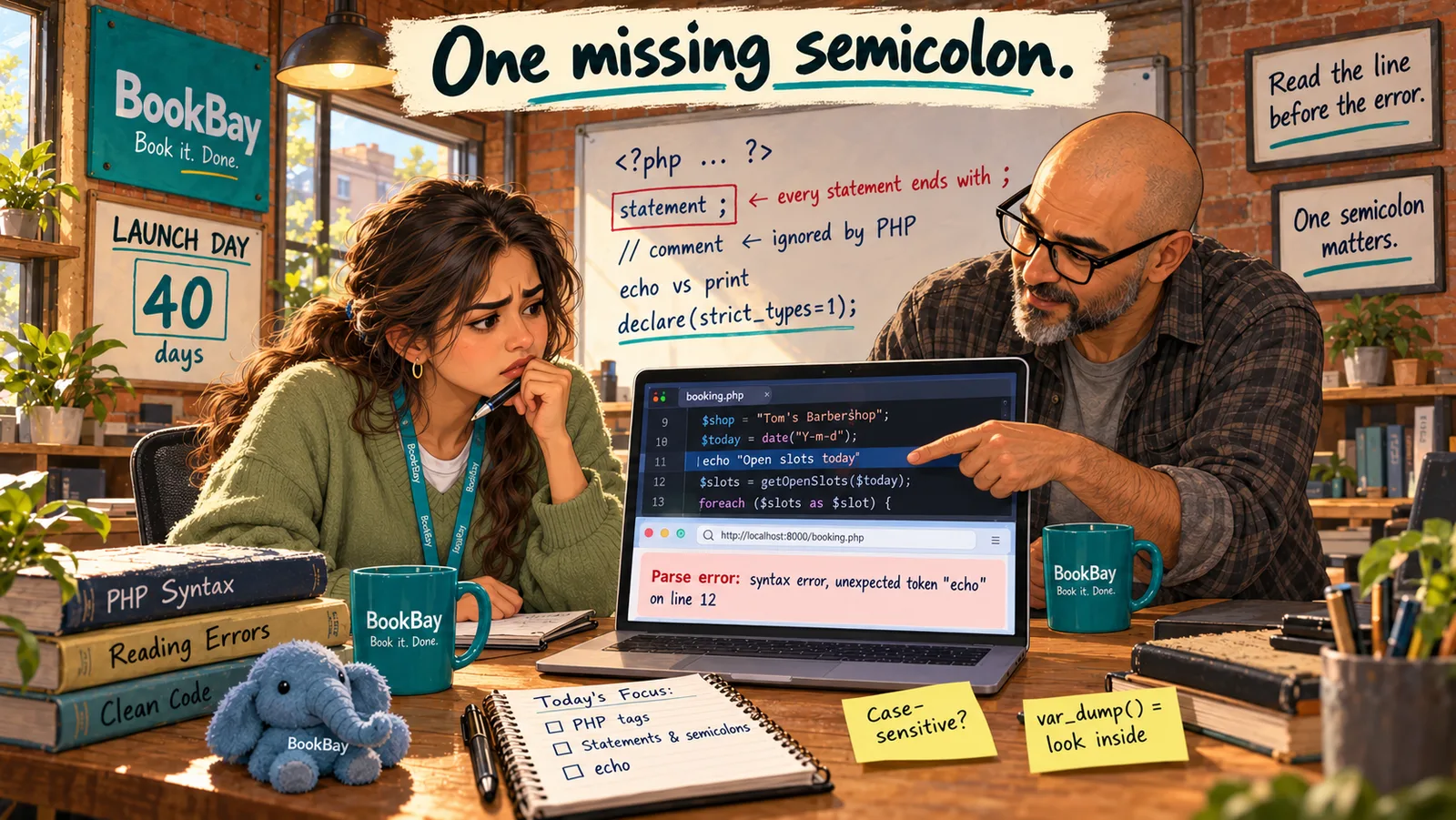
In this chapter
We'll open booking.php and learn the first thing every PHP file teaches you: what a PHP file is, how the <?php and ?> tags tell PHP which parts to run, what happens to everything outside them, the short <?= tag, and why files that contain only PHP leave out the closing tag.
The Problem in Real Life
With PHP running on her laptop, Mia opens booking.php in her editor for a proper look. Marcus's instruction is simple: "Before you change anything, read it. Every line."
The first lines look like a normal web page — headings and paragraphs. Then there's a strange <?php, some code, and a ?>. Further down, plain page text again. And in the middle of one sentence: <?= $shop ?>.
Then she opens a second file, prices.php. It starts with <?php too — but it never ends with ?>. "Is this file broken?" she asks. "Or is the other one?"
Some of this file is a web page and some of it is code. How does PHP know which is which?
Mia
Page Text vs. PHP Code in One File
Two kinds of content
A PHP file can mix plain text (like HTML) with PHP code. PHP needs a clear signal for where code starts and stops.
Strange symbols
<?php, ?> and <?= appear everywhere, and reading the file is impossible until you know what they mean.
One file closes, one doesn't
Some files end with ?> and some don't. Which one is right?
PHP Files and Tags
What a PHP file is: a PHP file is a plain text file whose name ends in .php, like booking.php. You can open it in any code editor. The .php ending matters: as you saw in chapter 7 of Act 01, the web server only hands files ending in .php to PHP. A file called booking.txt would be sent to the browser as plain text, code and all.
Inside a PHP file, PHP needs to know which parts are code to run and which parts are just text. It uses tags for that — special markers that open and close a block of PHP code. The opening tag is <?php and the closing tag is ?>.
So when PHP reads a file, it sees two kinds of content:
- Outside the tags: plain text. PHP doesn't run it or even look at it — it sends it out exactly as written. In a web page, this is usually HTML.
- Inside the tags: PHP code. PHP runs it, and anything the code prints (with
echo, which you'll meet properly in chapter 5) is sent out in its place.
The opening and closing tags: <?php switches PHP into code mode, and ?> switches it back to text mode. Between them you write PHP. A file can switch back and forth as many times as it needs. Note that there must be a space or a new line after <?php — <?phpecho doesn't work.
<h1>Tom's Barbershop</h1><?php$shop = "Tom's Barbershop";echo "Book a haircut at $shop.";?><p>Open Monday to Saturday.</p>
Lines 1 and 6 are plain text (HTML). Lines 2–5 are PHP, between <?php and ?>.
How PHP reads a file: PHP goes through the file once, from the first line to the last. In text mode it copies everything to the output. In code mode it runs the code. Look at the input and output below: the HTML lines come out unchanged, and the PHP block is replaced by the text it printed. That's exactly what happened when you opened Tom's page through the web server in Act 01.
How PHP reads booking.php
Text mode
copy HTML to the output, unchanged
<?php … ?>
code mode: run the code, output what it prints
Text mode again
copy the rest of the HTML
The finished page
sent to the browser (or printed in the terminal)
<h1>Tom's Barbershop</h1>Book a haircut at Tom's Barbershop.<p>Open Monday to Saturday.</p>
The HTML is copied as it is; the PHP block is replaced by what it printed. (PHP also swallows the one line break right after ?>, so the two texts touch.)
Inline PHP and the short echo tag: often you only want to drop one value into the middle of some text — like the shop's name inside a sentence. Writing <?php echo $shop; ?> for that works, but PHP has a shorter form: <?= $shop ?>. The <?= tag means "open PHP, print this, close PHP". It's always available in modern PHP and is the normal way to put a value into a page. Putting small pieces of PHP inside HTML like this is called inline PHP.
<?php $shop = "Tom's Barbershop"; $opens = "9:00"; ?><p>Welcome to <?php echo $shop; ?>!</p><p>We open at <?= $opens ?> every morning.</p>
Both lines put a value into the sentence. <?= is the short, everyday form.
Inline PHP for repeating parts: to repeat a piece of a page — one line per free slot — PHP has a form of its loops written for inline use, with a colon and a closing word, like foreach (…): … endforeach;. You'll learn loops properly in Act 06; for now, just recognise the shape when you see it. One note from the backend side: in real projects, PHP that works (checks bookings, saves data) and PHP that shows (pages) are kept in separate files. Mixing everything in one file, like the old booking.php, is how most PHP starts — and Act 16 shows how to split it.
<?php $slots = ["9:00", "9:30", "11:00"]; ?><ul><?php foreach ($slots as $slot): ?><li>Free at <?= $slot ?></li><?php endforeach; ?></ul>
Files that contain only PHP: many files — like prices.php, which only defines prices — contain no HTML at all. Those files start with <?php and leave out the closing tag ?>. That's not a mistake; it's the recommended style. If a file ends with ?> and you accidentally leave a space or an empty line after it, PHP sends that space out as text. On a web page that stray space can cause the error "headers already sent" (you'll meet headers in Act 16). No closing tag, no stray text — so Mia's prices.php was right all along.
<?php$haircut = 25;$beardTrim = 10;$haircutAndBeard = 30;
The file simply ends after the last line of code. Nothing can accidentally be printed after it.
Tags you should not use: you may find other tags in old code. <? on its own (the "short open tag") only works if a php.ini setting allows it, so code using it breaks on many servers — always write <?php in full. Tags like <% and <script language="php"> were removed from PHP years ago. The table below sums up which tags to use.
| Tag | What it does | Use it? |
|---|---|---|
| <?php … ?> | Opens and closes a block of PHP code | Yes — always |
| <?= … ?> | Prints one value (short for <?php echo … ?>) | Yes — for values inside text |
| <?php with no ?> | A file that contains only PHP | Yes — the recommended style |
| <? … ?> | Short open tag; depends on a php.ini setting | No — breaks on many servers |
| <% … %>, <script language="php"> | Old tags, removed from PHP | No — they don't work any more |
Saving PHP files correctly: save every PHP file as UTF-8 — the text format that can store every language's letters (your editor usually does this by default). Avoid the "UTF-8 with BOM" option: the BOM is a few hidden characters at the very start of the file, and PHP sends them out as text, before your <?php. Use lower-case file names without spaces, like booking.php or free-slots.php, so they work the same on Windows, macOS and Linux servers.
Key Takeaway
PHP reads a file from top to bottom, in two modes. Outside <?php … ?> it copies text unchanged; inside it runs code and outputs what the code prints. <?= value ?> prints one value inline, and files with only PHP code start with <?php and leave out the closing ?>.
Why This Matters
Every PHP file Mia opens from now on starts with these tags, and reading them correctly is the first step to reading any PHP code. Knowing that text outside the tags goes out unchanged also explains strange bugs, like a blank line at the top of a page or a "headers already sent" warning caused by one space after a ?>.
It also sets up a habit BookBay will rely on: pure-PHP files (logic, settings) without a closing tag, and pages kept separate from the code that does the work.
Mia now knows where the code starts and stops. So she makes her first real change inside the <?php block — one small line — and reloads the page. It breaks with an error that points at the wrong line. That's the next chapter.