

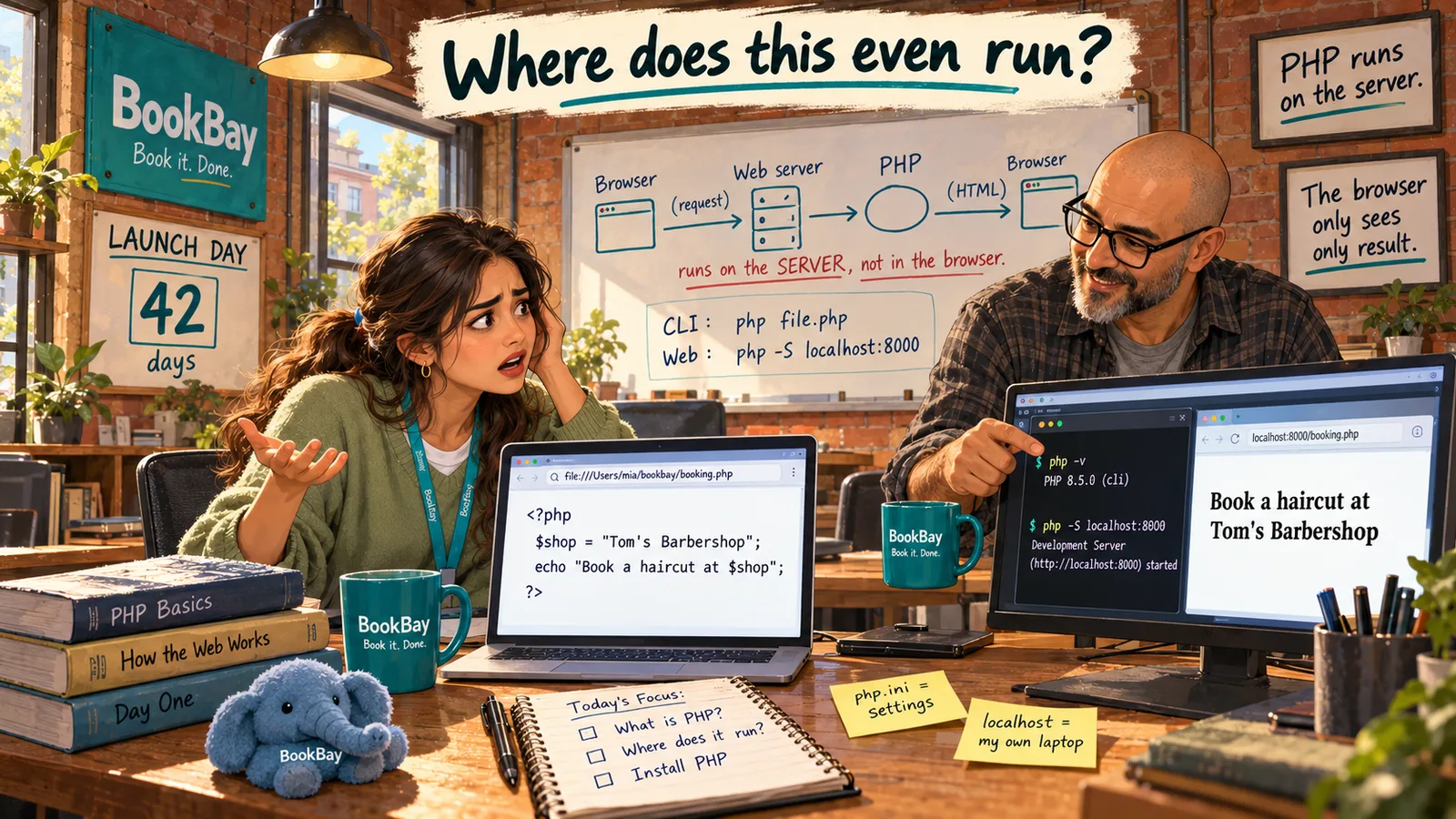
Hands-on Checkpoint
Set PHP up on your own computer, then explain it in writing — no auto-grading, just a real attempt.
The Challenge
BookBay has hired a second developer, who starts on Monday with a brand-new laptop. Marcus has a rule: "Whoever learned it last, writes it down." So Mia gets the job — set PHP up from zero on a fresh machine, the way she learned this week, and write the setup page for the team.
Do it for real on your own computer (any system — Windows with WSL, macOS or Linux). Then explain, in your own words, what happens when one of Tom's customers opens the booking page on the real server. Tick off each requirement below as you go.
What Your Setup and Answer Need
- Install PHP 8.5 using the path for your system, and show that
php -vreports version 8.5. - Find the php.ini your command line loads (
php --ini), setdate.timezoneto your own timezone, and prove it withphp -r 'echo date_default_timezone_get();'. - Make sure the mbstring and intl extensions are loaded (
php -m). If one is missing, install it. - Create a project folder
bookbaywith apublicfolder inside, and a filepublic/index.phpthat prints "Tom's Barbershop — free slots for" followed by today's date. - Serve only the
publicfolder with PHP's built-in server and open the page atlocalhost:8000in your browser. - Explain, step by step, what happens on the real server from the moment a customer opens Tom's booking page until the page appears. Name each stop: browser, Nginx, PHP-FPM, the PHP interpreter (and OPcache), and back.
- Explain why the built-in server isn't used on Launch Day, and what a "502 Bad Gateway" error would tell you.
Stuck? A Few Hints
- Installing: chapter 4 has the commands for each system. If
phpis "not found" afterwards, open a new terminal. - Timezone: on Ubuntu/WSL the file is usually
/etc/php/8.5/cli/php.ini— edit it withsudo nano. Names likeEurope/LondonorAsia/Kolkataare valid. - The page:
date('l j F')gives a date like "Monday 26 October". Runphp -S localhost:8000 -t publicfrom inside thebookbayfolder. - The explanation: follow the diagram in chapter 7 from top to bottom, and remember where OPcache sits from chapter 6.
Before You Move On
If your page opened at localhost:8000 and you could explain every stop of that journey, you've done what many developers only half understand for years: you know where PHP lives, how it's configured, and how a request becomes a page. Every Act from here builds on this — next, you start reading and writing real PHP.