

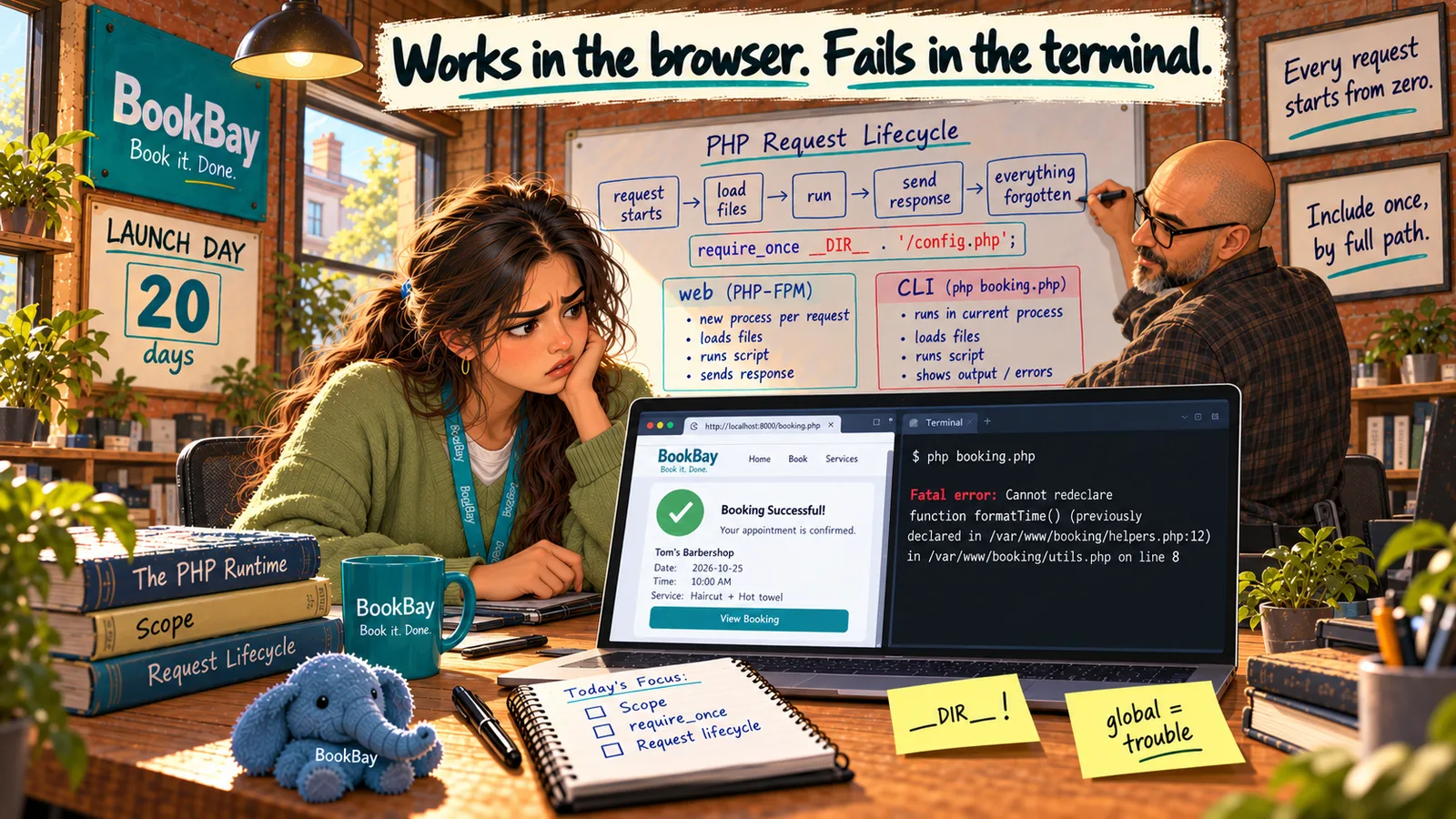
In this chapter
We'll follow PHP from the first line to the last: how a script is compiled and run, what happens to every variable at the end of a web request, how PHP-FPM's workers serve many visitors, and how the command line is different — arguments, working directory, no time limit — and why a counter in a static variable can never count across visitors.
The Problem in Real Life
Olivia wants a small number on the admin page: "Bookings made today". Mia adds a function that's called on every booking, with a counter inside it: static $bookingsToday = 0; $bookingsToday++;. She tests it: book, look at the admin page — 1. It works.
By the evening, twelve customers have booked. The admin page says 1. It says 1 after every single booking, for every visitor, all day.
A static variable remembers its value between calls. Why does it forget between bookings?
Mia
One Request vs. the Whole Day
Every request starts from zero
At the end of a request PHP throws away every variable — global, static, everything. The next visitor starts fresh.
Many visitors at once
PHP-FPM keeps several workers busy at the same time. Two customers are two separate runs of your code.
The terminal is different
A script run with php in a terminal gets arguments instead of $_GET, has no time limit, and runs from wherever you are.
The Script, Request, CLI and PHP-FPM Lifecycles
From start to finish: Act 01 followed one visit to Tom's page through the browser, Nginx and PHP-FPM. This chapter looks inside PHP's part of that journey, and at the terminal, in four steps:
- Script lifecycle: how one file is compiled, run and ended.
- Request lifecycle: what PHP sets up and throws away for each web request.
- PHP-FPM lifecycle: workers that stay alive while requests come and go.
- CLI lifecycle: what changes when you run
phpin a terminal.
Script lifecycle: when PHP is asked to run booking.php, it first compiles the whole file into simple instructions (chapter 4). If there's a syntax error anywhere, nothing runs at all — not even line 1 (Act 02). Then it declares the top-level functions (Act 09) and executes the file from top to bottom, compiling each included file when it gets there. The script ends at the last line, at exit (Act 06), or at a fatal error. Then comes shutdown: functions registered with register_shutdown_function() run, any output still waiting is sent, and all the memory the script used is freed.
<?phpregister_shutdown_function(function (): void {echo "4. shutdown: memory is freed after this\n";});echo "1. ", greet(), "\n"; // works: the function was declared before line 1 ranfunction greet(): string{return "functions are declared before the script runs";}echo "2. running top to bottom\n";echo "3. end of the file\n";// $ php lifecycle.php// 1. functions are declared before the script runs// 2. running top to bottom// 3. end of the file// 4. shutdown: memory is freed after this// (The Playground doesn't show output printed during shutdown — run this one in a terminal.)
Request lifecycle: on the web, that script run is wrapped in a request. PHP fills the superglobals from the incoming request ($_GET, $_POST, $_SERVER … chapter 1), runs the script, sends everything it printed back as the response, and then throws everything away: every global variable, every static variable, every object. The next request — the next visitor, or the same visitor clicking again — starts with nothing. This is called the shared-nothing design. It's why PHP is so robust: one customer's data can't leak into another's request, and one crashed request can't break the next one. It's also Mia's bug: her static counter lived exactly one request. Each booking was a new request, so the counter started at 0, went up to 1, and was thrown away.
<?phpfunction recordBooking(): int{static $bookingsToday = 0; // survives between calls in THIS request only$bookingsToday++;return $bookingsToday;}echo "After this booking: ", recordBooking(), "\n";// After this booking: 1// Press Run again: each Run in the Playground is a new request, like a new booking.// It prints 1 again — the request that counted to 1 is gone.
<?phpfunction recordBooking(): int{static $bookingsToday = 0;return ++$bookingsToday;}recordBooking();recordBooking();echo "Same request, third call: ", recordBooking(), "\n"; // Same request, third call: 3
Remembering across requests: anything that must outlive a request has to be stored outside PHP's memory: in a file (Act 15), in the visitor's session (Act 17), or — for "bookings made today" — in the database (Act 18), where the count is simply the number of today's booking rows. A static variable is for remembering something during one request, like the list of bank holidays you loaded once (Act 09).
PHP-FPM and its workers: on BookBay's server, PHP runs as PHP-FPM (Act 01): a master process that starts a pool of worker processes and hands each incoming request to a free worker. A worker handles one request at a time, from start to finish, then takes the next. The worker process itself stays alive for a long time — its loaded extensions and its compiled code (chapter 4) are reused — but the request data is wiped between requests. The diagram below shows the cycle. When twelve customers book at nearly the same time, several workers run your code at once, each with its own empty variables; that's a second reason a counter in PHP's memory could never work. The setting pm.max_children decides how many workers may run at the same time, and pm.max_requests replaces a worker after it has served a number of requests, as a safety net against slow memory leaks.
One PHP-FPM worker, request after request
Worker starts
extensions loaded once; waits for work
Request begins
superglobals filled: $_GET, $_POST, $_SERVER …
Script runs
compile (or reuse cached code), execute, print the response
Request ends
every variable, static and object is thrown away
Worker waits again
the next request starts from zero
CLI lifecycle: php bin/send-reminders.php in a terminal starts a brand-new PHP process that runs that one script once and exits, returning an exit code to whoever started it (0 for success, Act 06). There's no web server, no request and no response, so $_GET, $_POST and $_COOKIE are empty; instead, the words typed after the script name arrive in $argv. The current working directory is wherever the command was typed (chapter 2). By default there's no time limit (max_execution_time is 0), and the command line may read a different php.ini (Act 01). On a server, a scheduler called cron starts such scripts at fixed times: the line 0 18 * * * php /var/www/bookbay/bin/send-reminders.php runs the reminders at 18:00 every day.
<?php// ---- bin/send-reminders.php ----declare(strict_types=1);if (PHP_SAPI !== "cli") {exit("Run this from the terminal.\n");}$date = $argv[1] ?? date("Y-m-d", strtotime("tomorrow")); // the first word after the script nameecho "Sending reminders for $date\n";exit(0); // 0 = success, for cron and other tools// $ php bin/send-reminders.php 2026-11-06// Sending reminders for 2026-11-06
# crontab -e (one line per job: minute hour day month weekday command)0 18 * * * php /var/www/bookbay/bin/send-reminders.php >> /var/log/bookbay-reminders.log 2>&1# └ at 18:00, every day; absolute paths, because cron doesn't start in your project folder
Which one is running: the constant PHP_SAPI names the way PHP was started — fpm-fcgi under PHP-FPM, cli in a terminal, cli-server for the built-in server php -S, apache2handler inside Apache. (The PHP Playground prints embed: it's PHP built into another program, here your browser.) A script that must behave differently in a terminal can check PHP_SAPI === "cli". The table below compares the web and the command line.
| Question | Web (PHP-FPM) | Command line (CLI) |
|---|---|---|
| Started by | A visitor's request, through Nginx | You, or cron, typing php script.php |
| How long it lives | One request; the worker stays | One run; the process exits |
| Input | $_GET, $_POST, $_COOKIE, $_FILES | $argv (and reading the keyboard) |
| Output goes to | The visitor's browser | The terminal (or a log file) |
| Time limit | max_execution_time, often 30 seconds | None by default (0) |
| Working directory | Usually the script's folder | Wherever the command was typed |
| php.ini | The FPM one | The CLI one (Act 01) |
| PHP_SAPI | fpm-fcgi | cli |
<?phpecho "Running as: ", PHP_SAPI, "\n";echo "Time limit: ", ini_get("max_execution_time"), " seconds (0 = none)\n";echo "Arguments: ", isset($argv) ? implode(" ", $argv) : "none", "\n";// In the PHP Playground:// Running as: embed// Time limit: 0 seconds (0 = none)// Arguments: none
Key Takeaway
PHP compiles a whole file before running any of it, executes it top to bottom, then shuts down and frees everything. Each web request starts from zero and ends by throwing away every variable, static and object (shared-nothing), so anything that must last between requests goes into a file, a session or the database. PHP-FPM workers stay alive but serve one request at a time, several in parallel. The CLI runs one script once, with $argv, no time limit and the terminal's working directory.
Why This Matters
"Every request starts from zero" is the single most important fact about how PHP runs. It explains why PHP needs sessions to remember a logged-in customer, a database to remember bookings, and caches to avoid repeating work — and why a crash in one visitor's request can never corrupt another's.
And most real projects have both faces: pages that answer visitors, and terminal scripts that run on a schedule — reminders, reports, clean-ups. Knowing what changes between them (input, time limit, working directory, settings) saves you from the "works in the browser, fails in cron" family of bugs.
The counter is gone; until the database arrives in Act 18, the admin page counts the day's bookings from the booking list itself. On Friday, Olivia rehearses launch on the real server. She changes the haircut price in src/prices.php from 2500 to 2600, uploads the file — and the website keeps showing £25.00. An hour later, it still does. That's the last chapter: OPcache, bytecode and JIT.