

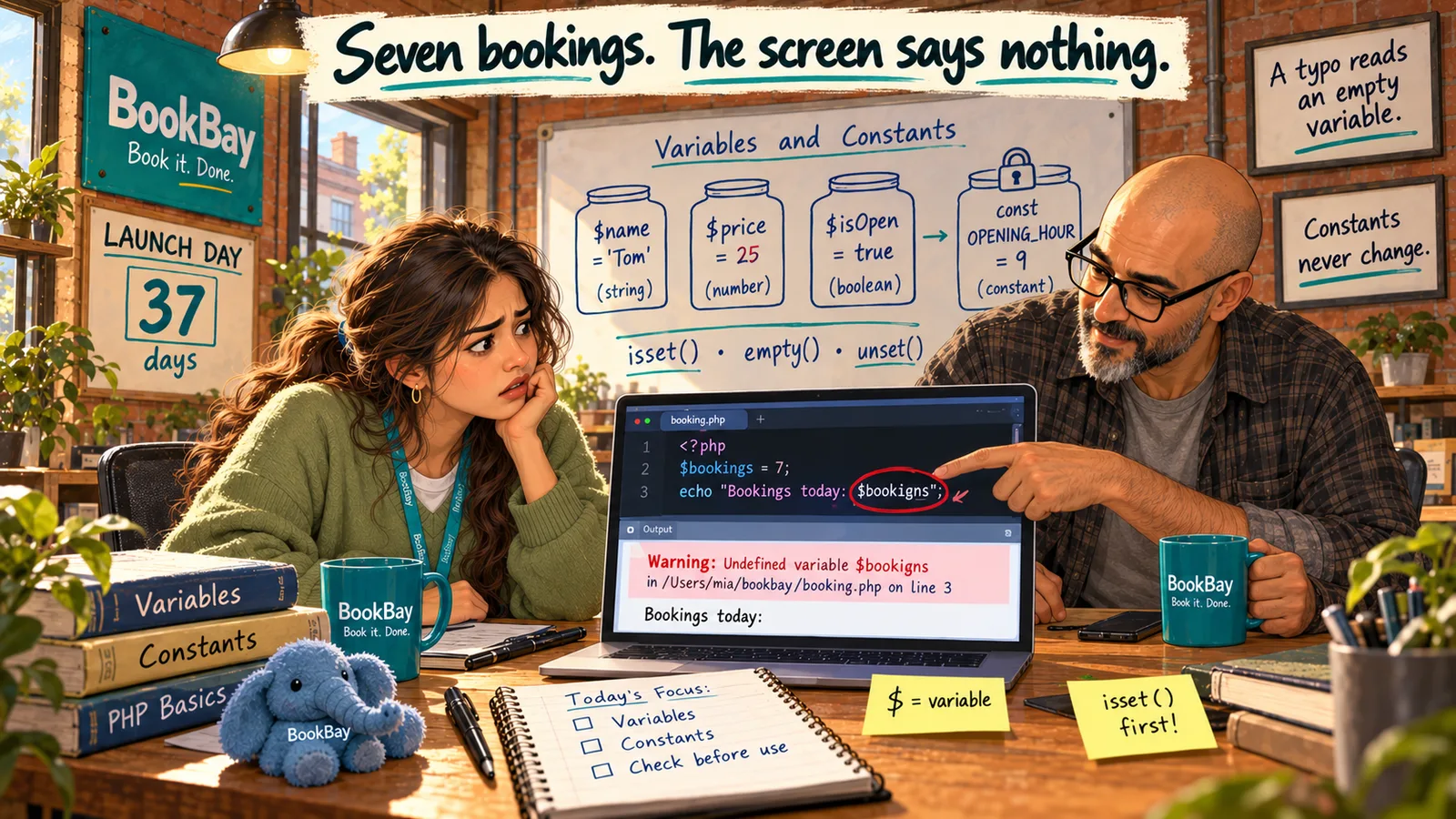
In this chapter
We'll learn how to check whether a variable is there before using it — with isset(), empty() and the ?? shortcut — how to remove one with unset(), and the trap that made a free kids' trim show as "Price missing!".
The Problem in Real Life
Customers can now leave a note for the barber when they book — "Please use the side door", "First haircut, he's nervous". Most customers don't. And every booking without a note fills the error log with the same line: Warning: Undefined variable $note.
Mia finds a function called empty() online and wraps every check in it. The warnings stop. The next day Tom adds a new service: a free trim for kids, price 0. The booking page shows it with a big red "Price missing!".
Marcus looks at her check. "empty() thinks zero means nothing. For a price, zero is a real answer. You need to ask PHP the exact question you mean."
How do I ask PHP "is this here?" without a warning — and without 0 counting as missing?
Mia
"Is It There?" vs. "Is It Empty?"
Maybe there, maybe not
Optional values, like a customer's note, are sometimes set and sometimes not.
Warnings everywhere
Reading a variable that isn't there fills the error log with warnings.
Zero is not nothing
Some checks treat 0, "0" and empty text as missing — even when they're real values.
Checking Variables: isset, empty and unset
Variable existence: in chapter 1 you saw that a variable exists from the moment it's assigned — and that reading one that doesn't exist gives a warning. Often you can't know in advance whether a value will be there: a customer may or may not write a note, a link may or may not contain a date. So you need a way to ask first. PHP gives you three tools for this, and one shortcut:
- isset: asks "does this variable exist, and does it hold something other than null?"
- empty: asks "is this variable missing, or is its value empty-like — 0, empty text, false…?"
- unset: removes a variable completely.
- The ?? shortcut: says "use this variable if it's set, otherwise use this other value".
isset(): isset($note) gives true if $note exists and isn't null, and false otherwise. Asking never causes a warning, even when the variable was never set — that's the whole point. Like echo, isset() is a language construct, not a normal function, which is why it can look at a missing variable without complaining. You'll mostly use it with if, which runs a block only when its condition is true (Act 06 covers if properly): "if there's a note, print it". Run the code below as it is, then remove the // in front of $note and run it again.
<?php$customer = "Zoë";// $note = "Please use the side door"; // remove the // and run againif (isset($note)) {echo "Note for the barber: $note\n";}echo "Booking saved for $customer\n";
As it is: only Booking saved for Zoë — and no warning. With the note set, the note line appears first.
isset() and null: isset() treats a variable that holds null exactly like one that doesn't exist — both give false. So isset() really asks "is there a real value here?". Note that 0 is a real value, so isset() says true for it. You can also check several variables at once: isset($note, $discountCode) is true only if all of them are set.
<?php$note = null;$bookings = 0;var_dump(isset($note)); // bool(false): null counts as not setvar_dump(isset($bookings)); // bool(true): 0 is a real valuevar_dump(isset($discountCode)); // bool(false): never set, and no warningvar_dump(isset($bookings, $discountCode)); // bool(false): not all of them are set
empty(): empty($x) gives true when the variable doesn't exist, or when its value counts as empty. Like isset(), it never warns. PHP counts these values as empty: null, false, 0, 0.0, empty text "", the text "0", and an empty list []. Everything else is not empty — including " " (one space) and the text "0.0". The table below shows how both checks answer for common values.
| The variable holds | isset() | empty() |
|---|---|---|
| (never set) | false | true |
| null | false | true |
| false | true | true |
| 0 or 0.0 | true | true |
| "0" (the text zero) | true | true |
| "" (empty text) | true | true |
| [] (an empty list) | true | true |
| " " (one space) | true | false |
| "Tom" or 25 | true | false |
isset() and empty() aren't opposites: 0, "" and false are set AND empty.
The empty() trap: empty() is handy for text that must not be blank, like a customer's name. For numbers it's dangerous, because 0 counts as empty — and 0 is often a real answer. That was Mia's bug: the kids' trim is free, its price is 0, and empty() reported it as missing. When 0 is a valid value, don't use empty(); ask the question you actually mean, like isset($price) — "is there a price?". The same trap catches text: a customer who types 0 into a form sends the text "0", which is empty too.
<?php$kidsTrimPrice = 0; // free: a real priceif (empty($kidsTrimPrice)) {echo "Price missing!\n"; // printed, but it's wrong}if (isset($kidsTrimPrice)) {echo "Price: £$kidsTrimPrice\n"; // Price: £0}
Output: Price missing! and then Price: £0. The empty() check is the bug; the isset() check asks the right question.
The ?? shortcut: very often you want "the value if it's there, otherwise a default". Writing that with isset() and if takes several lines. PHP has a shortcut called the null coalescing operator, written ??: $note ?? "No note" gives $note if it's set and not null, and "No note" otherwise. Like isset(), it never warns. Act 05 covers operators properly, but this is one you'll use almost every day. Notice in the code below that ?? only replaces a missing or null value — empty text is a real value, so it stays empty.
<?phpecho $note ?? "No note", "\n"; // No note (never set, no warning)$note = null;echo $note ?? "No note", "\n"; // No note (null)$note = "";echo "[", $note ?? "No note", "]\n"; // [] (empty text is a real value)$note = "Side door, please";echo $note ?? "No note", "\n"; // Side door, please
unset(): unset($note) deletes the variable. Afterwards it's exactly as if it had never been set: isset() gives false, and reading it gives the "Undefined variable" warning again. You can remove several at once with unset($a, $b). You won't need it often for simple variables, because they disappear anyway when the file ends (chapter 1). It's mostly used to remove one item from a list (Act 08). Setting a variable to null is similar but not quite the same: the variable still exists, it just holds no value — though isset() answers false for both.
<?php$note = "Please use the side door";unset($note);var_dump(isset($note)); // bool(false)echo $note; // Warning: Undefined variable $note
Which one to use: the table below sums it up. A good rule while you're learning: use ?? when you need a value with a fallback, isset() when you need to know whether something is there, and empty() only for text or lists where 0 can never be a real value.
| You want to… | Use | Example |
|---|---|---|
| Use a value, or a default if it's missing | ?? | $note ?? "No note" |
| Know whether a value is there | isset() | isset($price) |
| Know whether text is blank | empty() | empty($customerName) |
| Remove a variable | unset() | unset($note) |
Key Takeaway
isset() asks "is this set and not null?", empty() asks "is this missing or empty-like (0, "", "0", false, null, [])?", and neither warns. $x ?? "default" gives a fallback for a missing or null value. Don't use empty() where 0 is a real value. unset() removes a variable completely.
Why This Matters
Real data is full of gaps: optional notes, links without a date, forms where a field was left out. Mia's backend code will check for missing values all day long — and choosing the right check is the difference between a clean error log and a page that calls a free trim "Price missing!".
From Act 16 on, every value that comes from a visitor — through a link or a form — may or may not be there. ?? and isset() are how BookBay's code will handle that safely.
The warnings are gone and the kids' trim shows £0. Then Olivia asks Mia to change the haircut price from £25 to £28 — and she finds the number 25 written in six different places, two of which aren't even prices. Worse, a test line she forgot, $haircutPrice = 0;, made every booking free for an hour yesterday. "Some values should never change while the code runs," says Marcus. That's the next chapter.