

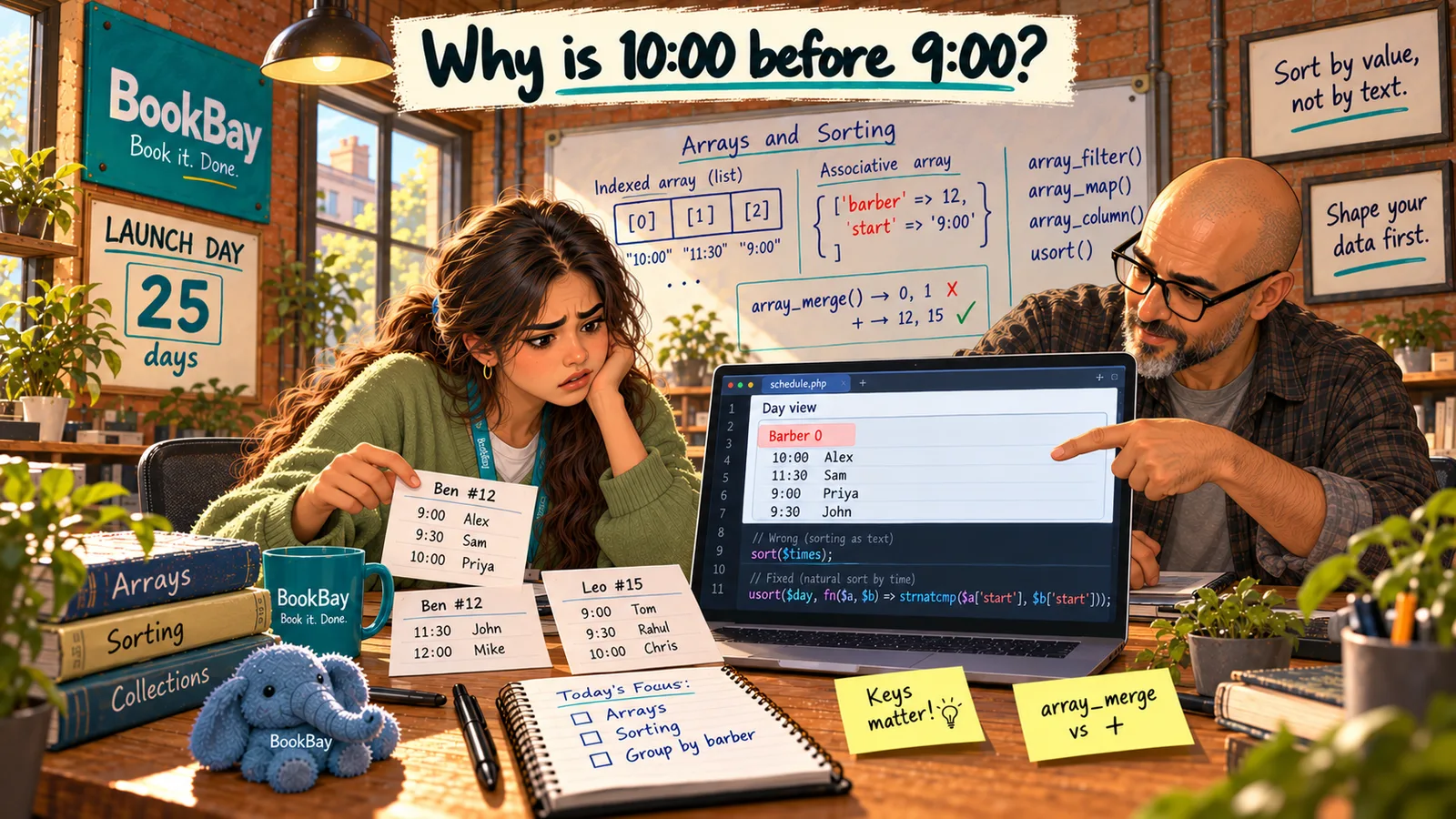
In this chapter
We'll learn the three ways to combine arrays — array_merge(), the + operator and array_replace() — and exactly how each treats integer and string keys, why array_merge() renumbered the barber IDs, and how array_combine() builds an array from a list of keys and a list of values.
The Problem in Real Life
Each barber's schedule is an array keyed by barber ID, so the day view can look up the barber's name: [12 => [...Ben's bookings...]]. Leo's comes from Olivia's spreadsheet in the same shape: [15 => [...Leo's bookings...]]. Mia joins them with $schedules = array_merge($ben, $leo);.
The day view prints "Barber 0: 4 bookings" and "Barber 1: 3 bookings", and two warnings: "Undefined array key 0" and "Undefined array key 1" from the lookup of the barbers' names.
Ben is barber 12 and Leo is barber 15. Where did 0 and 1 come from?
Mia
array_merge() vs. + vs. array_replace()
IDs renumbered
array_merge() throws away integer keys and numbers the items 0, 1, 2 … — including IDs.
Who wins a clash?
When both arrays have the same key, one value must win. Each way of combining picks differently.
Keys from one list, values from another
A header row and a data row from a spreadsheet are two lists that belong together.
Combining Arrays: merge, replace and combine
Three ways to join, three different rules: joining two arrays sounds simple until both have keys. PHP has three tools, and the difference between them is entirely about keys:
- array_merge(): for lists. Integer keys are renumbered; for string keys, the later array wins.
- The + operator: keeps every key as it is; for a key in both, the first array wins.
- array_replace(): keeps every key as it is; for a key in both, the later array wins.
array_merge: array_merge($a, $b) appends the items of $b after the items of $a. With integer keys it doesn't care what the numbers were: every item gets a new key, 0, 1, 2 … in order. That's perfect for lists, like Ben's times plus Leo's times. With string keys, it keeps the keys, and when both arrays have the same key, the value from the later array wins: array_merge($defaults, $settings) is the classic way to apply settings on top of defaults. Mia's barber IDs were integer keys, so array_merge() renumbered them to 0 and 1. The spread operator from chapter 4, [...$a, ...$b], follows the same rules.
<?php$ben = [12 => ["9:00", "10:00"]]; // keyed by barber ID$leo = [15 => ["9:30"]];$schedules = array_merge($ben, $leo);print_r(array_keys($schedules));// Array// (// [0] => 0// [1] => 1// )
<?php$benTimes = ["9:00", "10:00"];$leoTimes = ["9:30"];echo implode(" ", array_merge($benTimes, $leoTimes)), "\n"; // 9:00 10:00 9:30$defaults = ["slotMinutes" => 30, "currency" => "GBP"];$settings = ["slotMinutes" => 45];print_r(array_merge($defaults, $settings)); // later wins// Array// (// [slotMinutes] => 45// [currency] => GBP// )
The + operator: $a + $b keeps every key exactly as it is. It adds only the keys of $b that $a doesn't have yet; for a key that's in both, $a's value stays and $b's is ignored. So $ben + $leo keeps 12 and 15. Because the first array wins, + is the way to fill in defaults without overwriting: $settings + $defaults. Careful with lists: ["9:00", "9:30"] + ["10:00"] is still ["9:00", "9:30"], because key 0 already exists.
<?phpprint_r(["9:00", "9:30"] + ["10:00", "10:30", "11:00"]);// Array// (// [0] => 9:00// [1] => 9:30// [2] => 11:00// )
array_replace: array_replace($a, $b) keeps every key too, but for a key that's in both, the value from the later array wins. It's what Mia needs if a later schedule should replace an earlier one for the same barber: array_replace($schedules, $updated) keeps the IDs and swaps in Leo's new schedule. For a barber who's in only one of them, both + and array_replace() simply keep them. The table below puts the three side by side.
| Way | Integer keys | Same key in both | Result |
|---|---|---|---|
| array_merge($a, $b) | Renumbered 0, 1, 2 … | Later wins (string keys) | [0 => "Ben", "owner" => "Olivia", 1 => "Ben B.", 2 => "Leo"] |
| $a + $b | Kept | First wins | [12 => "Ben", "owner" => "Tom", 15 => "Leo"] |
| array_replace($a, $b) | Kept | Later wins | [12 => "Ben B.", "owner" => "Olivia", 15 => "Leo"] |
<?php$ben = [12 => ["9:00", "10:00"]];$leo = [15 => ["9:30"]];$leoUpdated = [15 => ["9:30", "11:00"]];$schedules = $ben + $leo;echo implode(", ", array_keys($schedules)), "\n"; // 12, 15$first = $schedules + $leoUpdated; // first wins: old schedule$later = array_replace($schedules, $leoUpdated); // later wins: new scheduleecho implode(" ", $first[15]), " | ", implode(" ", $later[15]), "\n"; // 9:30 | 9:30 11:00
array_combine: array_combine($keys, $values) builds an associative array from two lists: the first list gives the keys, the second the values, item by item. It's handy for spreadsheet data, where the first row has the column names: array_combine(["time", "customer"], ["9:30", "Clare Lefèvre"]) gives ["time" => "9:30", "customer" => "Clare Lefèvre"]. Both lists must have the same number of items, or PHP throws a ValueError.
<?php$header = ["time", "customer", "service"]; // the spreadsheet's first row$row = ["9:30", "Clare Lefèvre", "Haircut"];$booking = array_combine($header, $row);echo $booking["customer"], " at ", $booking["time"], "\n"; // Clare Lefèvre at 9:30try {array_combine(["time", "customer"], ["9:30"]);} catch (ValueError $e) {echo $e->getMessage(), "\n";}// array_combine(): Argument #1 ($keys) and argument #2 ($values) must have the same number of elements
Merging deeper: all three tools work on the top level only. If both arrays have key 12, array_replace() replaces Ben's whole schedule; it doesn't merge the bookings inside. array_merge_recursive() and array_replace_recursive() go deeper, but their rules are surprising (the recursive merge turns clashing string values into arrays), so check the output with print_r() before you rely on them.
Key Takeaway
array_merge() renumbers integer keys and lets the later array win for string keys — right for lists, wrong for IDs. $a + $b keeps all keys and lets the first array win — good for filling in defaults. array_replace() keeps all keys and lets the later array win. array_combine() turns a list of keys and a list of values into one associative array.
Why This Matters
IDs are how data stays connected: a booking points to a barber by ID, a barber's schedule is found by ID. A join that renumbers them breaks those links without an error — the day view shows "Barber 0", or worse, the wrong barber's name.
Picking the right tool takes one question: should the keys survive? For lists, array_merge(); for anything keyed by ID or name, + or array_replace(), depending on which side should win.
The schedules are joined with +, and the day view shows Ben and Leo by name again. Next, Mia sends the evening's reminders from the day's bookings. Clare has two bookings today — a haircut at 9:30 and a hot towel at 15:00 — and she gets two identical reminder texts. That's the next chapter: keys, values, columns and sets.