

In this chapter
We'll learn PHP's comparison operators — ==, ===, !=, !==, <, >, <= and >= — when to use loose and when strict comparison, how strings are compared (and why "9:30" isn't smaller than "12:00"), and the spaceship operator <=>, which tells you which of two values comes first.
The Problem in Real Life
The morning-slots report should list every free slot before noon. Mia's check looks obvious: $slot < "12:00". The report shows 11:00 and 11:30 — and nothing before that.
She tests one line on its own: var_dump("9:30" < "12:00");. PHP says bool(false). Then she tries the opposite: "10:00" < "9:30" — bool(true). Ten o'clock comes before half past nine?
"PHP isn't comparing times," says Marcus. "It doesn't know what a time is. It's comparing text — character by character, like words in a dictionary."
How can "10:00" be smaller than "9:30"?
Mia
Comparing Meanings vs. Comparing Values
Times stored as text
"9:30" and "12:00" are strings, so PHP compares them like words, not like times.
Loose or strict?
== converts types before comparing; === doesn't. Choosing wrong lets bad values through.
Which comes first?
Sorting needs a comparison that says "before", "same" or "after" — not just true or false.
Comparison: Loose, Strict and the Spaceship
Comparison operators: a comparison operator compares two values and gives a bool — true or false. These are the questions behind every if you'll write in Act 06:
- Equal:
===(same type and value) and==(equal after converting types). - Not equal:
!==(strict) and!=(loose;<>is an old spelling of it). - Bigger and smaller:
<,>,<=(smaller or equal) and>=(bigger or equal). - Spaceship:
<=>— tells you which value comes first, as -1, 0 or 1.
Strict comparison, === and !==: $a === $b is true only if both values have the same type and the same value. Nothing is converted. 25 === 25 is true; "25" === 25 is false, because one is a string and one an int. !== is the opposite: "not identical". This is the comparison to use by default — it does exactly what it says.
Loose comparison, == and !=: $a == $b converts the values to a common type first, then compares (Act 04, chapter 7). "25" == 25 is true, and so is "false" == true — which is how the partner's unpaid booking slipped through. Loose comparison can be useful for numbers that might arrive as numeric strings, but its surprises cost more than it saves. The rule at BookBay: use strict comparison — === and !== — and convert values on purpose before comparing.
<?phpvar_dump(25 === 25); // bool(true)var_dump("25" === 25); // bool(false): string vs. intvar_dump("25" == 25); // bool(true): converted firstvar_dump("false" == true); // bool(true): the partner bug from Act 04var_dump("25" !== 25); // bool(true)
Bigger and smaller with numbers: <, >, <= and >= work as you'd expect for numbers: 570 < 720 is true. If one side is a numeric string, it's compared as a number: 10 < "9" is false. <= and >= include "equal": 18 >= 18 is true — the right check for "is the customer 18 or older?".
How strings are compared: when both sides are strings that aren't fully numbers, PHP compares them character by character, from the left, using each character's code. That's dictionary-like order: "apple" < "banana", because a comes before b. But it isn't human order. Capital letters come before all small letters ("Zebra" < "apple" is true), and digits are compared one at a time: in "10:00" vs. "9:30", the first characters are 1 and 9, and 1 comes first — so "10:00" is "smaller". That's Mia's bug. The fix is to compare values with meaning: store times as minutes (570 and 720, from chapter 1) and compare the ints. The code below shows both.
<?phpvar_dump("9:30" < "12:00"); // bool(false): "9" comes after "1"var_dump("10:00" < "9:30"); // bool(true): "1" comes before "9"var_dump("Zebra" < "apple"); // bool(true): capitals come first// The fix: compare minutes, not text$slotMinutes = 570; // 9:30$noonMinutes = 720; // 12:00var_dump($slotMinutes < $noonMinutes); // bool(true)
The spaceship operator, <=>: $a <=> $b (it looks like a little spaceship) compares two values and gives an int: -1 if $a is smaller, 0 if they're equal, and 1 if $a is bigger. That's exactly what sorting needs: "should this come before that?". You'll pass it to sorting functions like usort() in Act 08 — for example, to sort bookings by start time or customers by name. It compares the same way < and > do, including the string rules above.
<?phpvar_dump(1 <=> 2); // int(-1): left is smallervar_dump(2 <=> 2); // int(0): equalvar_dump(3 <=> 2); // int(1): left is biggervar_dump("Alex" <=> "Sam"); // int(-1): Alex comes firstvar_dump(600 <=> 570); // int(1): 10:00 comes after 9:30
Comparisons don't chain: in maths you can write 9 < x < 17. In PHP, 9 < $hour < 17 is a parse error — comparison operators can't be chained. Write two comparisons and join them with && ("and"), which is the next chapter: $hour >= 9 && $hour < 17. The table below sums up every comparison operator.
| Operator | True when | Example |
|---|---|---|
| === | Same type and same value | 25 === 25 |
| !== | Different type or value | "25" !== 25 |
| == | Equal after converting types | "25" == 25 |
| != (also <>) | Not equal after converting | 1 != 2 |
| < > | Smaller / bigger | 570 < 720 |
| <= >= | Smaller or equal / bigger or equal | 18 >= 18 |
| <=> | Gives -1, 0 or 1 (not a bool) | 1 <=> 2 gives -1 |
<?php$hour = 15;// var_dump(9 <= $hour < 18); // Parse error: syntax error, unexpected token "<"var_dump($hour >= 9 && $hour < 18); // bool(true): two comparisons, joined
Key Takeaway
Comparison operators give true or false. === and !== compare type and value without converting — use them by default; == and != convert first and can surprise you. <, >, <= and >= compare numbers numerically but non-numeric strings character by character, so compare times as minutes, not text. <=> returns -1, 0 or 1 for sorting. Comparisons can't be chained — join them with &&.
Why This Matters
Every decision in BookBay's code — is the slot free, is the customer old enough, is the payment complete — is a comparison. Choosing === over == removes a whole class of type-juggling bugs, and comparing values with meaning (minutes, pence) instead of formatted text removes another.
The spaceship operator will matter as soon as Mia sorts anything — bookings by time, customers by name — in Act 08.
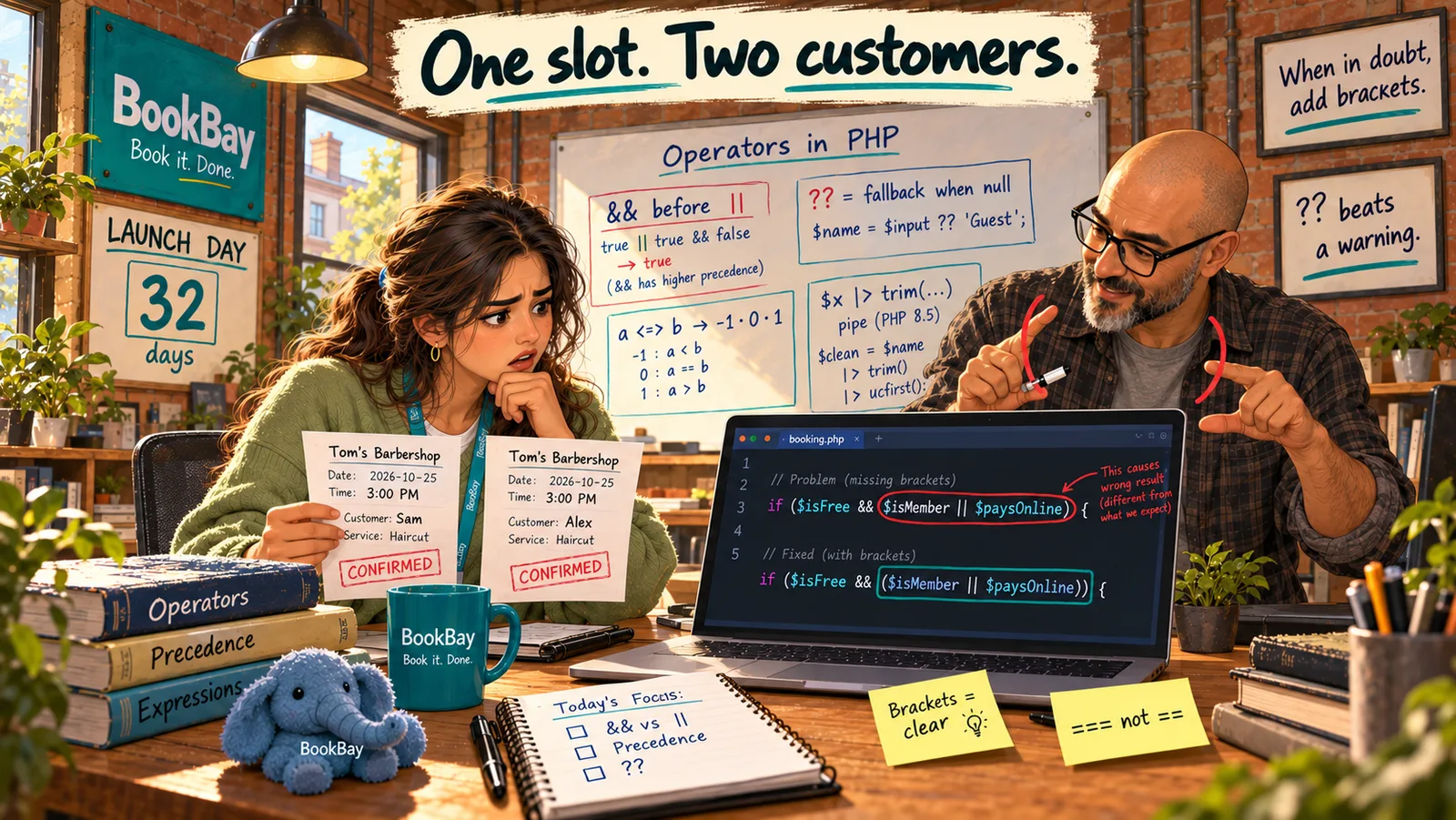
The morning report now lists 9:00 to 11:30 correctly. Back to the double booking. Mia can read $isFree and $isMember and $paysOnline — all bools. What's left is && and ||, the operators that join true/false questions together. "And somewhere in how they join," says Marcus, "is the bug." That's the next chapter.