

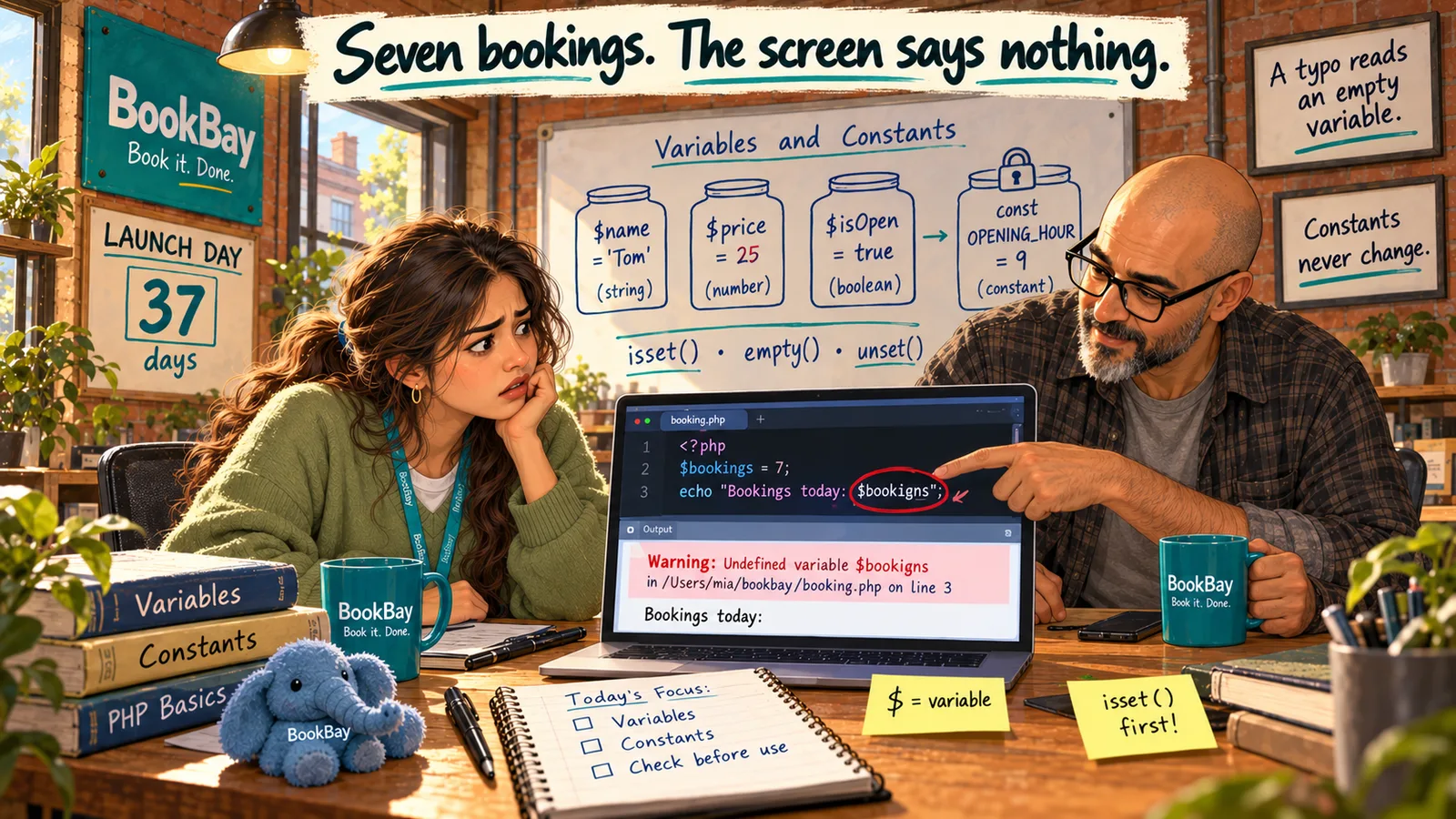
In this chapter
We'll learn where a variable can be seen — the global scope of a file and the local scope of each function — why a function can't see the variables around it, how static variables remember a value between calls, and a first look at superglobals, the special variables that are visible everywhere.
The Problem in Real Life
Mia moves the price calculation into a function, priceWithFee(), so every page can use the same code. The booking fee sits at the top of the file: $bookingFee = 2;. Inside the function she writes return $price + $bookingFee;.
The page shows £25 instead of £27, and the log says Warning: Undefined variable $bookingFee. She scrolls up. The variable is right there, three lines above the function. She didn't misspell it this time — she checks letter by letter.
"Spelling's fine," says Marcus. "But in PHP, a function is like a room with the doors shut. It can't see what's outside — unless you hand it in."
The variable is right there, a few lines above. Why can't the function see it?
Mia
Inside a Function vs. Outside It
Functions can't see outside
A variable set in the main file is invisible inside a function.
Values that reset
Variables inside a function start fresh on every call.
Values from the visitor
The date in a link, the fields of a form — how does PHP code reach them?
Variable Scope and Superglobals: A First Look
Scope: the scope of a variable is the part of the code where that variable can be seen and used. PHP keeps this simple — there are two main scopes:
- Global scope: the main part of a file, outside any function. Variables created there are global variables.
- Local scope: the inside of a function. Variables created there — including its parameters — are local variables: they exist only inside that function, and only while it runs.
Functions can't see global variables: this surprises people who know other languages. In PHP, a function cannot see the variables of the file around it. Inside priceWithFee(), $bookingFee is a completely separate local variable that was never set — so PHP warns and uses null, exactly like chapter 1's typo, and 25 + null gives 25. Here's Mia's bug.
<?php$bookingFee = 2;function priceWithFee(int $price): int{return $price + $bookingFee; // a different, empty variable}echo priceWithFee(25);// Warning: Undefined variable $bookingFee in main.php on line 7// 25
Getting a value into a function: there are three ways, shown below from best to worst. Best: pass it as a parameter — the function says exactly what it needs, and you can see the value at every call. Next: if the value is fixed, make it a constant — constants are visible everywhere (chapter 3). Last: the global keyword. Writing global $bookingFee; inside the function connects it to the global variable. It works, but avoid it: any code anywhere can change a global variable, and then the function's result changes for reasons you can't see from the call. Act 10 covers global variables in more depth.
<?php// 1. Best: pass it as a parameterfunction priceWithFee(int $price, int $fee): int{return $price + $fee;}$bookingFee = 2;echo priceWithFee(25, $bookingFee), "\n"; // 27// 2. Good for fixed values: a constantconst BOOKING_FEE = 2;function priceWithFixedFee(int $price): int{return $price + BOOKING_FEE;}echo priceWithFixedFee(25), "\n"; // 27// 3. Works, but avoid: the global keywordfunction priceWithGlobalFee(int $price): int{global $bookingFee;return $price + $bookingFee;}echo priceWithGlobalFee(25), "\n"; // 27
Local variables live only during the call: a function's local variables are created when the function is called and thrown away when it returns. They're invisible outside the function, too. In the code below, $total is set inside the function, but after the call it doesn't exist. If the caller needs a value, the function should return it.
<?phpfunction makeTotal(): void{$total = 50; // local: only inside makeTotal()}makeTotal();echo $total;// Warning: Undefined variable $total in main.php on line 9
Static variables: sometimes a function needs to remember something between its own calls — for example, how many bookings it has counted so far. A static variable, written static $count = 0;, is still local (invisible outside the function), but it keeps its value between calls. The = 0 only happens on the first call. Compare the two functions below: the normal one starts from zero every time; the static one keeps counting. Like every other variable, a static variable is forgotten when the file finishes running (chapter 1).
<?phpfunction countPlain(): int{$count = 0; // set to 0 on every call$count = $count + 1;return $count;}function countStatic(): int{static $count = 0; // set to 0 only on the first call$count = $count + 1;return $count;}echo countPlain(), countPlain(), countPlain(), "\n"; // 111echo countStatic(), countStatic(), countStatic(), "\n"; // 123
Blocks don't create a scope: in many languages, a variable created inside { … } disappears at the closing brace. Not in PHP — only functions create a new scope. A variable set inside an if block is still there after the block ends. But if the if didn't run, the variable was never set, and reading it warns. That's why the code below gives $message a starting value before the if.
<?php$isOpen = true;$message = "Sorry, we're closed"; // a starting valueif ($isOpen) {$message = "Come in!"; // set inside the block…}echo $message; // …still there after it: Come in!
Superglobals: there's one exception to "functions can't see outside": superglobals. These are special variables that PHP fills in for you before your file starts running, and that work everywhere — in the main file and inside every function, with no global needed. Their names start with $_ and are written in capitals. Each one is a list of named values (an array — Act 08), and you read one item with square brackets: $_GET["date"]. The table lists them. You'll use them properly in Act 16 (HTTP) and Act 17 (forms and sessions); this is only a first look.
| Superglobal | What it holds | You'll use it in |
|---|---|---|
| $_GET | Values from the link's query string (?date=…) | Act 16 |
| $_POST | Values sent by a form | Acts 16–17 |
| $_SERVER | Details about the request and the server | Act 16 |
| $_COOKIE | Small values the browser sends back with each request | Act 17 |
| $_SESSION | Values kept for one visitor between pages | Act 17 |
| $_FILES | Files uploaded through a form | Act 15 |
| $_ENV | Environment variables (settings from outside PHP) | Later in the course |
| $_REQUEST | $_GET, $_POST and $_COOKIE mixed together — avoid it | — |
| $GLOBALS | Every global variable, by name | Act 10 |
A first superglobal: when a customer opens https://bookbay.example/slots.php?date=2026-11-02, the part after the ? is called the query string, and PHP puts it into $_GET for you: $_GET["date"] holds "2026-11-02". If the link has no date, that item doesn't exist — so combine it with ?? from chapter 2 to get a default. In the terminal and in the Playground there's no link, so $_GET is empty and you'll see the default. One rule to remember from today: everything in $_GET, $_POST and $_COOKIE comes from the visitor and can't be trusted — anyone can type anything into a link. Acts 17 and 20 show how to check it.
<?php$date = $_GET["date"] ?? "today";echo "Free slots for: $date\n";function requestMethod(): string{return $_SERVER["REQUEST_METHOD"] ?? "none (not a web request)";}echo "Request method: ", requestMethod(), "\n";
In the terminal or the Playground: Free slots for: today and Request method: none (not a web request). On the web, opened as slots.php?date=2026-11-02: Free slots for: 2026-11-02 and Request method: GET.
Key Takeaway
PHP has a global scope (the main file) and a local scope per function. A function can't see global variables: pass values in as parameters (best), use constants for fixed values, and avoid global. Local variables vanish when the call ends, except static ones, which keep their value between calls. Blocks like if don't create a scope. Superglobals such as $_GET and $_SERVER are visible everywhere — and visitor data in them can't be trusted.
Why This Matters
Scope is what keeps big programs manageable. Because a PHP function can only see what you hand it, Mia can read any function on its own and know exactly what it depends on — and no function can break another by accident through a shared variable. That's why BookBay's code passes values in and returns results out, instead of using global.
Superglobals are the doorway between the web and your code: every link, form and cookie arrives through them. Knowing from day one that they're visible everywhere — and that their contents can't be trusted — prepares Mia for Acts 16, 17 and 20.
Mia passes the fee in as a parameter, and the page shows £27 again. At the end of the week, the top of her file looks completely different: the shop's fixed values in constants, today's numbers in clearly named variables, every optional value checked before it's used. Olivia has one last request before the weekend: one small file that describes Tom's shop and today's bookings — and prints a report. That's the checkpoint.