

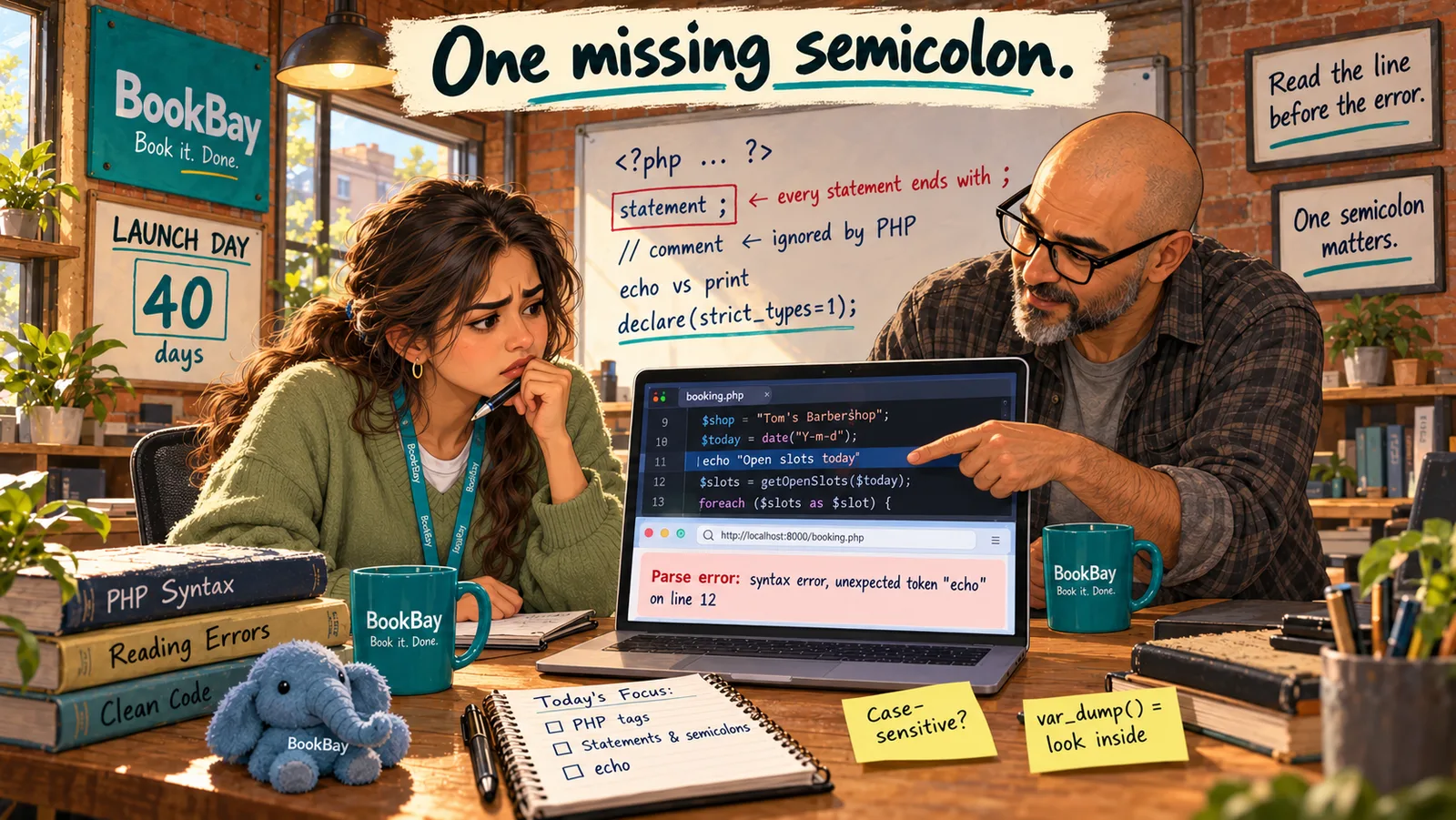
In this chapter
We'll learn how PHP sends text out — echo and print, the difference between double and single quotes, how to put line breaks in your output, why true prints as 1 and false prints nothing — and how a PHP file runs from top to bottom until it finishes or is stopped with exit or die.
The Problem in Real Life
Mia's barber list has clear names now. Next, she wants the page to show today's free slots, one per line. She writes four echo lines — a heading and three times — and runs the file.
Out comes one long, squashed line: Open slots today9:009:3011:00. Every value is there, but glued together. Then she adds a line that should say whether the shop is open, echo $isOpen; — and it prints nothing at all, although $isOpen is definitely set.
Marcus nods. "PHP prints exactly what you tell it, and nothing more. No spaces, no new lines, nothing you didn't ask for. Let's learn what you can ask for."
Why is everything glued together on one line — and why does one value print nothing at all?
Mia
What You Meant to Print vs. What PHP Printed
Everything on one line
PHP never adds spaces or line breaks by itself — you have to print them.
A value that prints nothing
Some values, like false, turn into empty text when printed.
Two ways to print
echo and print both exist, and quotes behave differently depending on which kind you use.
Output: echo and print
Output: output is everything a PHP file sends out — the text that appears in the terminal (on the command line) or the HTML the browser receives (on the web). Two things create output: text outside the PHP tags (chapter 1), and the PHP commands that print. You'll use one of those commands in almost every file you write: echo.
echo: echo prints whatever comes after it. It's not a normal function but a language construct — a built-in part of PHP's grammar — so it doesn't need brackets. It can print:
- Text:
echo "Tom's Barbershop"; - Numbers:
echo 25;prints25. - Variables:
echo $shop;prints whatever$shopholds. - Several things at once: separate them with commas —
echo "Open from ", $opensAt, " to ", $closesAt;
PHP prints exactly what you ask — nothing more: that's Mia's first problem. Each echo prints its value directly after the previous one, with no space and no new line, so four echoes become one squashed line. To start a new line you print one yourself: "\n" is the newline character (the \n inside double quotes means "new line"). The two code boxes below show the squashed version and the fixed one.
<?php$first = "9:00";$second = "9:30";$third = "11:00";echo "Open slots today";echo $first;echo $second;echo $third;
Output: Open slots today9:009:3011:00
<?php$first = "9:00";$second = "9:30";$third = "11:00";echo "Open slots today:\n";echo $first, "\n";echo $second, "\n";echo $third, "\n";
Output: Open slots today: and then 9:00, 9:30 and 11:00, each on its own line.
A few more echo examples: the code below shows echo with several values separated by commas, and with brackets — echo("…") works too, but nobody writes it that way, because echo isn't a function. Keep it simple: echo, a space, then what to print.
<?phpecho "Tom's Barbershop\n";echo "Open from ", "9:00", " to ", "18:00", "\n"; // several valuesecho("Brackets work too, but nobody needs them\n");
print: PHP has a second way to print: print. It works almost like echo, with two small differences — it accepts only one value (no commas), and it gives back the number 1, which means it can be used inside a bigger expression. In practice, almost all PHP code uses echo; you'll mostly meet print in older code. The table below compares them.
| Question | echo | |
|---|---|---|
| Values at once | Several, separated by commas | Only one |
| Gives back a value | No | Always 1 |
| Brackets needed | No | No |
| Used in modern code | Almost always | Rarely |
<?phpprint "Hello from print\n";$result = print "Printed again\n";echo $result; // 1// print "9:00", "9:30"; // two values → Parse error: unexpected token ","
Double quotes vs. single quotes: text in PHP is written between quotes, and the kind of quote matters. Inside double quotes, PHP replaces variables with their values and understands special codes like \n. Inside single quotes, PHP prints everything exactly as written — $shop stays the word $shop, and \n stays a backslash and an n. In the code below, the single-quoted line prints the variable's name instead of its value. When you want to join text and a variable with single quotes, use the dot: 'Welcome to ' . $shop. Act 07 covers quotes in depth; for now: use double quotes when the text contains a variable or \n.
<?php$shop = "Tom's Barbershop";echo "Welcome to $shop"; // Welcome to Tom's Barbershopecho "\n";echo 'Welcome to $shop'; // Welcome to $shop (printed as written!)echo "\n";echo 'Welcome to ' . $shop; // Welcome to Tom's Barbershop
Why true prints 1 and false prints nothing: echo can only print text. When you give it something else, PHP converts it to text first. A number becomes its digits. But true becomes "1", and false and null ("no value") become empty text — so they print nothing at all. That was Mia's second problem: $isOpen was false, and echo printed nothing. The code below shows all four. To see such values properly while debugging, you'll use var_dump() in chapter 7.
<?phpecho "true prints: ", true, "\n"; // true prints: 1echo "false prints: ", false, "\n"; // false prints: (nothing)echo "null prints: ", null, "\n"; // null prints: (nothing)echo "a number: ", 25, "\n"; // a number: 25
Output on the web vs. in the terminal: in a terminal, \n starts a new line. In a browser, the page is HTML, and HTML ignores line breaks — your \n is in the page's source, but the text still appears on one line. On a web page you'd use an HTML tag like <br> ("line break") or put each item in its own element. Since this course is about the backend, most of your output will go to the terminal, to log files, or as data to other programs (Act 16) — but remember that the browser reads HTML, not plain text.
<?phpecho "Line one\n";echo "Line two\n"; // terminal: two lines · browser: one lineecho "Line one<br>";echo "Line two"; // browser: two lines
How a PHP file runs, and how it stops: PHP runs a file from the first statement to the last, one after another. When it reaches the end, it stops — that's the normal finish. You can also stop it early with exit. Whatever comes after exit never runs — not the next statements, and not even text outside the tags. You can give exit a message to print just before stopping, as below: the shop is closed today, so the file stops before it lists any slots.
<?phpecho "Checking Tom's Barbershop...\n";$isClosedToday = true;if ($isClosedToday) {exit("Sorry, we're closed today.\n");}echo "Here are today's free slots.\n"; // never runs today
Output: Checking Tom's Barbershop... then Sorry, we're closed today. — and nothing else.
die, and exit codes: die is simply another name for exit — they do exactly the same thing. On the command line, exit can also take a whole number, called the exit code, that tells whoever started the file how it went: 0 means success, anything else means something failed. That's how automatic tools know whether a script (a script is a PHP file that PHP runs from top to bottom, like booking.php) worked. Later, in Act 14, you'll learn a better way to handle problems than stopping the whole file — but exit is how every PHP file can end early.
<?phpecho "Start\n";die("Stopped with die.\n"); // exactly like exit("…")echo "Never printed\n";// In another file, report failure to whoever ran it:// exit(1); → in the terminal, `echo $?` then shows 1
Key Takeaway
echo prints exactly what you give it — no spaces or new lines unless you print them ("\n"). Double quotes fill in variables, single quotes don't. true prints as 1, false and null as nothing. A PHP file runs top to bottom until it ends, or until exit/die stops it, optionally with a message or an exit code.
Why This Matters
Output is how a PHP program talks to the world — a page for a customer, a line in a log, an answer to another program. Knowing that PHP prints exactly what you ask, and how true, false and null turn into text, explains a whole family of "why is this empty?" and "why is it all on one line?" moments.
exit matters too: at BookBay, command-line scripts like "send tomorrow's reminders" will run on a schedule, and their exit code is how the server knows whether they worked.
Mia's slots now print one per line, and she understands why $isOpen showed nothing. Then Marcus shows her a line at the top of BookBay's newer files that booking.php doesn't have: declare(strict_types=1);. "That line," he says, "would have caught your first price bug." That's the next chapter.