

In this chapter
We'll learn what control flow is, how if, else and elseif let PHP choose which lines to run, why the order of elseif branches matters, what nested conditions are, why you should always use braces, and the alternative if: … endif; syntax used in HTML templates.
The Problem in Real Life
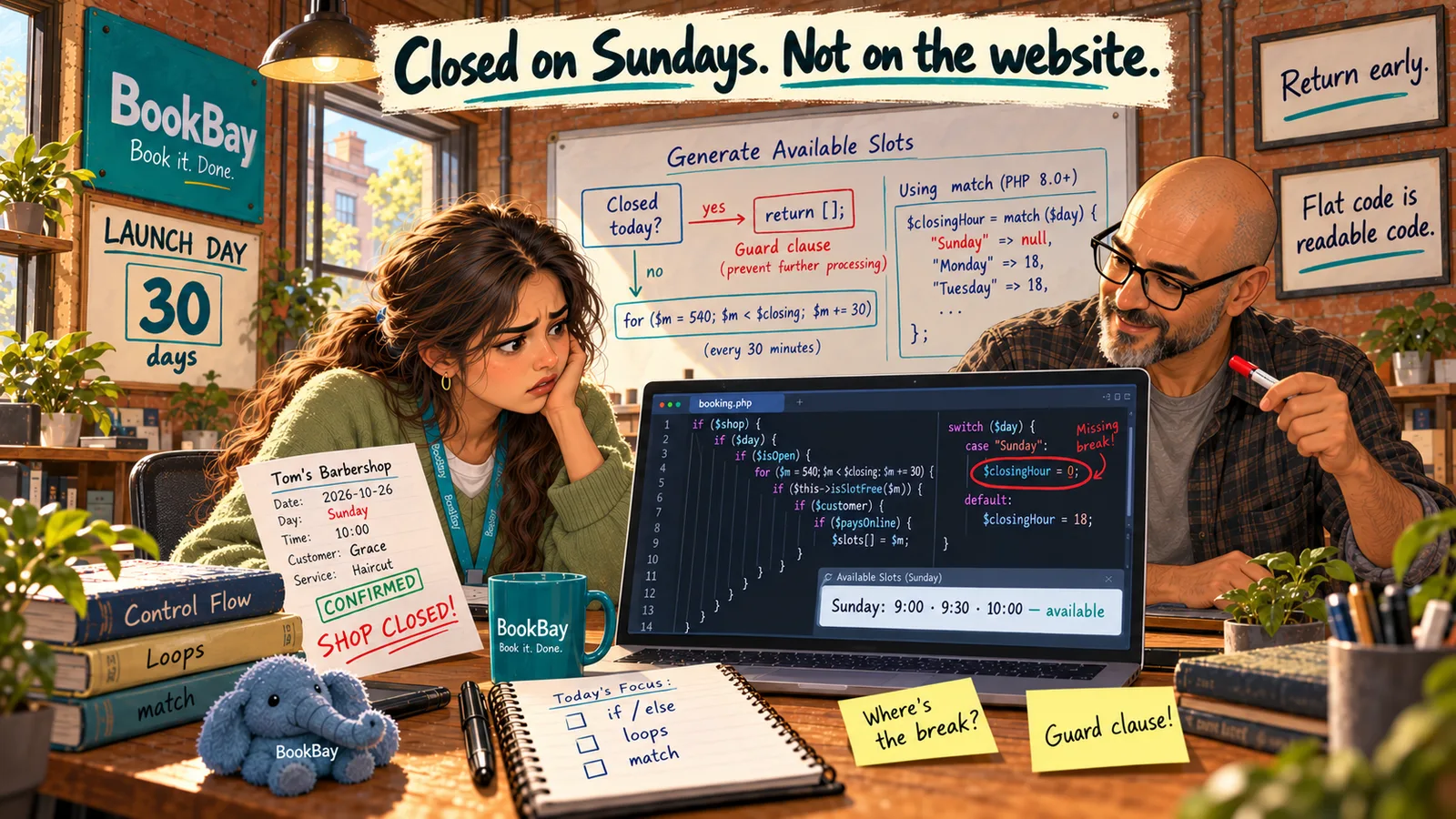
Monday morning, 30 days before launch. Olivia forwards an email to Mia and Marcus. A customer called Grace booked a haircut for Sunday at 10:00, walked to Tom's shop — and found it closed. Tom is closed every Sunday. "Why is our website selling Sunday slots?"
Marcus opens the file that builds the list of free slots. Mia scrolls down, then right, then further right: an if inside a loop inside an if inside another if, until the line that actually adds a slot sits far off the right edge of the screen. "Somewhere in here," says Marcus, "Sunday gets through. To find where, you need to read every piece of this: if, else, loops, switch. That's called control flow."
He starts with something small from the top of the same page. It shows the shop's status — and Mia checks it at 8 p.m.
It's eight in the evening. Why does the website say "Open now"?
Mia
Top-to-Bottom vs. Making Decisions
Different situations, different lines
"Open now" should only appear during opening hours. PHP needs a way to run a line only when something is true.
More than two cases
Open, closed for today, opens later — three cases, checked in order. The order turns out to matter.
Conditions inside conditions
An if inside an if inside an if is legal — but every level makes the code harder to read.
if, else and elseif
What control flow is: so far, PHP has run your files from the first line to the last, one statement after another. Real programs need more than that: run these lines only if something is true, run those lines again and again, or stop here. The statements that change the order in which lines run are called control flow. This Act covers all of them:
- Decisions:
if,else,elseif(this chapter), andswitchandmatch(chapter 3). - Loops:
while,do-while,forandforeach, which repeat lines (chapter 2). - Jumps:
break,continue,return,exitandgoto, which leave a block early (chapters 2 and 4). - Design: how to combine them so the code stays flat and readable (chapter 5).
if: if (condition) { ... } runs the lines inside the curly braces only when the condition is true. The braces and the lines inside them are called a block. The condition is any expression — usually a comparison like $bookings > 0. If it isn't a bool already, PHP converts it to one, with the rules from Act 04: 0, 0.0, "", "0", an empty array and null count as false; everything else counts as true. So if ($note) means "if the note isn't empty". When the condition is false, PHP skips the whole block and carries on after the closing brace.
<?php$bookings = 3;if ($bookings > 0) {echo "You have $bookings bookings today.\n";}$note = "";if ($note) {echo "Note: $note\n"; // skipped: "" counts as false (Act 04)}echo "Done.\n";// You have 3 bookings today.// Done.
else: often you want one thing when the condition is true and another thing when it isn't. else { ... } after an if block runs exactly when the if didn't. One of the two blocks always runs — never both, never neither.
<?php$freeSlots = 0;if ($freeSlots > 0) {echo "Book now: $freeSlots slots left.\n";} else {echo "Fully booked today.\n";}// Fully booked today.
elseif — the first true condition wins: for more than two cases, chain them with elseif. PHP checks the conditions from the top down and runs the block of the first condition that is true — then it skips all the rest, even if they're true too. The final else runs only if none of them was true. That explains Mia's status line. At 20:00, her first check is $hour >= 9, and 20 is bigger than 9, so PHP shows "Open now" and never gets to $hour >= 18. The fix is to put the narrower check first: closed from 18:00 comes before open from 9:00. The diagram and the code below show the fixed order.
How PHP reads the fixed if / elseif / else chain at 20:00
if ($hour >= 18)
20 >= 18 is true → "Closed for today", then skip the rest
elseif ($hour >= 9)
only checked if the line above was false → "Open now"
else
only if every check above was false → "Opens at 9:00"
<?php$hour = 20; // 8 p.m.// Mia's version: the first true condition winsif ($hour >= 9) {$status = "Open now";} elseif ($hour >= 18) {$status = "Closed for today";} else {$status = "Opens at 9:00";}echo $status, "\n"; // Open now — wrong!// The fix: check the narrower case firstif ($hour >= 18) {$status = "Closed for today";} elseif ($hour >= 9) {$status = "Open now";} else {$status = "Opens at 9:00";}echo $status, "\n"; // Closed for today
elseif or else if: with curly braces, elseif (one word) and else if (two words) do the same thing. else if is really an else whose block is another if. PHP's common style guide, PSR-12, uses elseif, and so does this course. The one place the difference matters is the alternative syntax at the end of this chapter, where only elseif works.
Nested conditions: a block can contain anything — including another if. That's a nested condition: the inner if is only checked when the outer one was true. Nesting two simple conditions is the same as joining them with && (Act 05), and the && version is usually easier to read. Each extra level pushes the code further right, and the reader has to remember every condition above the line they're reading. That's exactly what happened to the slot builder; chapter 5 shows how to flatten it.
<?php$isOpenDay = true;$hour = 10;// Nested: an if inside an ifif ($isOpenDay) {if ($hour >= 9) {echo "Taking bookings.\n";}}// The same check with && — one level, one conditionif ($isOpenDay && $hour >= 9) {echo "Taking bookings.\n";}
Always use braces: PHP lets you leave out the braces when a block has only one statement: if ($isClosed) echo "Closed";. But then only the next statement belongs to the if. A second line, even one that's indented to look like it's inside, runs every time. The code below shows the trap. The rule at BookBay, and in PSR-12: always write the braces, even for one line.
<?php$isClosed = false;if ($isClosed)echo "Sorry, we're closed.\n";echo "Please come back tomorrow.\n"; // NOT part of the if: always runs// Output:// Please come back tomorrow.
Alternative syntax for templates: PHP has a second way to write the same if, with a colon instead of an opening brace and endif; instead of the closing one: if (...): ... elseif (...): ... else: ... endif;. It's made for templates — files that are mostly HTML with small pieces of PHP — because a lonely endif; is easier to match up than a lonely } between lines of HTML. Loops have the same form (endforeach;, endwhile;, endfor;). Use it in templates, and braces everywhere else. The table below sums up the forms.
| Form | Looks like | Use it for |
|---|---|---|
| Braces (the default) | if (...) { ... } elseif (...) { ... } else { ... } | Normal PHP code |
| else if (two words) | } else if (...) { | Works the same with braces; this course uses elseif |
| Alternative syntax | if (...): ... elseif (...): ... else: ... endif; | HTML templates with small pieces of PHP |
| No braces | if (...) echo "x"; | Avoid: only the next statement belongs to the if |
<?php $isOpen = false; ?><p class="status"><?php if ($isOpen): ?>Open now<?php else: ?>Closed for today<?php endif; ?></p>
Key Takeaway
Control flow decides which lines run. if runs a block only when its condition is true; else runs when it isn't; elseif chains more cases, and PHP runs only the first true one — so put the narrower checks first. Nested ifs work, but each level is harder to read. Always use braces, and keep the if: … endif; syntax for HTML templates.
Why This Matters
Almost every feature of a booking system is a decision: show the slot or hide it, accept the booking or reject it, charge the member price or the full price. if, elseif and else are how all of those decisions are written.
And the rule that only the first true elseif runs is behind a whole family of bugs — like a status that says "Open" at night. Knowing it lets Mia read a chain of conditions the way PHP does: top to bottom, stopping at the first match.
The status line now says "Closed for today" after 18:00. Before going back into the slot builder, Marcus gives Mia a small task: "Write the list of slots for one day yourself — 9:00 to 18:00, every 30 minutes. Once you've written it, you'll recognise it in the old code." Writing the same line 18 times is not the answer. That's what loops are for — the next chapter.