

Hands-on Checkpoint
Build the booking form flow — form, validation errors, CSRF protection, Post/Redirect/Get and a confirmation page with honest status codes — on your own computer.
The Challenge
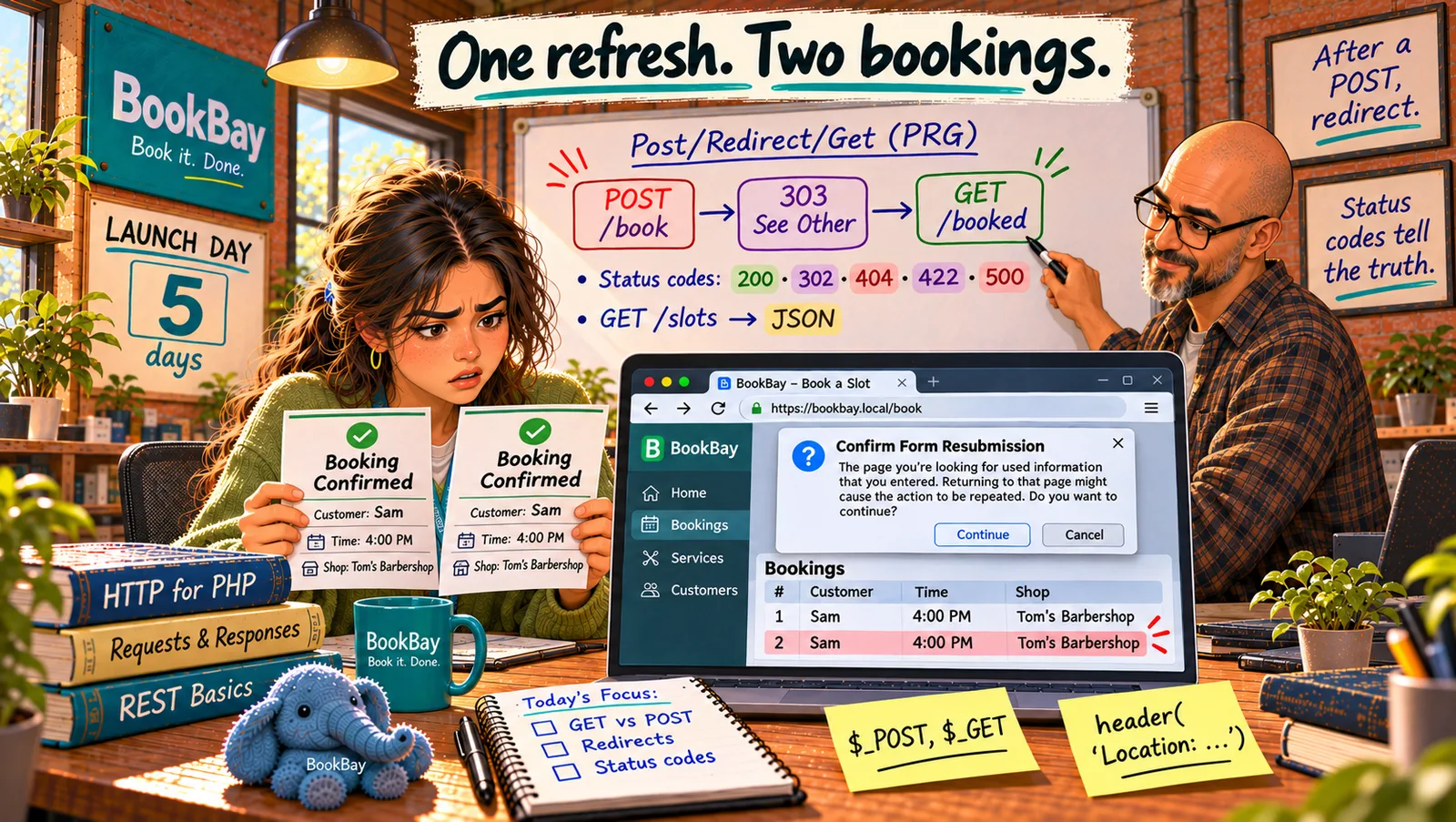
Launch is in five days, and Marcus wants the booking flow finished properly: a form that keeps what the customer typed when something's wrong, can't be submitted from another site, never books twice on a refresh, and answers every case with the right status code.
This checkpoint runs on your own computer with PHP's built-in server (php -S localhost:8001 -t public), because it's all about requests, headers, redirects and sessions. Test it in a browser and with curl -i, so you can see the status codes and headers.
What You Need to Do
- Create
public/book.php,public/booked.php, asrc/app.phpwith your helpers, and atemplates/folder outsidepublic/with a layout, the form, the confirmation and a not-found page (chapter 8). GET /book.phpshows the form — name, date and a select of the opening times 09:00, 09:30, 10:00 and 16:00 — inside the layout, with every value escaped by ane()helper (chapter 8).- Every form contains a CSRF token from the session; a POST without the right token gets
403and nothing is saved (chapters 6 and 7). - Validate the POST: a name of 1–60 characters, a real calendar date (2026-02-30 must fail) and one of the listed times. On errors, show the form again with status
422, a message next to each wrong field, and the customer's input still filled in — escaped (chapters 3 and 8). - A valid booking is saved (with a lock, as in Act 15; at most two bookings per slot) and answered with
303 See Otherto/booked.php?id=…— Post/Redirect/Get. A full slot shows the form again with409and a clear message (chapters 5 and 9). GET /booked.php?id=…shows the confirmation with200, or the not-found page with404. Refreshing it never creates a booking (chapters 1 and 5).- Any method other than GET and POST on
book.phpgets405withAllow: GET, POST(chapter 2). Check every case withcurl -i.
Stuck? A Few Hints
- Decide the status code and every header before any output; render() can call http_response_code() and then include the templates (chapter 5).
- createFromFormat('!Y-m-d', $date) accepts 2026-02-30 and silently moves it to March — compare its format('Y-m-d') with the input (chapter 3).
- To test the CSRF check with curl, keep the session with -c jar.txt / -b jar.txt and take the token from the form's HTML (chapter 7).
header("Location: /booked.php?id={$id}", true, 303);must be followed byexit;(chapter 5).<option<?= ($old['time'] ?? '') === $time ? ' selected' : '' ?>>keeps the chosen time after a validation error (chapter 8).
Before You Move On
If every curl check gives the right status code, you've built a booking flow the way the web expects: honest responses, no double bookings, no forged requests, no injected HTML. Next: forms and authentication in depth. The barbers need their own login to see their schedule — and Mia's first idea for storing their passwords is about to be the most dangerous line in the project.