

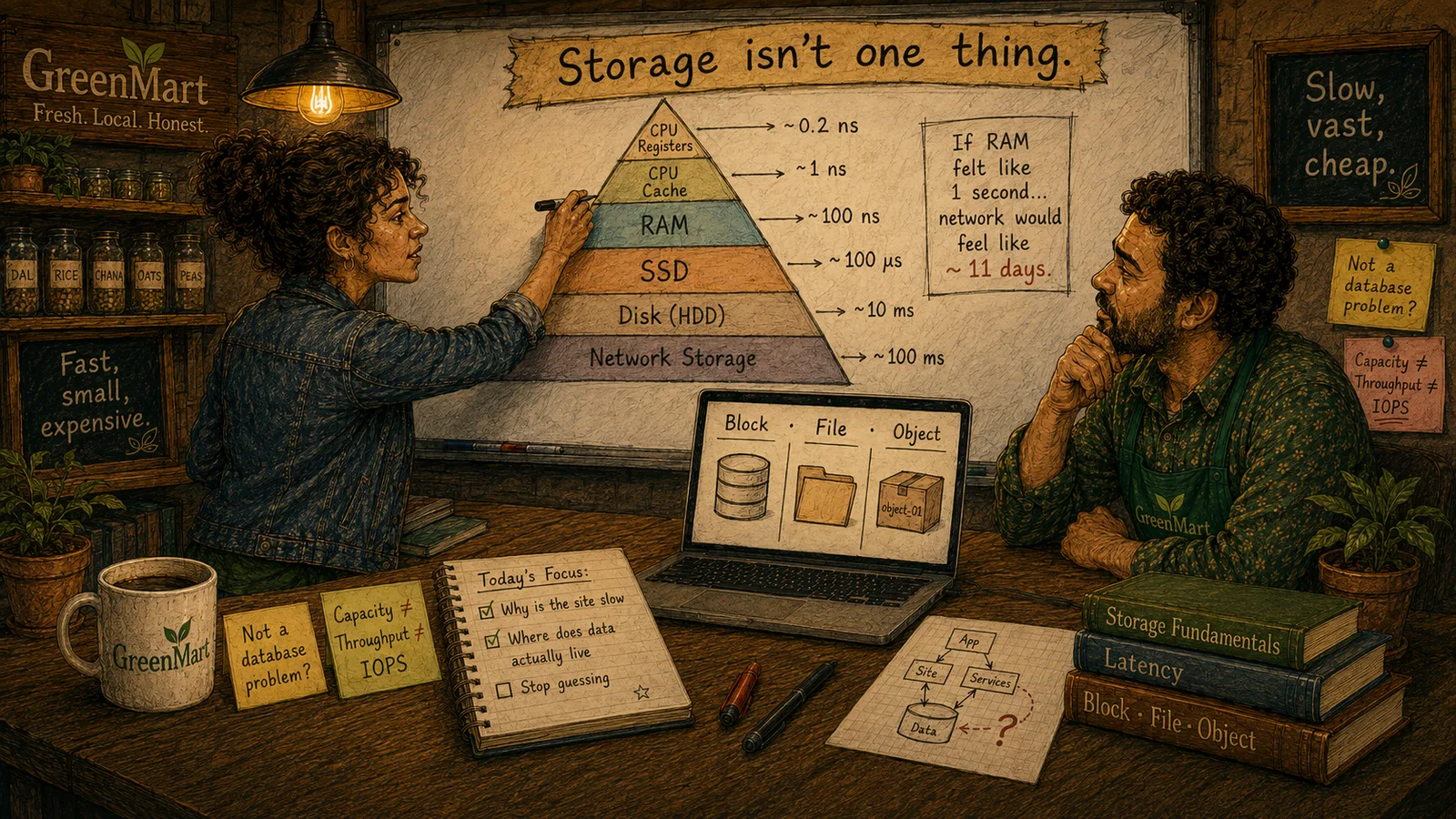
In this chapter
We'll widen "storage" past "the database" — a browser tab, a cache, a disk, and an object store are all real storage too — and set up the rest of this course as one place at a time, in the order GreenMart will actually need them.
The Problem in Real Life
The laptop screen between Mike and Sarah says it plainly: Database: Healthy. Underneath that one green checkmark, four real problems sit in red — the page loads slow, a customer's cart vanishes on refresh, product images won't load, and the storefront is still showing yesterday's prices.
Mike has been staring at that contradiction for a full minute. If the database is fine, what's actually broken?
The database is healthy. So why does none of this work?
Mike
"The Database" vs. Everywhere Data Actually Lives
"The database" and "storage" aren't the same thing
A healthy database says nothing about the browser, the cache, or the disk underneath a server — all real storage, all capable of failing on their own.
Four real problems, four different real places
A lost cart, missing images, and stale prices each point somewhere specific — none of them point at the database.
What Is Storage?
Mike is asking the right question with the wrong assumption baked into it. He's treating "the database" and "where GreenMart's data lives" as the same thing. They were never the same thing — the database was always just one place among several, and the other places have been quietly doing real work the whole time, mostly correctly, until now.
- Storage, defined plainly: any place that holds data so it can be read back later — that's the whole definition, and it's deliberately broader than "database." A browser tab holding a shopping cart in memory is storage. A CDN keeping a cached copy of a product photo is storage. A file sitting on a server's disk is storage. None of those are the database, and all four of Mike's real problems live in exactly those other places.
- Why this matters right now. "Cart: lost on refresh" isn't a database bug — nothing in that sentence touched the database at all; it's a browser-storage problem (Act 2). "Images: not loading" is very likely a caching or object-storage problem (Acts 4 and 5), not a row that failed to save. "Old prices showing" is almost certainly a stale cache serving an answer that used to be true (Act 4 again). The database being healthy was never in question — it was just never where these specific problems lived.
- The shape of the rest of this course. Every Act from here forward is one more real place data lives, in the order GreenMart is actually going to need them: the browser itself, the file system underneath every server, the cache in front of slow things, the object store once a single machine's disk isn't enough, and the storage engine every database — including GreenMart's own — quietly sits on top of.
None of this makes the database less important. It makes it one honest piece of a bigger picture — a piece that happened to be fine this time, while four other pieces quietly weren't.
Key Takeaway
"Where does GreenMart's data live?" was never a one-word answer. Widening that question — not fixing anything yet — is the actual first step, because you can't diagnose a problem in a place you haven't admitted exists.
Why This Matters
Every earlier course GreenMart has taken taught one database at a time, deeply. This course starts by admitting the database was never the whole picture — a real, honest correction that makes every failure from here forward diagnosable instead of confusing.
Mike now has the one real reframe this whole course is built on: storage means everywhere data lives, not just the database. The next chapter starts filling in that picture with the first real distinction — what actually happens to data when the power goes out.