

In this chapter
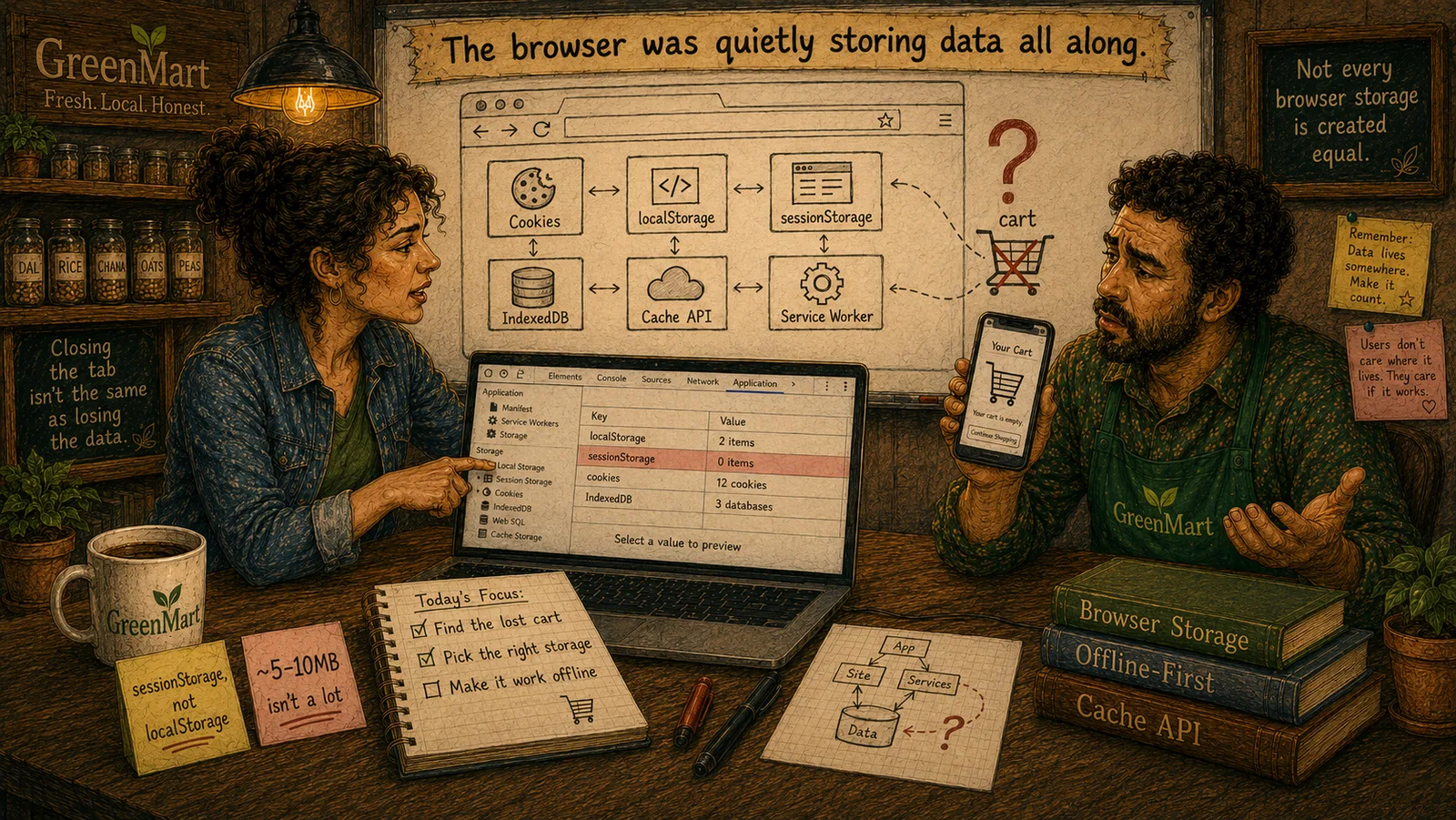
We'll meet localStorage from scratch — the key-value API, origin-scoped storage, real persistence across restarts, the real synchronous-API cost, the ~5-10MB limit, and the real security gap of having no way to hide its contents from JavaScript.
The Problem in Real Life
"Cookies would work for a cart," Sarah says, "but every item you add would ride along on every image request, every API call, every single thing the browser asks GreenMart for. There's a real API built specifically for exactly this — data the page itself wants to keep, that the server never automatically sees."
She opens the browser console and types one line: localStorage.setItem('cart', JSON.stringify(items)).
This one's built for exactly what a cart actually needs — the page keeps it, on purpose, without the server asking for it on every request.
Sarah
Data the Server Sees Automatically vs. Data Only the Page Reads
Scoped to origin — scheme, host, and port together
Stricter than a cookie's Domain attribute — http and https versions of the same site get completely separate localStorage.
No HttpOnly equivalent — any script can read it
Unlike a cookie, localStorage has no way to hide its contents from JavaScript — a real, relevant gap for anything sensitive.
localStorage
localStorage is a real, simple key-value store built into every modern browser — strings in, strings out, persisted on the user's own device, with none of a cookie's automatic-delivery behavior. Nothing in localStorage is ever sent to a server unless a page's own JavaScript explicitly reads it and sends it.
- The real API, start to finish.
localStorage.setItem('key', 'value')writes;localStorage.getItem('key')reads;localStorage.removeItem('key')deletes one entry;localStorage.clear()wipes everything. Every value is stored as a plain string — storing an object means callingJSON.stringify()before writing andJSON.parse()after reading, a real, easy-to-forget step. - Scoped to origin, not just domain. localStorage is genuinely isolated per origin — scheme, host, and port together.
https://greenmart.comandhttp://greenmart.comhave two completely separate localStorage buckets, and so dogreenmart.comandgreenmart.com:3000. This is stricter than a cookie's ownDomainattribute, and it's a real, common source of "why isn't my data there" confusion during local development. - Persistent, but not permanent — and genuinely synchronous. Data written to localStorage survives a browser restart, a tab close, a full reboot — it's real persistent storage (Act 1's own vocabulary), gone only if the user clears site data or a script explicitly removes it. The real cost hiding underneath that convenience: every localStorage read and write is synchronous — it blocks the page's main thread while it happens. For small amounts of data this is invisible; for a genuinely large amount, it can cause real, felt jank.
- A real, honest size limit and a real security gap. Most browsers cap localStorage at roughly 5-10MB per origin — small compared to IndexedDB (next chapter but one), plenty for a cart. The real gap to know about: unlike a cookie's
HttpOnlyattribute, there's no way to make localStorage inaccessible to JavaScript — any script running on the page, including a malicious one injected via XSS, can read every value in it. Storing a cart is a reasonable, low-risk use; storing something like a raw authentication token is a real, avoidable mistake.
localStorage genuinely fixes the shape of GreenMart's cart problem — real persistence, no server round-trip cost, a simple API. The one real question left is whether a cart is supposed to survive a full browser restart at all, or only last as long as the current visit — and that's exactly the distinction the next chapter's own mechanism exists to answer.
Key Takeaway
localStorage trades a cookie's automatic delivery for real page-controlled persistence — a genuinely better fit for GreenMart's cart, with two real costs worth knowing on purpose: it's synchronous, and it's fully readable by any script on the page.
Why This Matters
The lost-cart incident happened because nobody made a deliberate choice about where cart data should live. localStorage is a real, genuine option now on the table — not a guess, a mechanism with real, known trade-offs GreenMart can weigh on purpose.
GreenMart now has a real, working fix candidate for the lost cart — but one real question remains: should the cart survive closing the browser entirely, or just a page refresh within the same visit? The next chapter's mechanism, sessionStorage, is built specifically to answer that.