

In this chapter
GreenMart launches a website — we'll grow its schema to fit real online orders, adding an Email column and two brand-new tables, Orders and OrderItems, without touching anything already built.
The Problem in Real Life
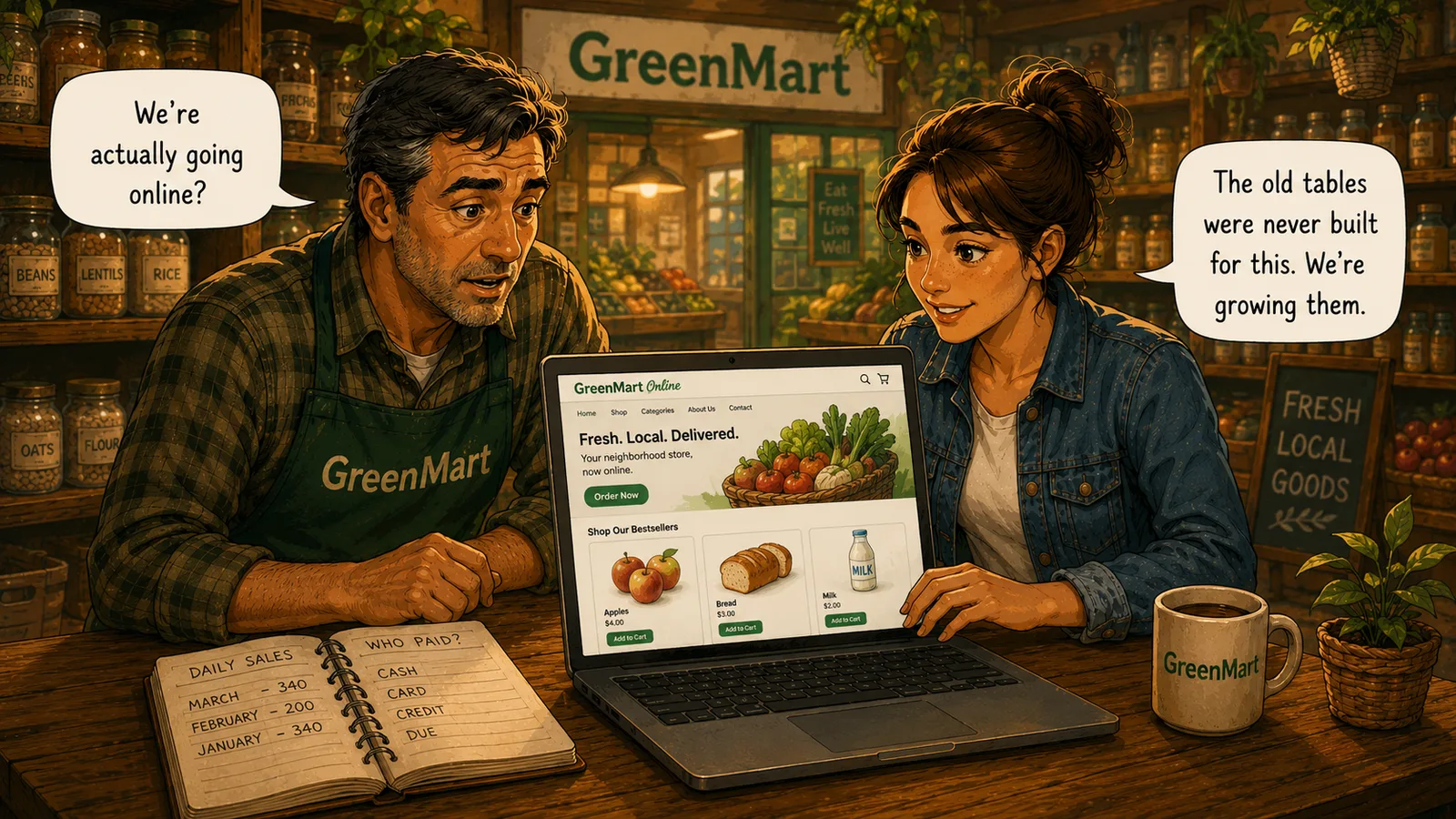
Mike makes an announcement that changes everything: GreenMart is going online. A real website, real orders, delivery addresses, an actual inbox full of customer emails. Sarah pulls up the schema that's carried the whole store since Act 1 — Customers, Products, Sales — and realizes none of it was built for any of this.
Nothing about Customers has room for an email address. Nothing about Sales can represent an order that's placed today and delivered three days later, sitting in some in-between state nobody's ever had to track before. The DDL chapter's example — adding an Email column someday — stops being hypothetical the moment Mike says the word "website."
We're not redesigning anything. We're growing what's already here.
Sarah
Adding a Room vs. Rebuilding the House
The old schema was built for one kind of moment
Every table assumed a customer, in the store, buying one product, right now.
An order isn't a single fact — it's a process
Pending, shipped, delivered — a single Sales row was never built to hold a status that changes over time.
A cart can hold more than one product
Sales has room for exactly one product per row; a real order needs room for as many as a customer actually bought.
New tables don't help if they're not connected
Orders and OrderItems only mean anything once they're linked back to Customers and Products with real foreign keys.
What Is Schema Evolution, Really?
Every table GreenMart has used since Act 1 was built for one kind of moment: a customer, in the store, buying one product, right now. A website breaks those assumptions at once — an order can hold several products, and it lives through stages (placed, shipped, delivered) a single Sales row was never designed to hold.
Schema evolution is the practice of growing a live schema to fit a genuinely new need, without breaking anything that already works, one decision at a time:
The New Order Chain
Customers
unchanged, plus a new Email column
Orders
one row per online order, with a Status
OrderItems
one row per product inside that order
Products
already existed — now referenced by two different tables
Add a column when an existing table can happily hold the new fact — a customer already has a name and phone number; an email address fits the same row.
ALTER TABLE CustomersADD COLUMN Email TEXT;
This exact statement showed up as a hypothetical back in the DDL chapter. Nothing about it is different now — it's simply no longer a maybe.
Add a new table when the new concept has its own identity and its own lifecycle — an order changes status over time, which a single Sales row was never built to hold.
CREATE TABLE Orders (OrderID INTEGER PRIMARY KEY,CustomerID INTEGER NOT NULL REFERENCES Customers(CustomerID),OrderDate DATE NOT NULL,Status TEXT NOT NULL DEFAULT 'Pending');
Status is the piece Sales never needed — an in-store sale is simply done the moment it happens. An online order lives through Pending, Shipped, and Delivered before it's actually finished.
CREATE TABLE OrderItems (OrderItemID INTEGER PRIMARY KEY,OrderID INTEGER NOT NULL REFERENCES Orders(OrderID),ProductID INTEGER NOT NULL REFERENCES Products(ProductID),Quantity INTEGER NOT NULL DEFAULT 1);
A shopping cart can hold several different products in one order. Sales has room for exactly one product per row — OrderItems is what actually lets a single order hold as many products as a real cart needs.
New tables connect back to what already exists with a foreign key, exactly the way Act 1 taught — OrderItems points at both Orders and Products this way.
INSERT INTO Orders (OrderID, CustomerID, OrderDate, Status)VALUES (301, 101, '2026-08-29', 'Delivered');INSERT INTO OrderItems (OrderItemID, OrderID, ProductID, Quantity) VALUES(401, 301, 1, 3),(402, 301, 3, 2);
Priya's order is one row in Orders and two rows in OrderItems — three apples, two milks, one single checkout.
Notice what stayed exactly the same: Customers, Products, and Sales are untouched — every in-store sale from the last two Acts still works exactly as it did. Nothing about schema evolution required starting over.
GreenMart finally has a real online order sitting in its database. Nothing has actually connected any of these tables together in a single question yet — that's the very next skill, and it's the one this whole Act has been building toward: JOIN.
Key Takeaway
Schema evolution means growing a live schema to fit a new need — a column when the existing shape still fits, a whole new table when the new concept has its own identity and lifecycle — without breaking anything already built.
Why This Matters
Every real, long-lived system evolves its schema constantly — new features almost always mean new columns or new tables, and doing that without corrupting or discarding existing data is a permanent, ongoing skill, not a one-time decision made back in Act 1.
GreenMart's data now lives across five tables instead of three. Making sense of it as one connected picture — instead of five separate ones — is exactly what the next chapter teaches.