

Playground Checkpoint
Design and build a real schema — no auto-grading, just a real attempt.
The Challenge
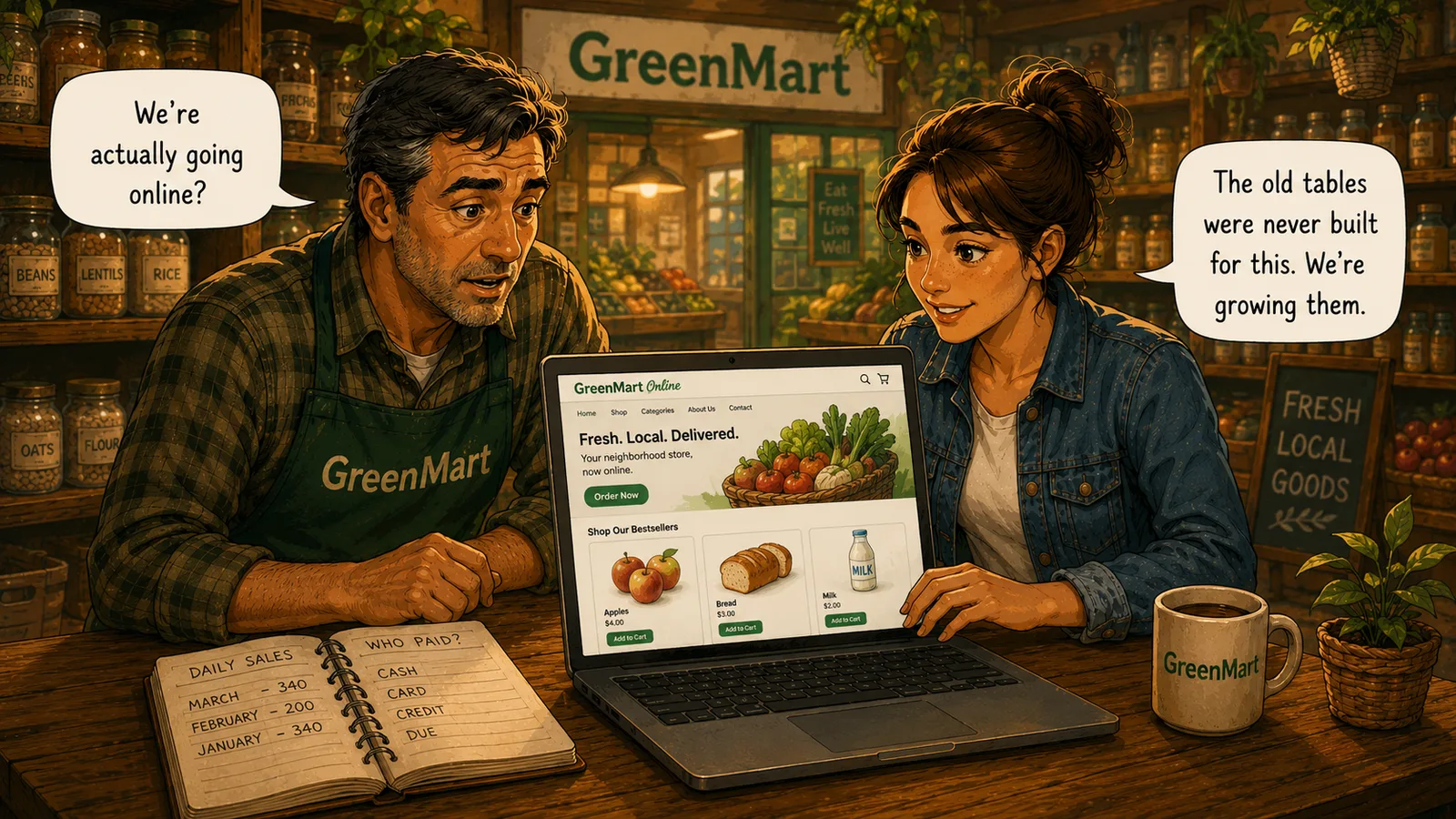
GreenMart's website has been live for two days, and Mike wants one thing: a real dashboard, not five separate queries he has to remember to ask for. Every skill from this Act — JOIN, GROUP BY, subqueries, and VIEW — has been building toward exactly this.
Open the Playground and answer five of Mike's real questions yourself, finishing with a view he can check any morning without asking anyone to run anything.
What Your Schema Needs
- Find the total revenue from in-store sales on 2026-08-29, by joining Sales to Products for the price.
- List every customer who has never placed an online order, using a LEFT JOIN.
- Find the best-selling product in-store, by units sold, using GROUP BY and ORDER BY.
- Find every product that has never appeared in an online order, using a subquery.
- Create a view called StoreSummary that shows total revenue for every sale date.
Stuck? A Few Hints
- A LEFT JOIN followed by WHERE ... IS NULL is the standard way to find rows with no match — the same pattern from the JOIN chapter.
- GROUP BY collapses rows into one per product; ORDER BY plus LIMIT narrows that down to just the single top one.
- NOT IN needs a subquery that returns the column actually being excluded against — ProductID, not the product's name.
Ready to Build It?
Opens the Playground, right in your browser — nothing to install.
Before You Move On
Every one of these five answers came from connecting GreenMart's tables together — a JOIN, a GROUP BY, a subquery, and finally a VIEW to save the whole thing permanently. That's the entire arc of this Act, from five separate tables to one connected reporting system. The next Act is where real growing pains begin: more customers, more simultaneous activity, and the first bugs that only show up at scale.